Know
Open the app, know what to do.
The dashboard starts with today: the visits, the weather flags, and one list of what needs you, from past-due invoices to quotes about to expire. Below it, cash in for the last 30 days and what customers just did. When you want the longer view, Reports covers any date range and compares it with the one before.
Free forever. No credit card. Set up in minutes.
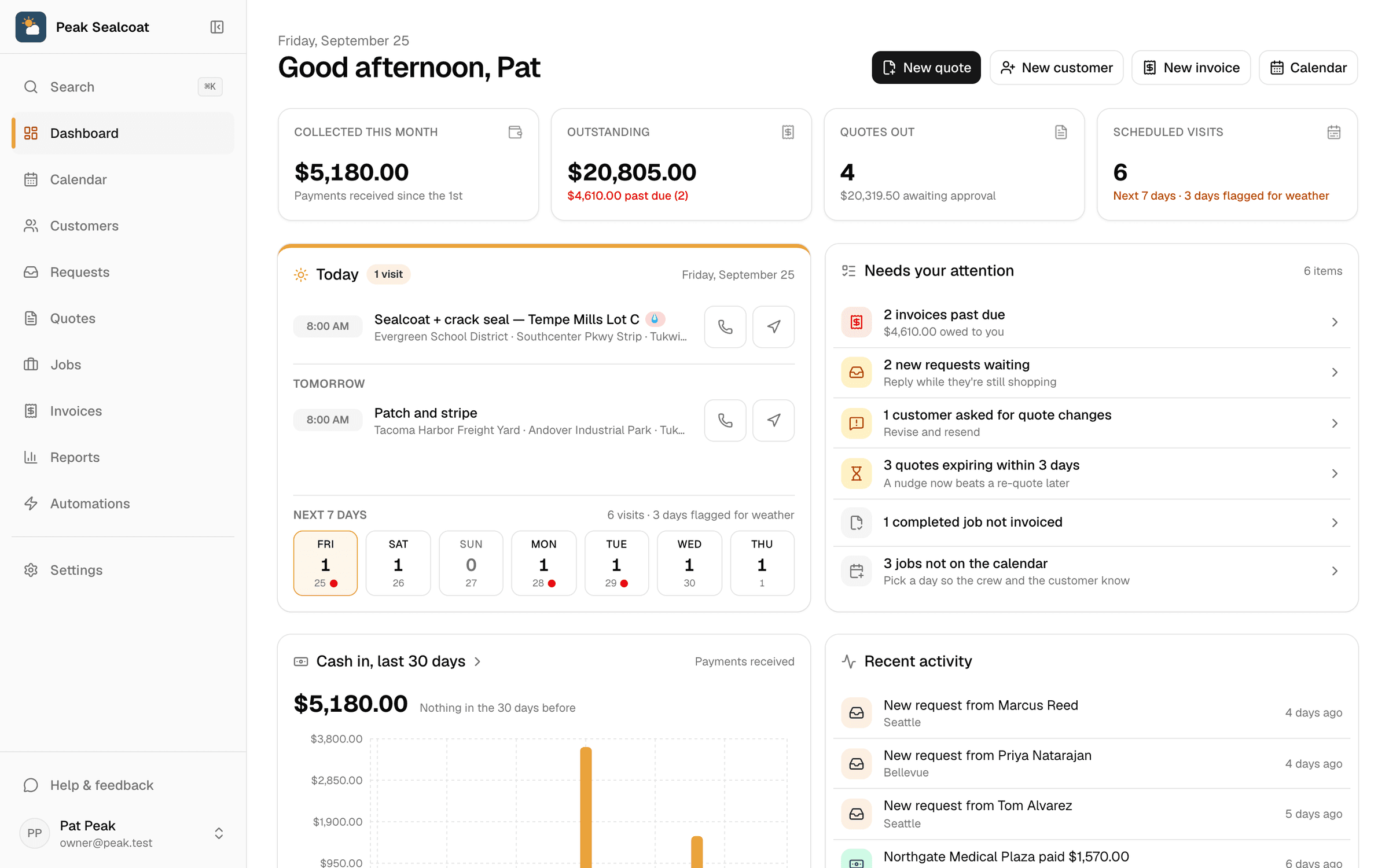
The dashboard: four numbers, today and the week, and the list of what needs you.
- One attention list
- Late money first, then slipping work, then replies to send.
- The week with weather
- Seven days of visits, flagged where a rule fires.
- Any date range
- This month, last 90 days, the year, or your own dates.
- CSV export
- Payments and quotes for the range, ready for the accountant.
Needs your attention
One list instead of a wall of tiles.
Past-due invoices with the amount owed. Jobs that went past their scheduled date. Weather threatening tomorrow's visits. New requests, quotes the customer wants changed, unread messages, quotes about to expire, completed jobs nobody invoiced, jobs not on the calendar, documents waiting on a signature. Each row opens the list where it gets handled, and the page says so when there's nothing to do.
- Ordered by what costs you most if it waits
- Each row opens the filtered list behind it
- Only the areas your permission set includes
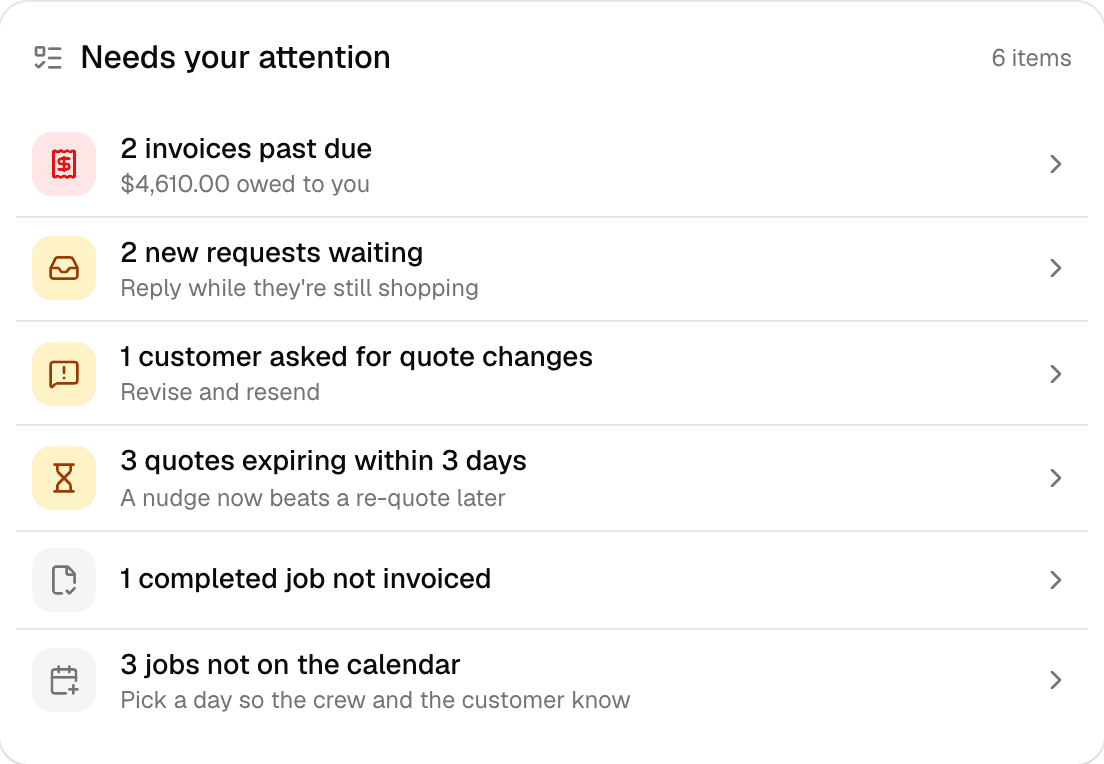
The list, with money that's late at the top.
Today and the week
Today's route, tomorrow's, and the seven days after.
The Today card lists the day's visits with a call button and directions, then tomorrow's, then a strip of the next seven days with a count per day and a dot where a weather rule fires. Tap a day and the calendar opens on it.
- Call and directions on every visit
- Weather flags from your own rules
- Cash in for the last 30 days, and what customers just did, underneath
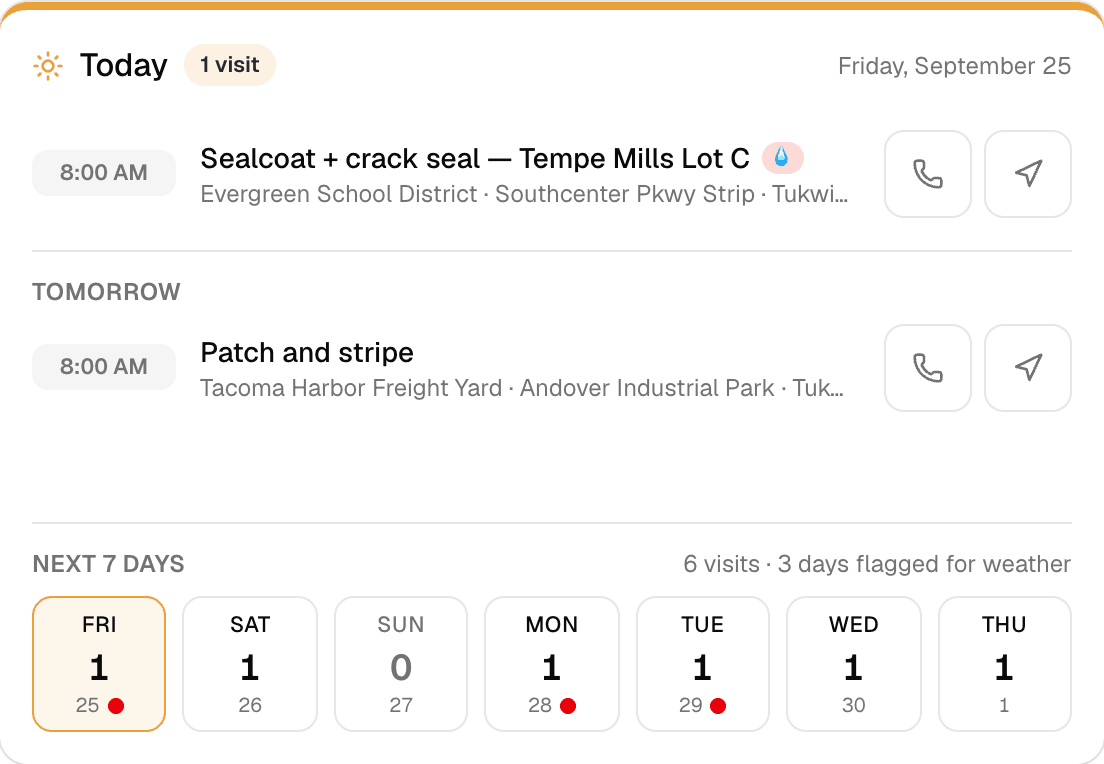
Today, tomorrow, and the week, in one card.
Reports
Any date range, compared with the one before, arranged your way.
Pick this month, last month, 30 or 90 days, the year, or your own dates. Every headline number shows how it compares with the previous period of the same length. Revenue by day, week or month; the quote funnel and win rate; receivables by age; what you sold by category; your best customers; requests by source; how customers paid and how long they took. Drag the modules into your order and hide the ones you don't use.
- Collected and invoiced by day, week or month
- Quote funnel: sent, viewed, approved, with the win rate
- Receivables aging: current, 1 to 30, 31 to 60, 61 to 90, 90 plus
- Top customers, sales by category, requests by source, payment methods, days to pay
- Your own order, and a CSV of payments or quotes for the range
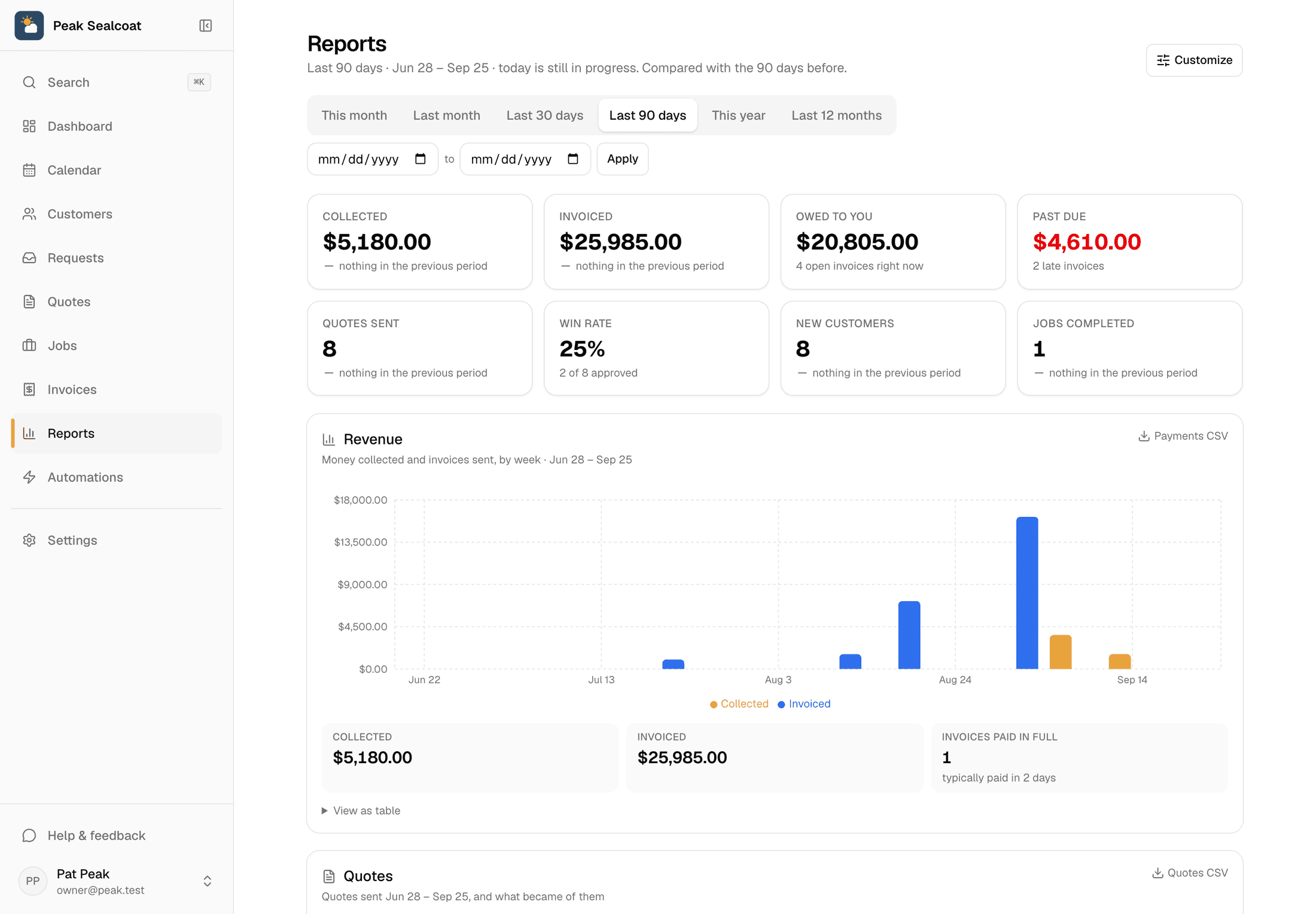
Reports for the last 90 days, each number beside its change from the 90 before.
Why businesses trust it
What every business gets, from day one.
Built to help small businesses grow
A lead form for your website, quotes customers approve from their phones, follow-ups that go out on their own, and a portal that answers "where's my invoice?" These are the tools the big platforms charge for, free, so the money stays in the business.
Straight pricing, no catch
$0 a month, every feature, no seat fees, no trial clock. The only charge is 0.75% on card and bank payments you choose to take online, and nothing if you don't.
A person answers
Every email MakeHay sends you is one you can reply to, and a person reads every reply. Missing a unit, a step, a trade? Say so.
FAQ
Common questions
Does the dashboard show the same thing to everyone?
Everyone sees the same layout, but only the areas their permission set includes. A tech sees today's visits and the week; the office sees the money as well.
Can I export the numbers?
Yes. Payments and quotes for any range download as CSV from the reports page, ready for a spreadsheet or your accountant.
What does the comparison mean?
Each headline number is compared with the period of the same length right before it. This month to date is compared with the same number of days before the 1st, so a half-finished month isn't judged against a whole one.
Does it work on a phone?
Yes. The dashboard is built for the truck: today's visits with call and directions come first, and the reports stack into one column.
More of MakeHay
It all works together.
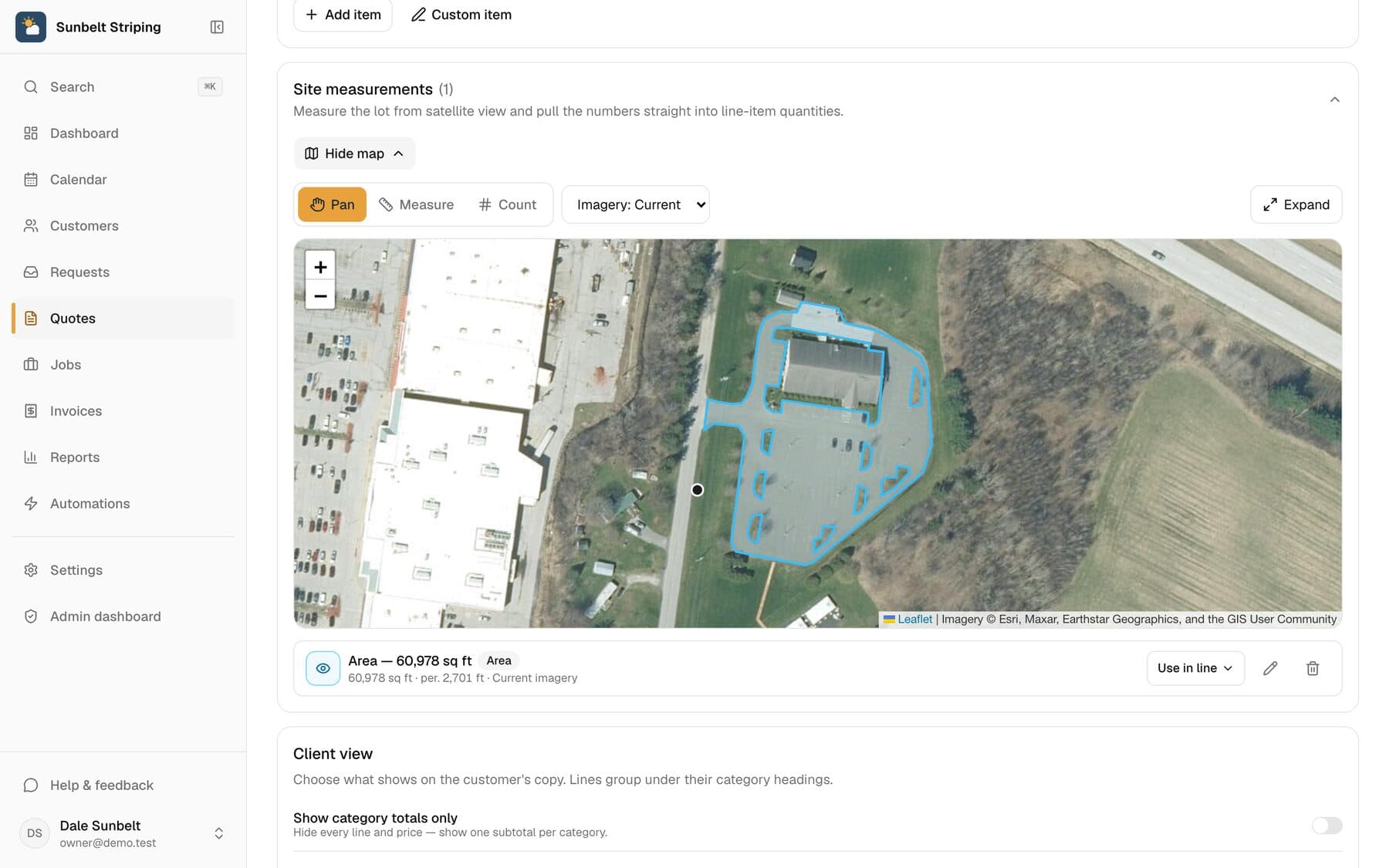
Satellite measurement
Measure any site from your desk: square feet, linear feet, stalls.
Learn more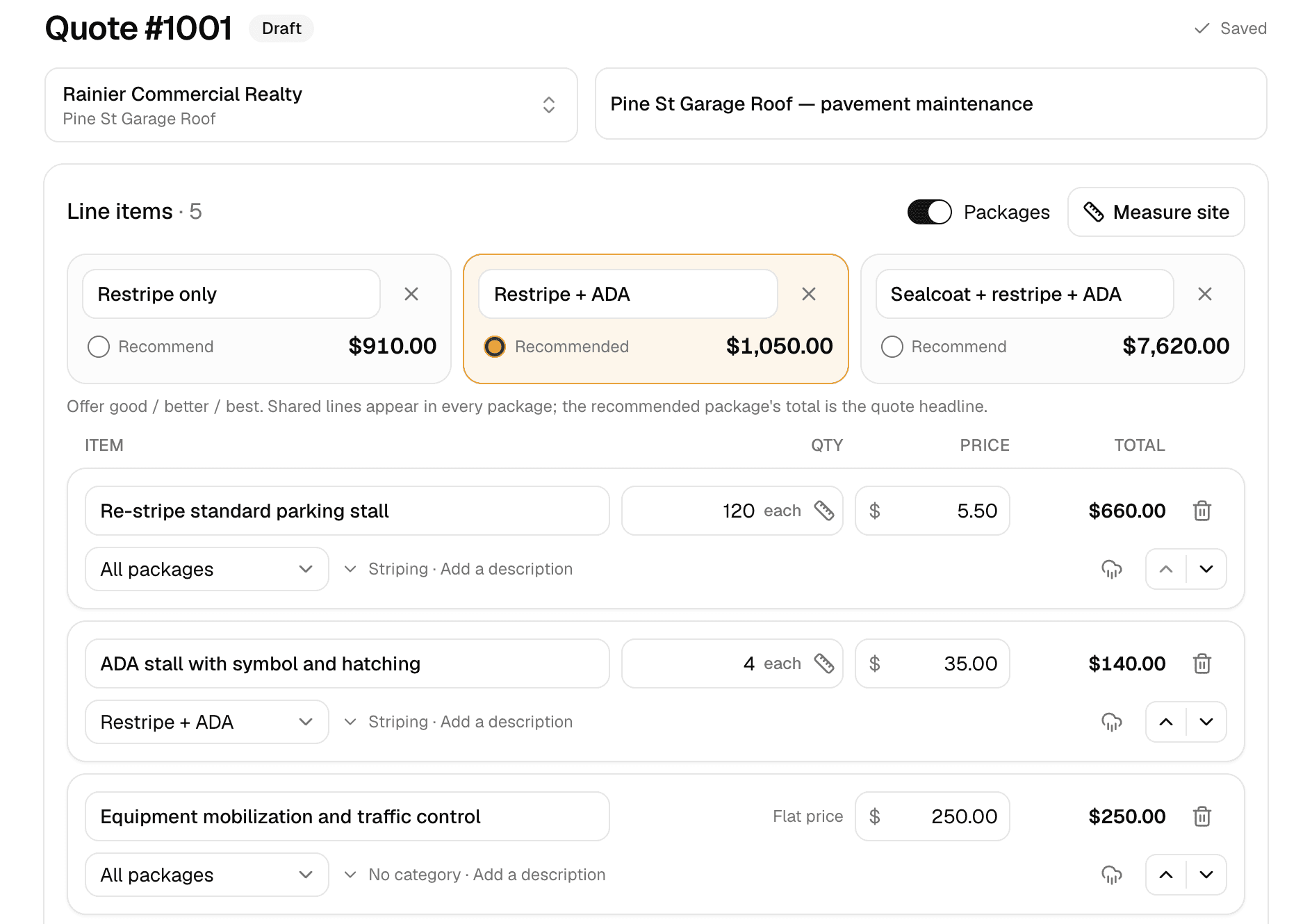
Quoting
Good/better/best quotes your customer approves online.
Learn more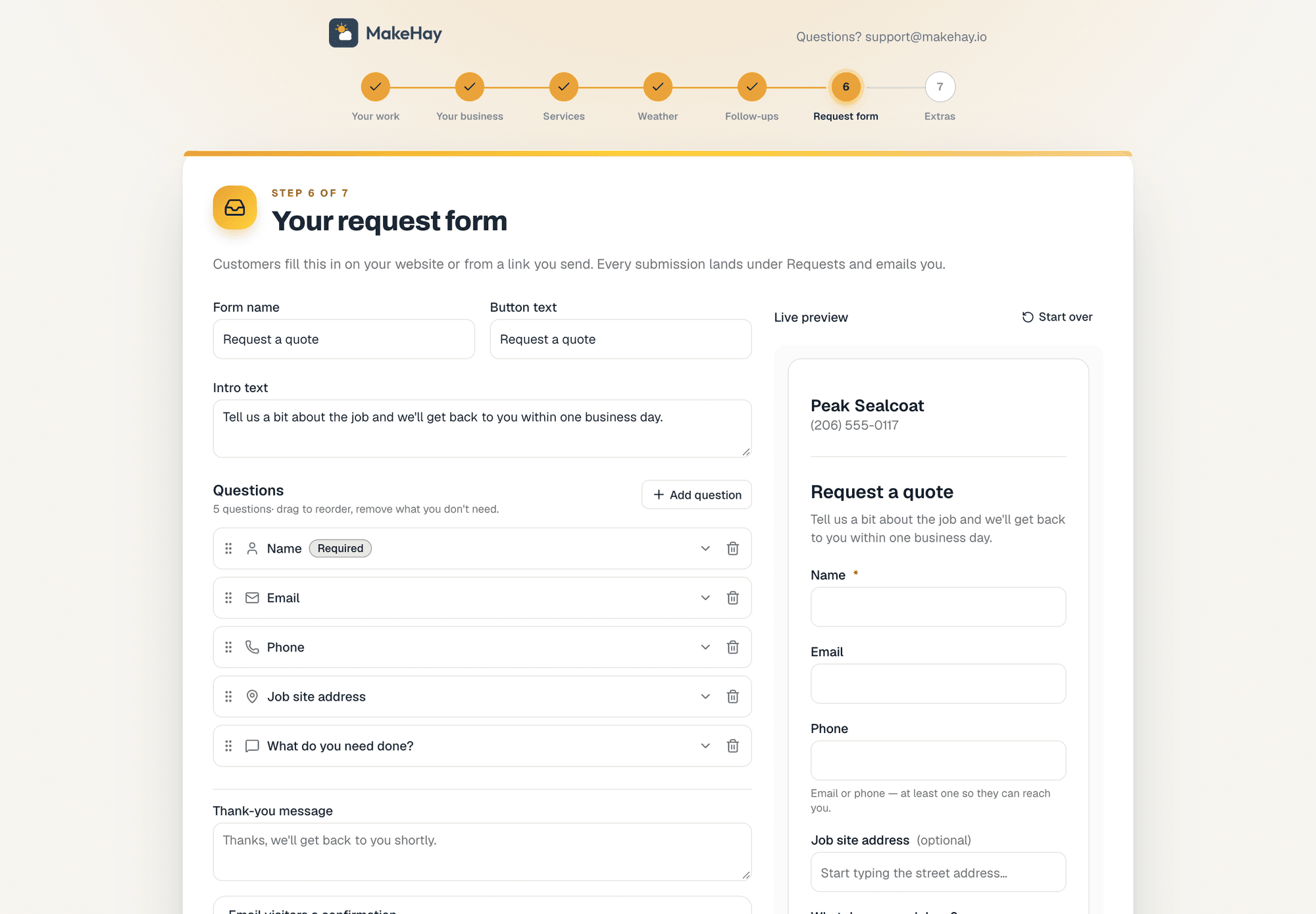
Request forms
A quote-request form for your website, or a link when you don't have one.
Learn more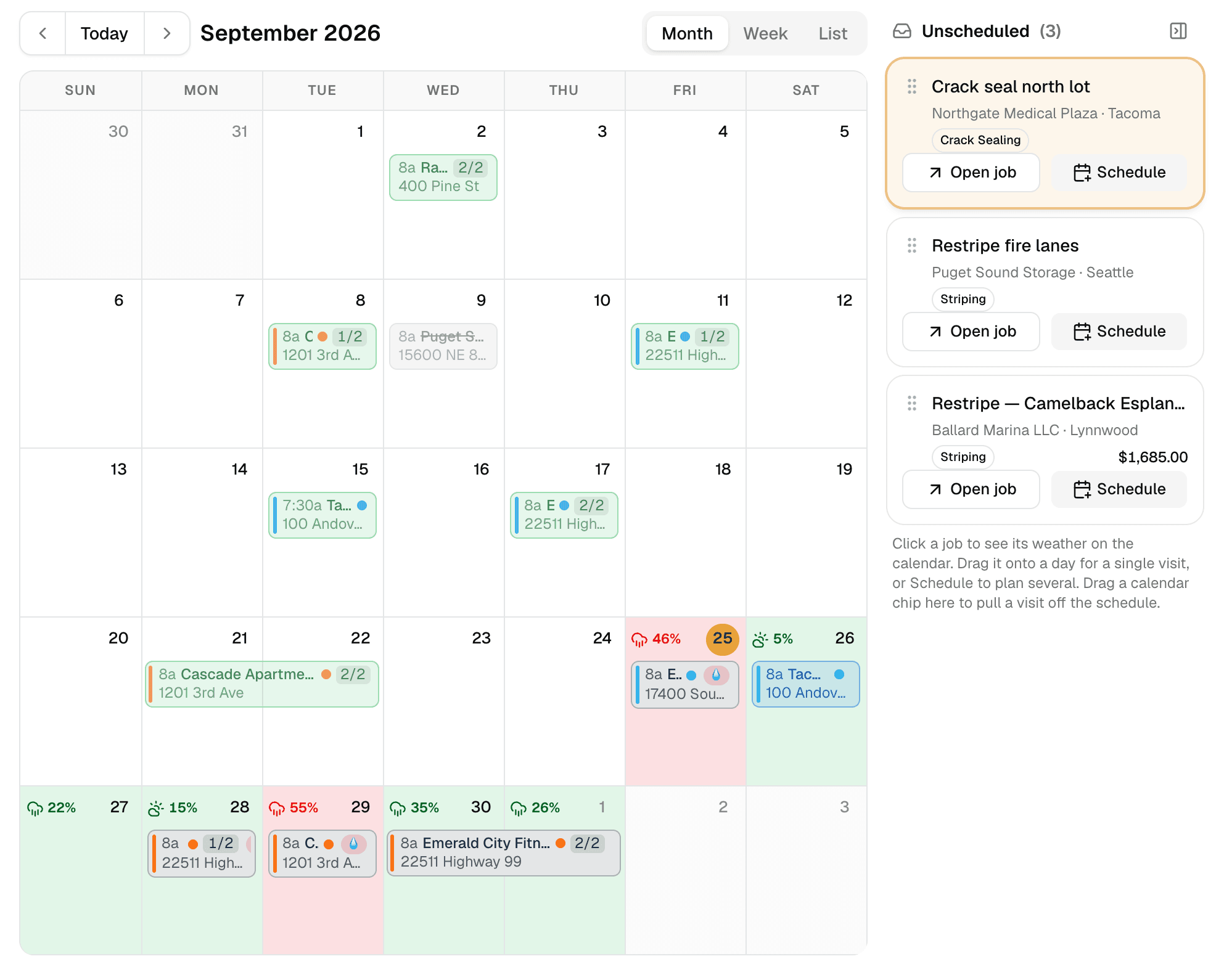
Weather-aware scheduling
A calendar that checks the forecast at every job site.
Learn more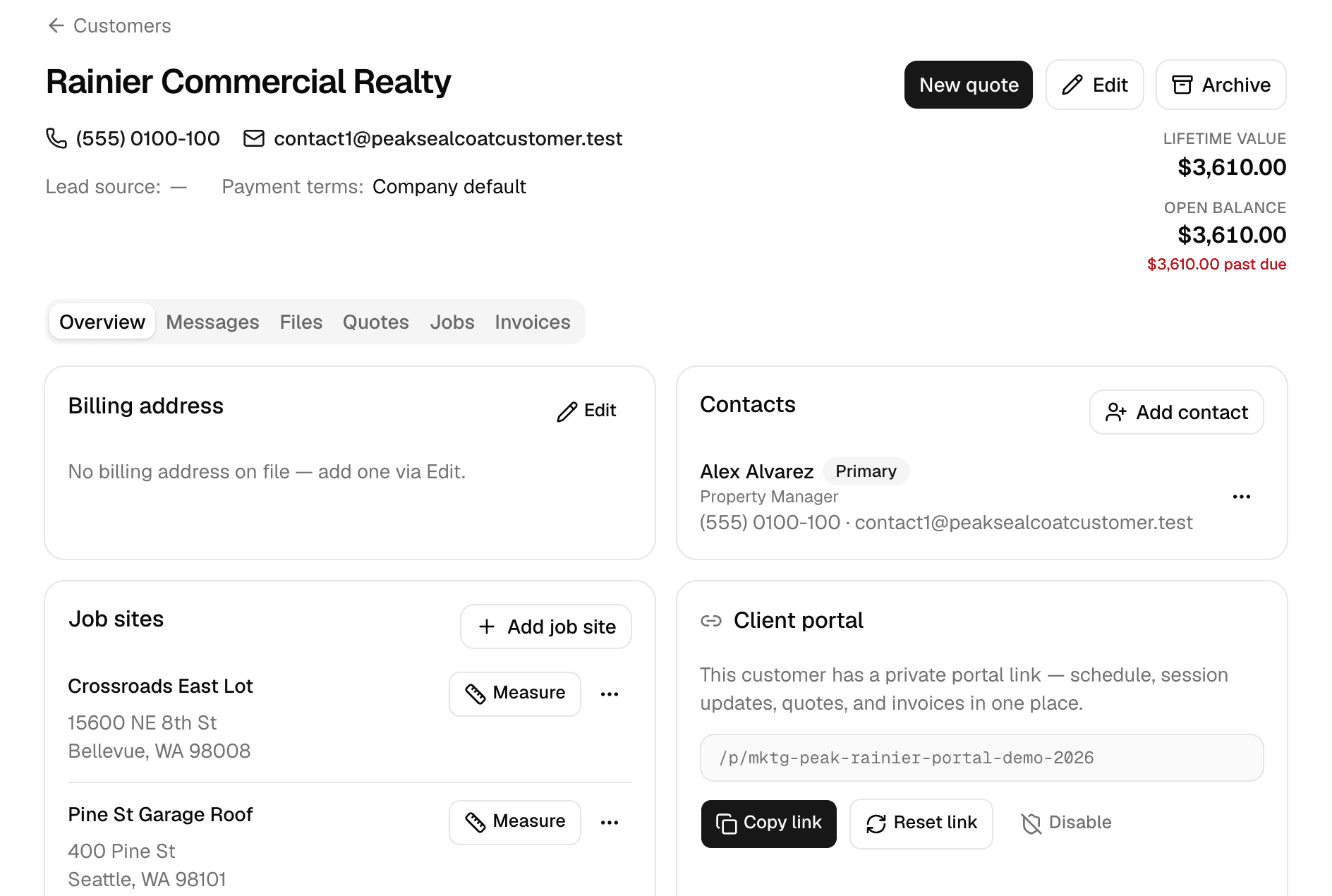
Customers
Every customer, every job site, and everything that happened there.
Learn more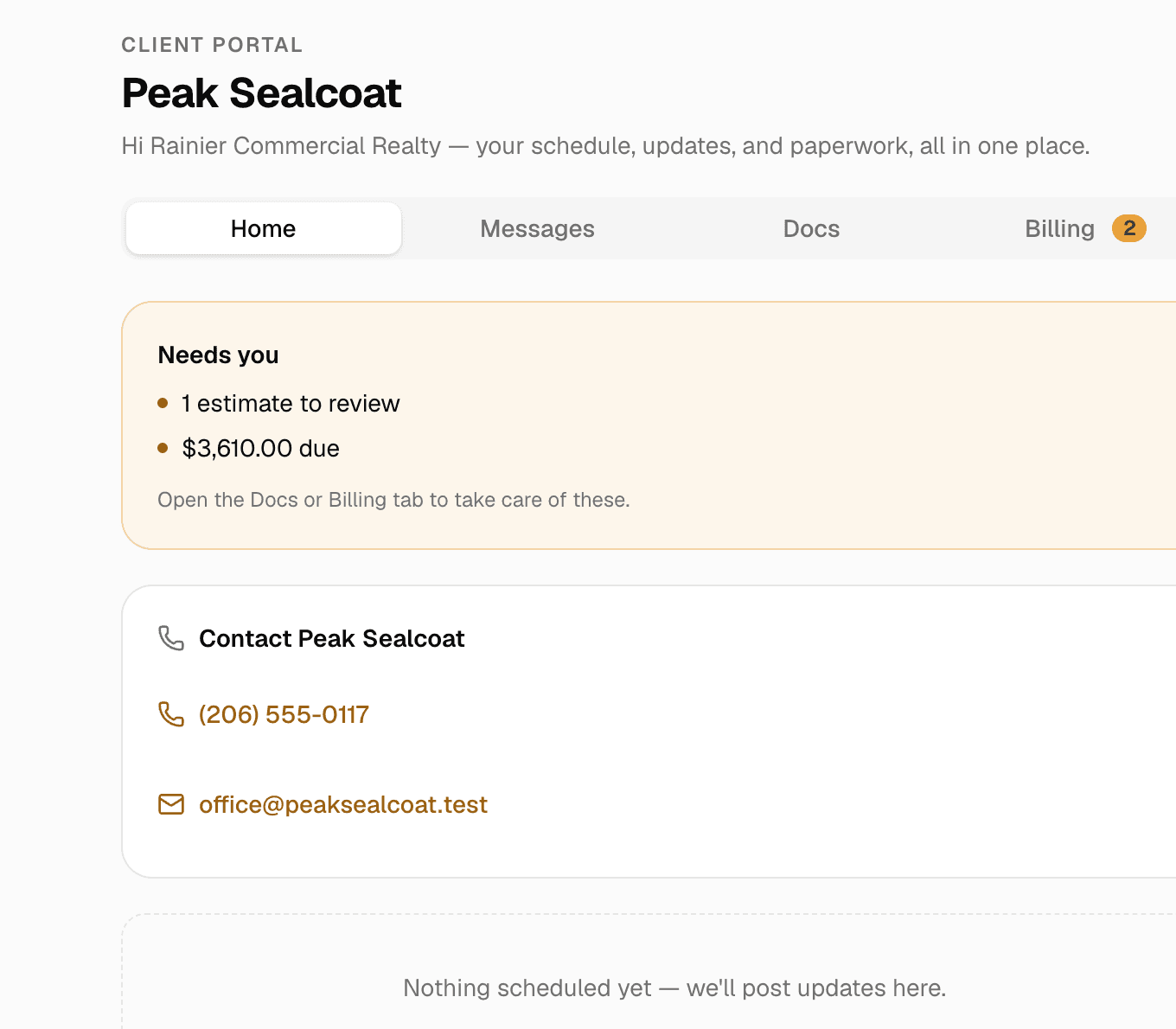
Client portal & e-signatures
One private link where customers see their quotes, invoices and visits, message you, and sign.
Learn more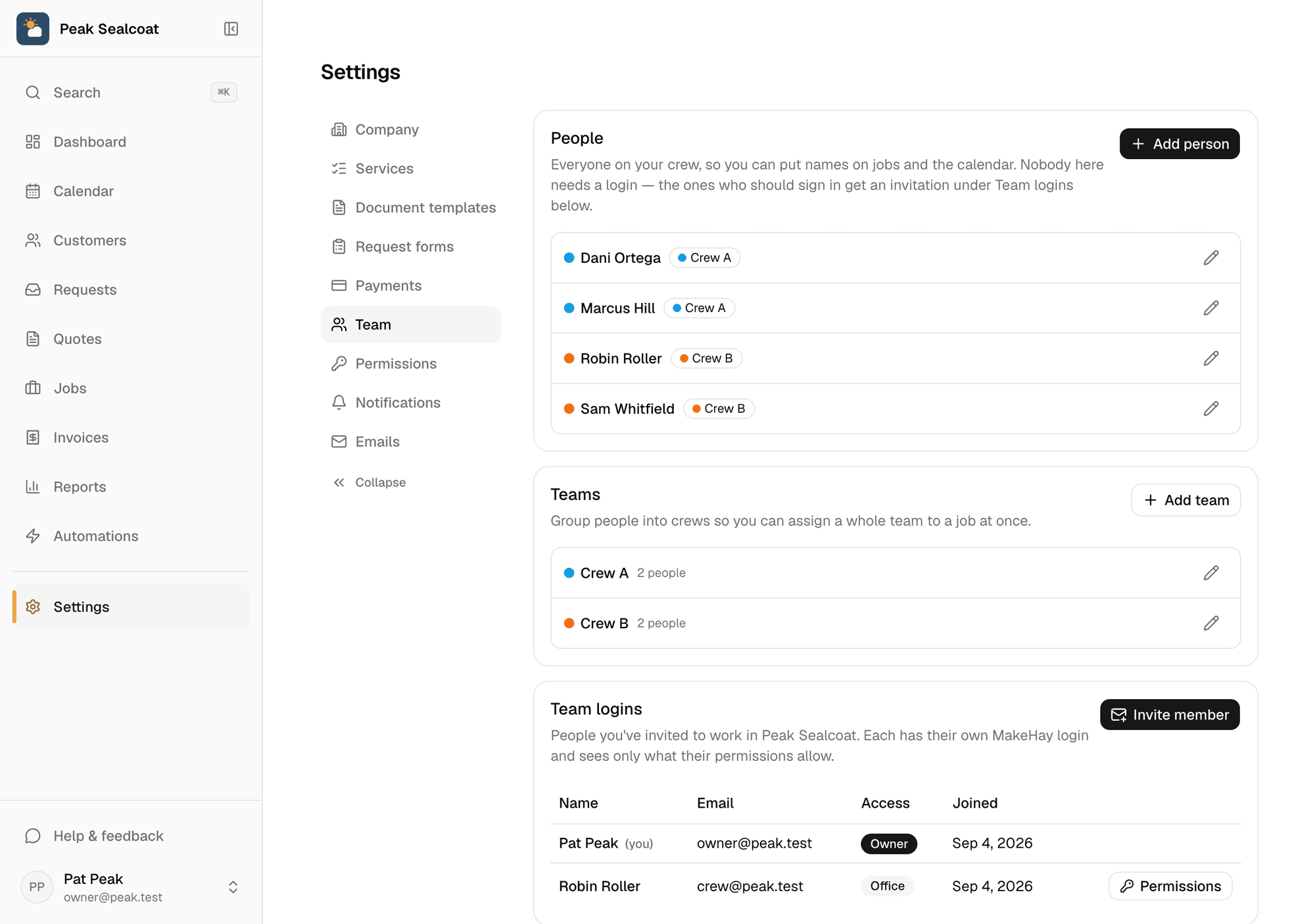
Team & permissions
Invite the office and the crews free, assign jobs, and decide who sees what.
Learn more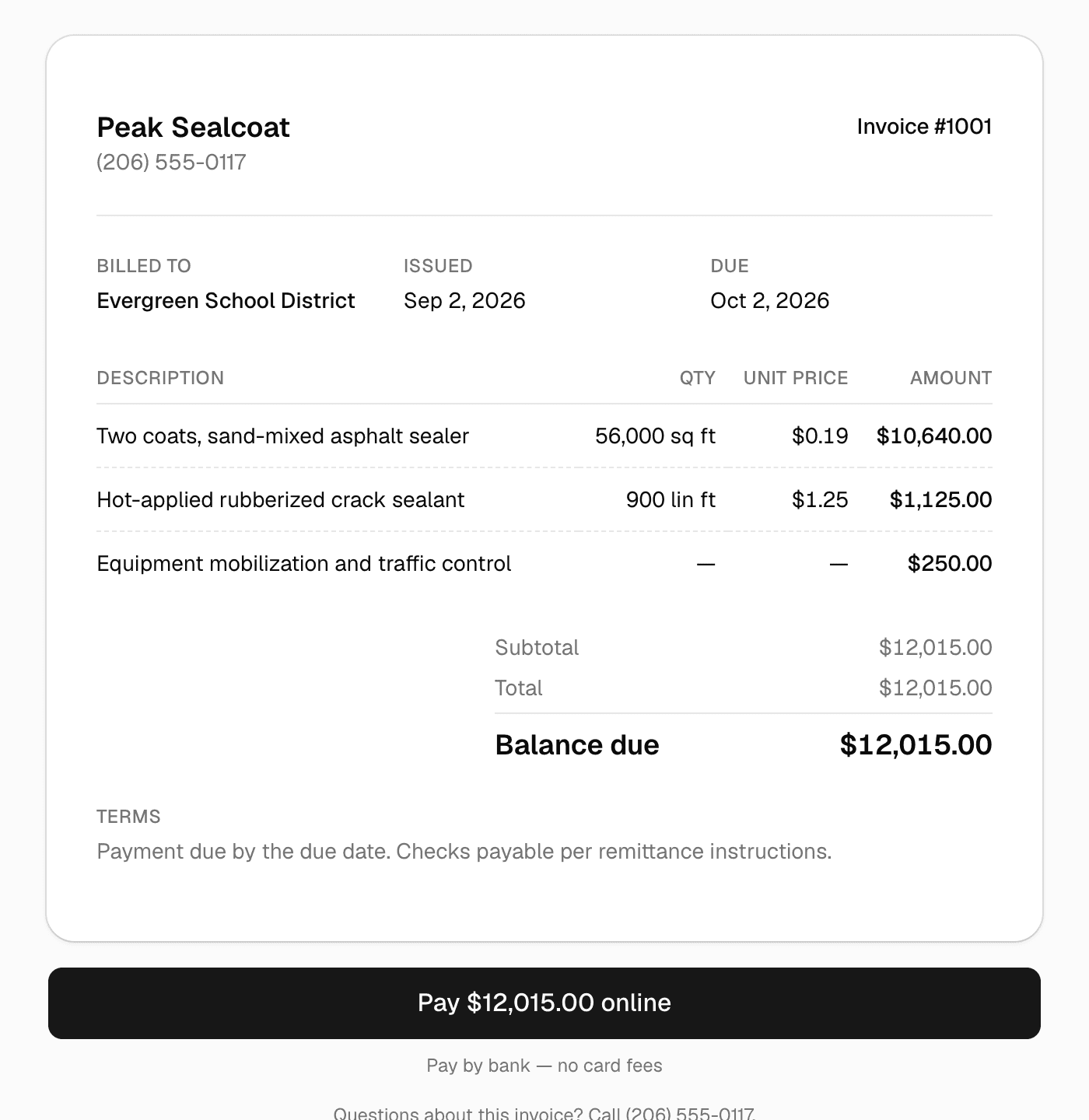
Invoicing & payments
Invoice in one click, get paid by card or bank transfer.
Learn more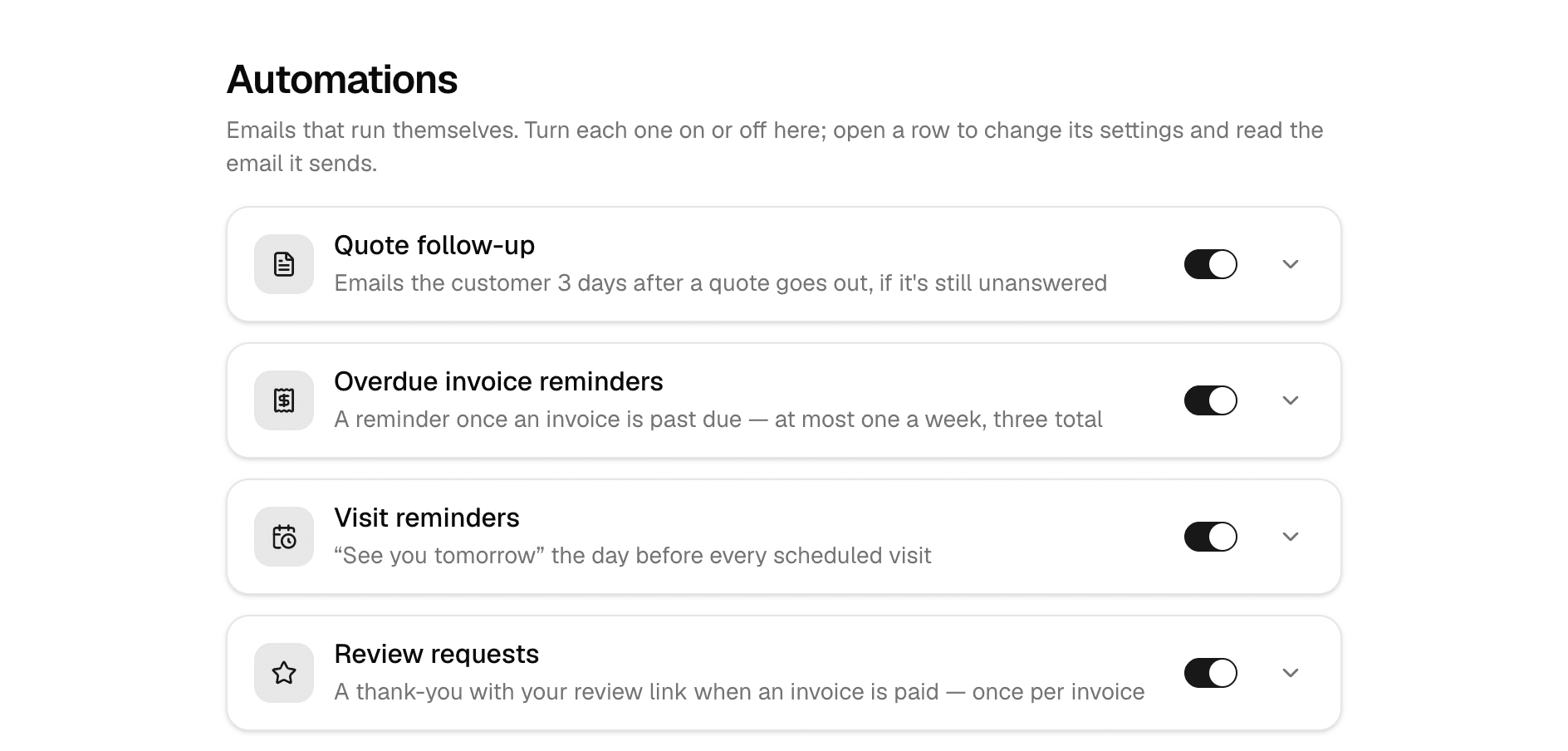
Automations
Follow-ups, reminders, and review requests that send themselves.
Learn moreAll of it, free. Starting today.
No credit card, no trial clock. Set up in minutes and quote your first job this afternoon. It's all free: see pricing.
Free forever. No credit card. Set up in minutes.