Invoice
The work's done. Getting paid shouldn't be a second job.
Complete a job and the invoice is one click, with the approved quote's lines, package, discount, and deposit already accounted for. Your customer pays by card or bank transfer from a link, and your dashboard shows exactly who still owes you.
Free forever. No credit card. Set up in minutes.
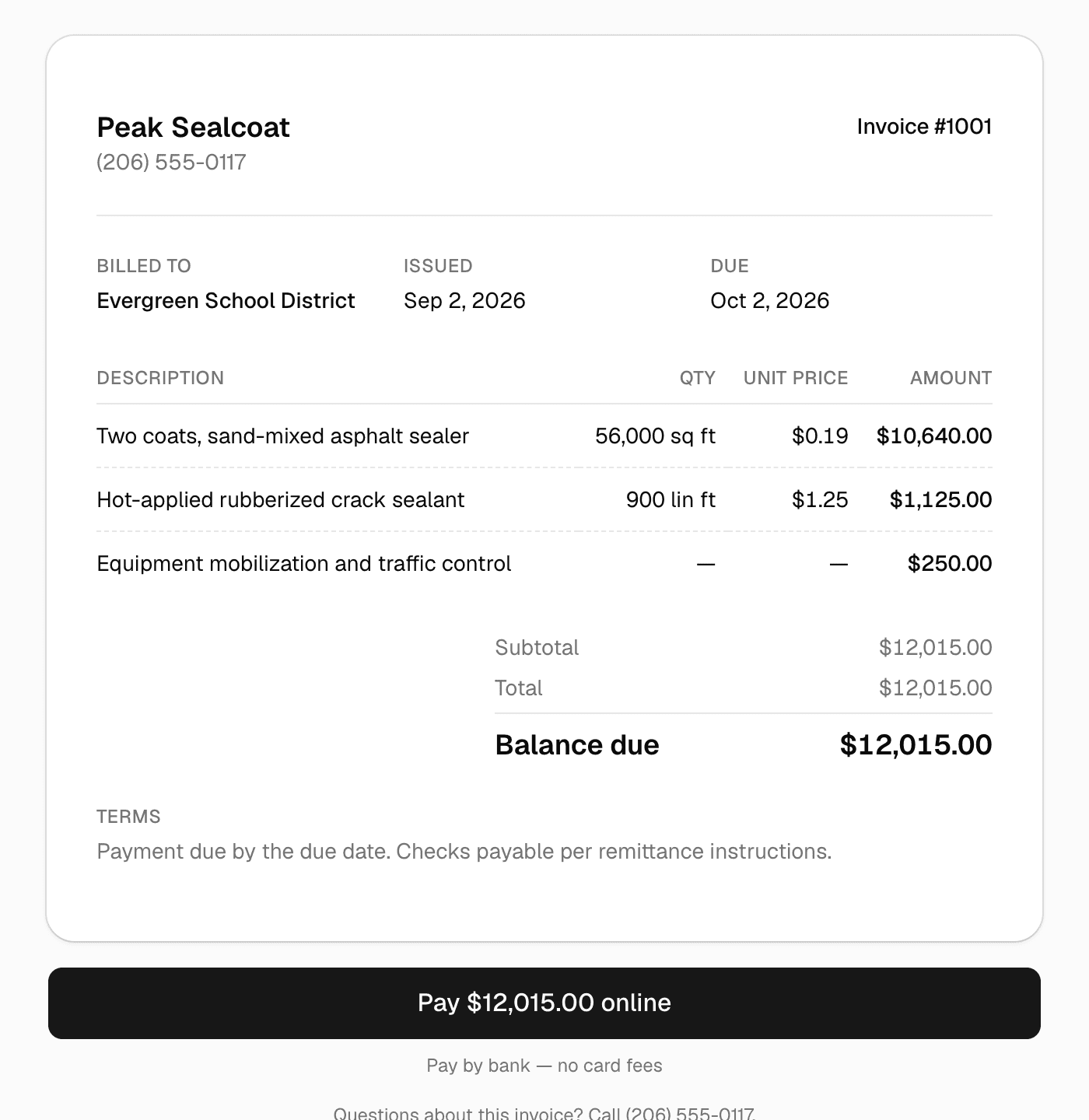
What your customer sees: the balance, the lines, and a Pay button for card or bank transfer.
- Card and ACH by Stripe
- Payments go to your own Stripe account.
- 1.5% only when paid online
- Checks and cash you record are free. No monthly fee.
- One click from the job
- Approved lines, package, discount and deposit carry over.
- Reminders that send themselves
- Overdue invoices get chased without you.
One click from job to bill
Invoices that build themselves from the work.
Complete & invoice takes the job's approved quote (chosen package, discount, deposit credit) and produces the bill. Change orders and extra work get their own labeled section. Nothing re-typed, nothing forgotten.
- One-click invoice from any completed job
- Deposits credited automatically, so customers see what's left
- Change orders listed separately, so extras get paid
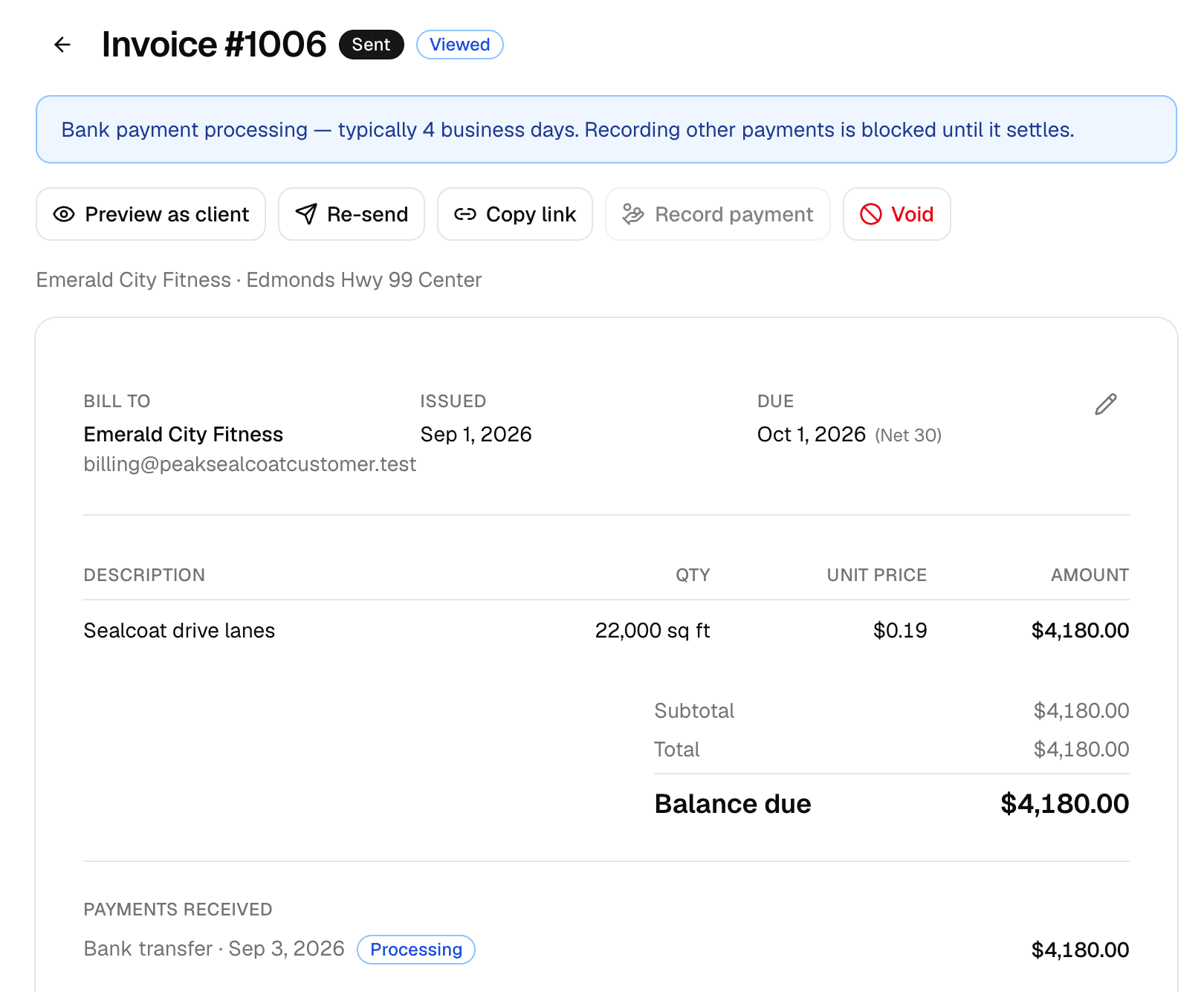
The invoice inside MakeHay: sent, viewed, and the bank transfer already on its way.
Cards and bank transfers
Online payment without the card-fee sting.
Customers pay from a secure link: credit card for speed, or bank transfer (ACH) that costs a fraction of card fees on big commercial invoices. Checks and cash get recorded in two taps, so every balance stays true.
- Card and ACH through Stripe; money lands in your account
- Partial payments and offline checks both supported
- Automatic receipts for every payment, even checks
- Online payments are available to US businesses today
Invoice #23 · Vermont Pavement
$2,407.50
Checks & cash? Those get recorded too.
Recurring services
Weekly mowing, monthly plans: billed the moment the visit is done.
Set a price per visit on a repeating job and each visit you mark done becomes its own invoice, emailed with a pay link. Customers who'd rather not think about it save a card or bank account once from their portal; after that, marking the visit done charges it and sends the receipt. A declined card falls back to the emailed invoice, and either side can turn autopay off.
- One invoice per completed visit, nothing re-typed
- Autopay: a saved card or bank account charged after each visit
- Receipt on every charge, invoice by email if a charge fails
- The customer agrees once and can stop any time from their portal
Thu, Oct 1
$75.00 charged to Visa •••• 4242
Thu, Oct 8
Weather · nothing billed
Thu, Oct 15
Invoice #1012 emailed, pay link
Receipt emailed on every charge. Declined? The invoice goes out by email instead.
Know who owes you
Late money shows up before you go looking for it.
The dashboard opens with what's outstanding and how much of it is past due, and the attention list names the invoices to chase. Automatic reminders nudge them so the awkward phone call mostly stops existing. Reports break receivables into aging buckets when you want the longer view.
- Outstanding and past-due totals on the dashboard
- Past-due invoices at the top of the attention list
- Automatic overdue reminders, in your words
- Receivables aging and collected-by-day on the reports page
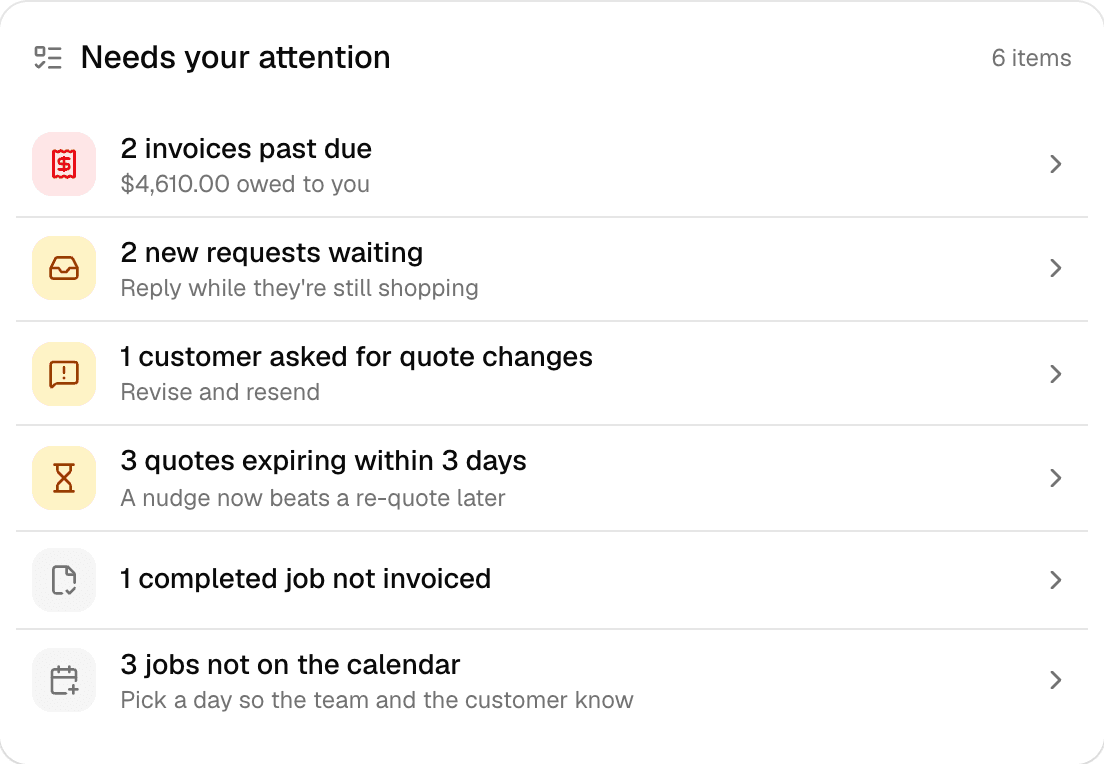
The attention list: late money first, then work that's slipping, then replies to send.
Why businesses trust it
What every business gets, from day one.
Built to help small businesses grow
A lead form for your website, quotes customers approve from their phones, follow-ups that go out on their own, and a portal that answers "where's my invoice?" These are the tools the big platforms charge for, free, so the money stays in the business.
Straight pricing, no catch
$0 a month, every feature, no seat fees, no trial clock. The only charge is 1.5% on card and bank payments you choose to take online, and nothing if you don't.
A person answers
Every email MakeHay sends you is one you can reply to, and a person reads every reply. Missing a unit, a step, a trade? Say so.
FAQ
Common questions
What does taking payments cost?
MakeHay is free to use. Online card and ACH payments carry processing costs, as they do on any platform. The full breakdown is on our pricing page. Recording the checks and cash you collect in person costs nothing.
How do deposits work with invoicing?
A deposit collected at quote approval is automatically credited on the final invoice: the customer sees the total, the deposit already paid, and the balance due. No manual math.
Can I charge a customer's card automatically for a recurring service?
Yes. Turn on Autopay in the job's Repeat settings and send the customer the set-up link from their page. They save a card or bank account on Stripe's secure page and agree to be charged after each completed visit. Marking the visit done then charges it and emails a receipt; if the charge is declined, the invoice is emailed with a pay link instead. The customer can turn autopay off from their portal at any time, and so can you.
Can I send payment reminders automatically?
Yes. Once an invoice is past due, MakeHay sends up to three reminders a week apart, in your wording, with the payment link included, and stops the moment it's paid. You can preview exactly what customers receive before turning it on.
More of MakeHay
It all works together.
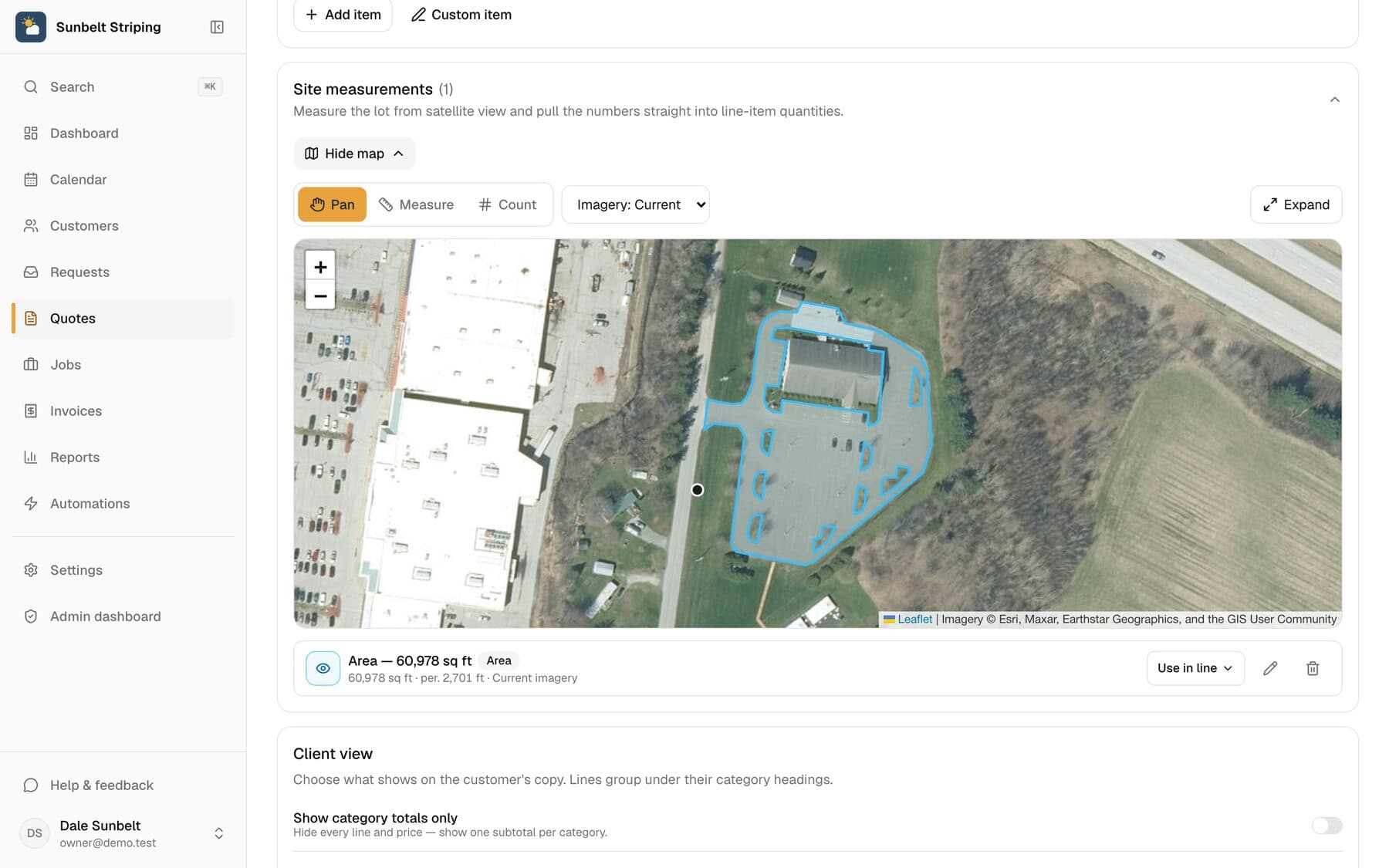
Satellite measurement
Measure any site from your desk: square feet, linear feet, stalls.
Learn more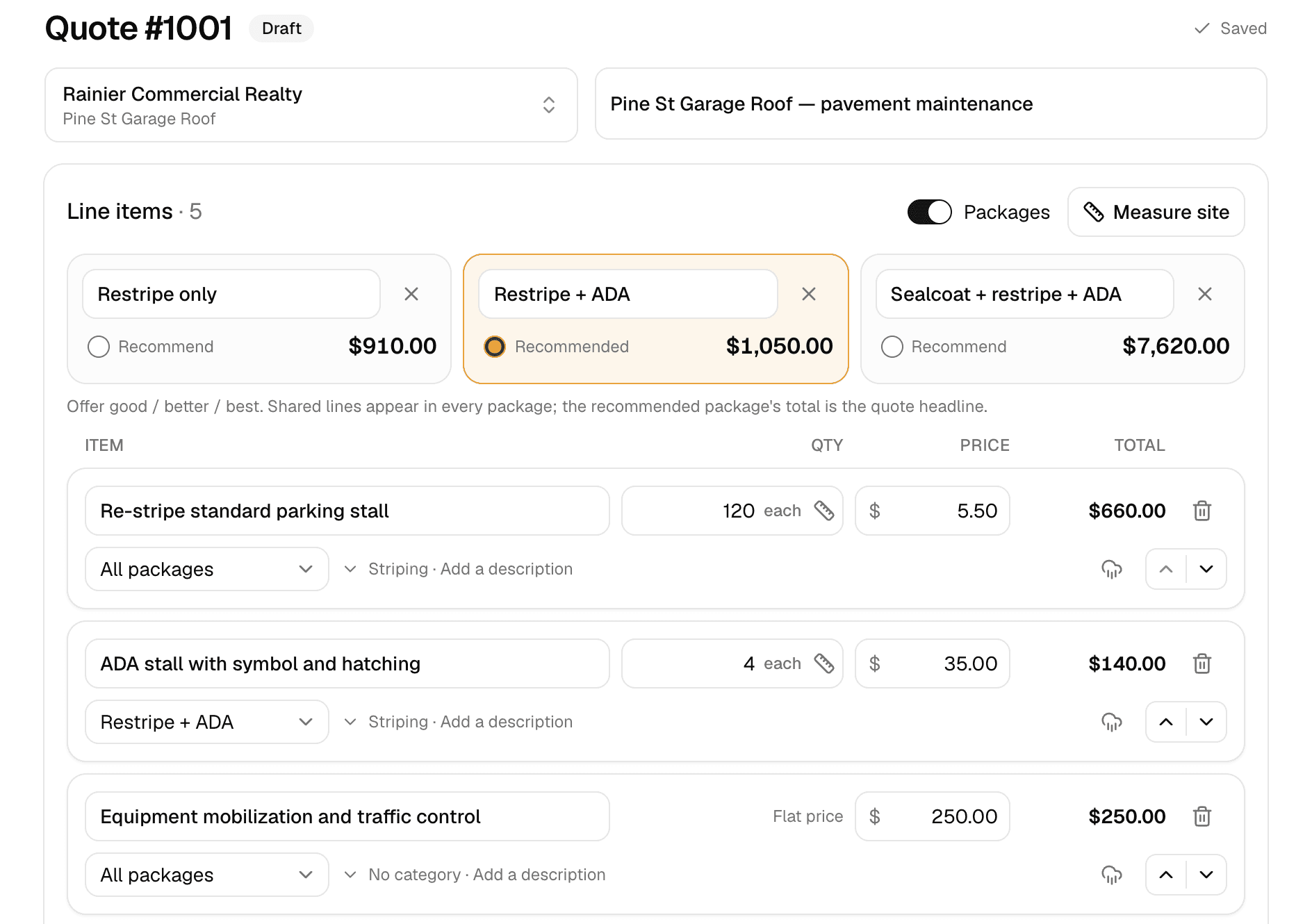
Quoting
Good/better/best quotes your customer approves online.
Learn more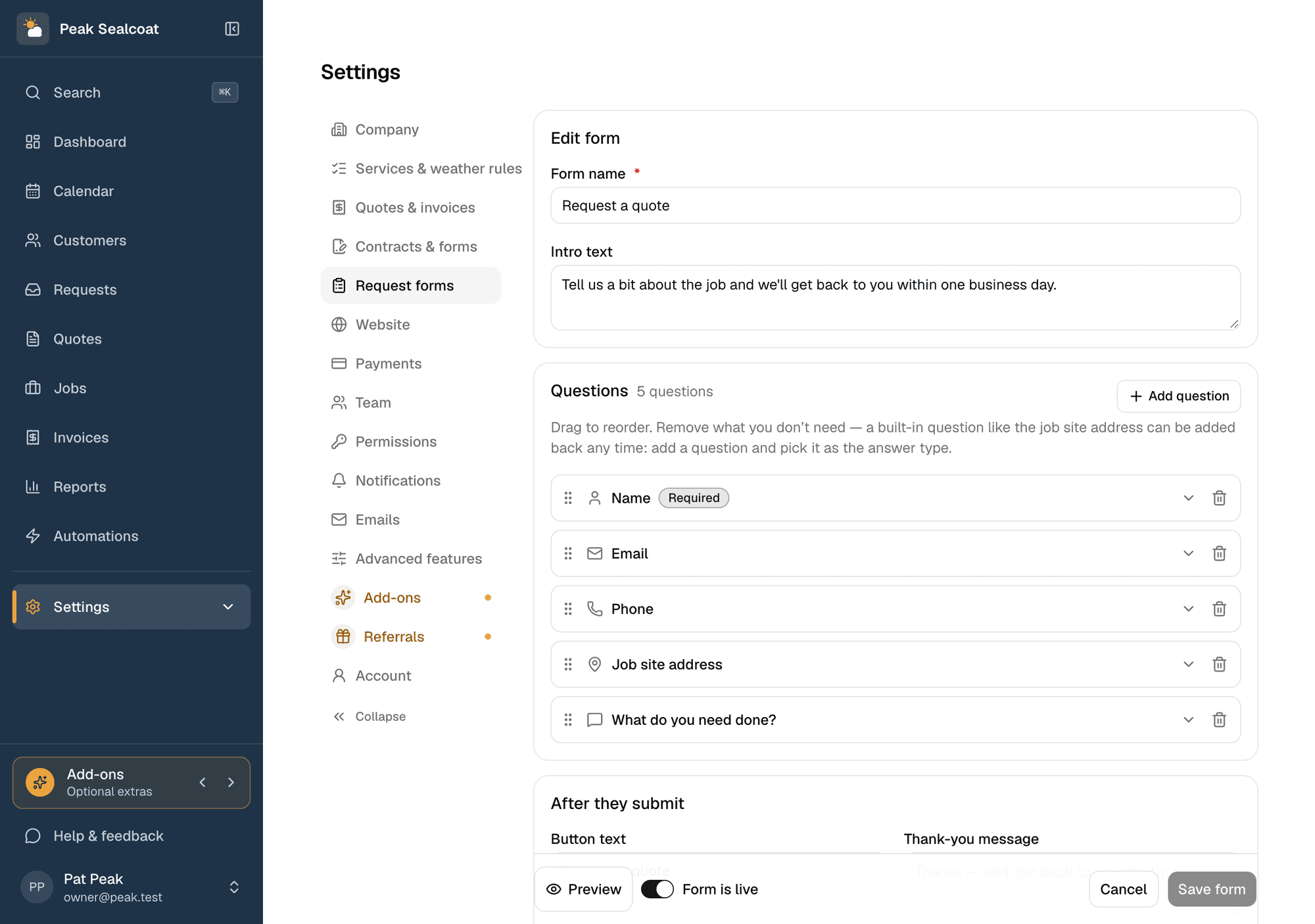
Request forms
A quote-request form for your website, or a link when you don't have one.
Learn more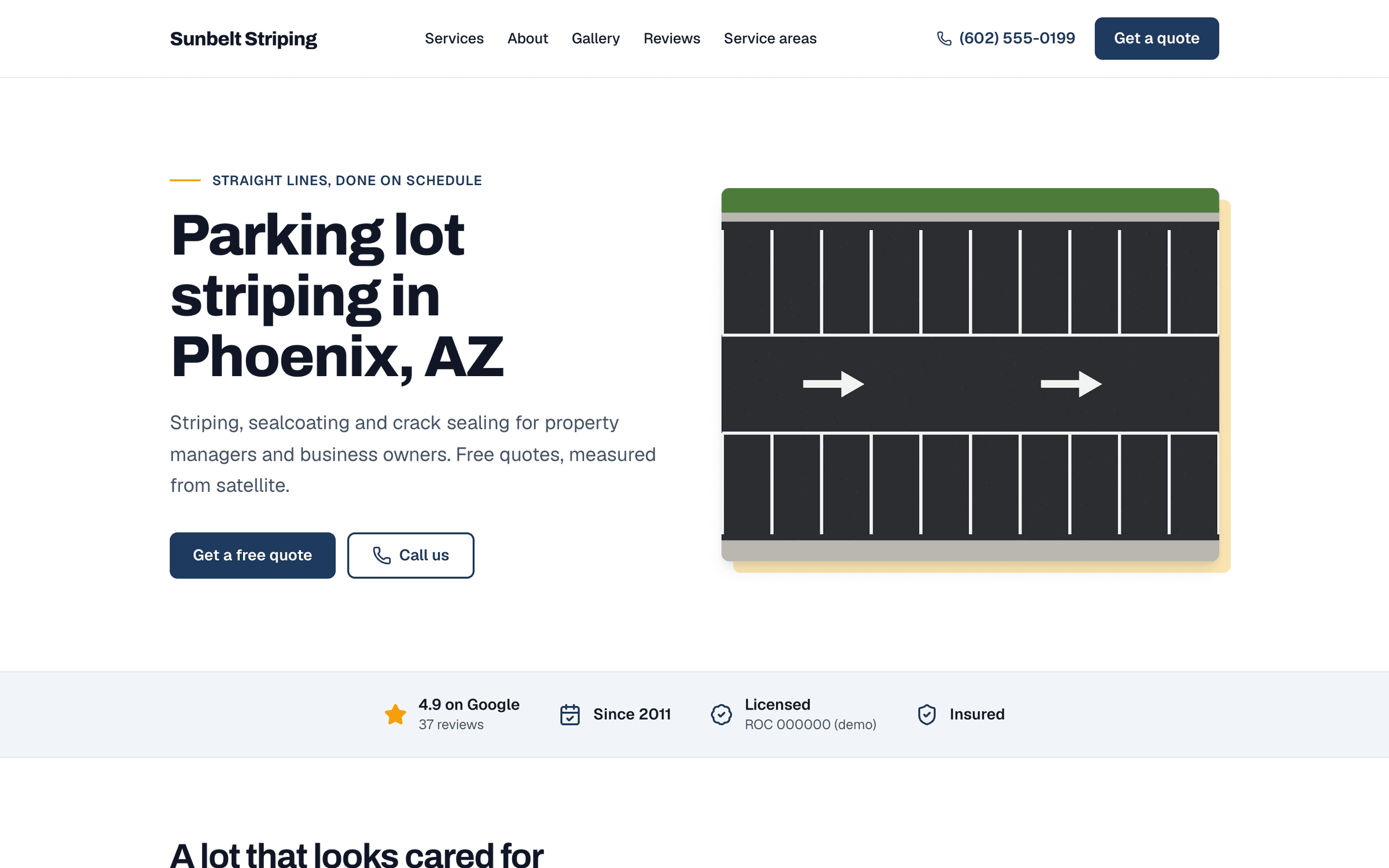
Website
A website built for you by a team of experienced web developers. Every lead lands in Requests.
Learn more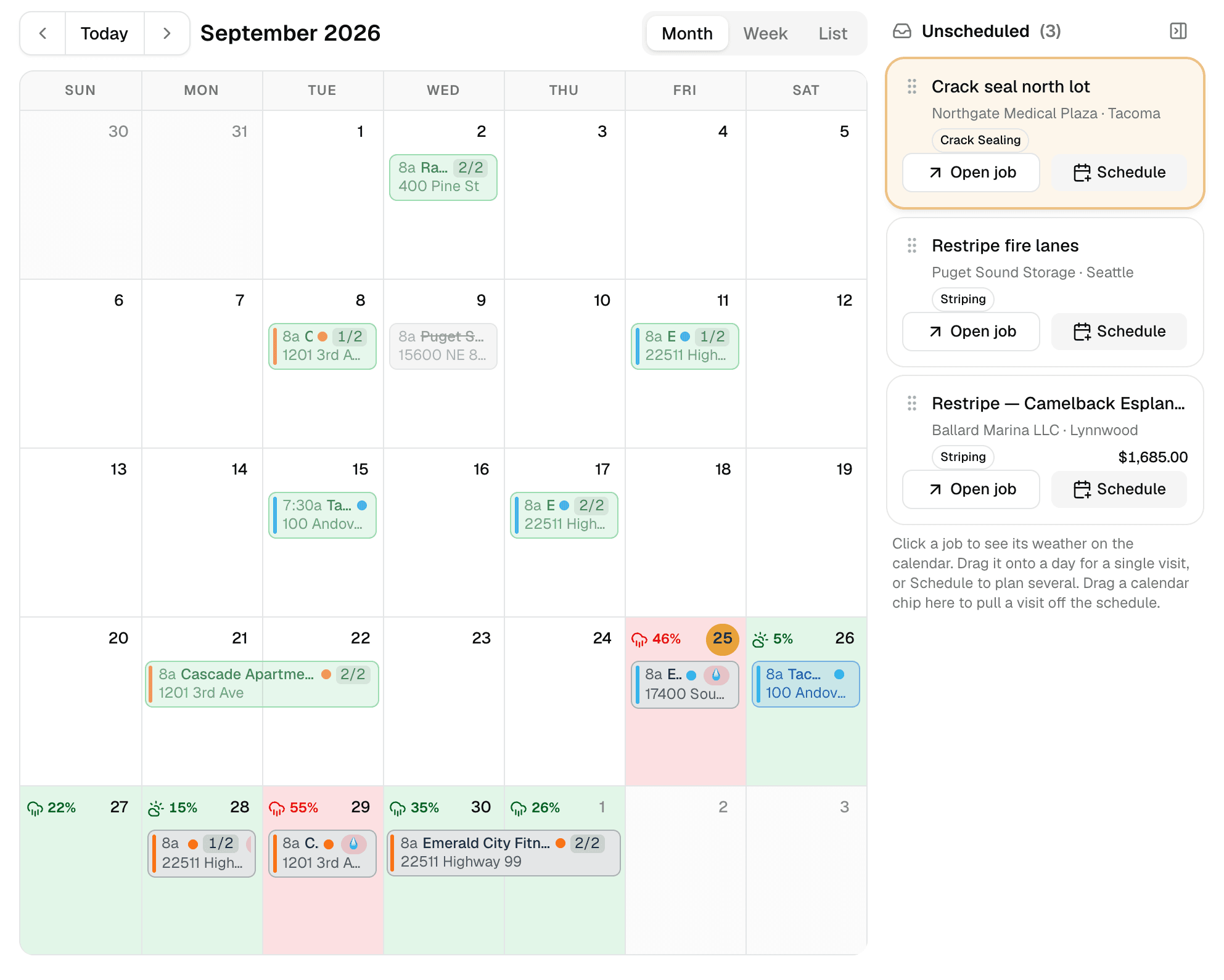
Weather-aware scheduling
A calendar that checks the forecast at every job site.
Learn more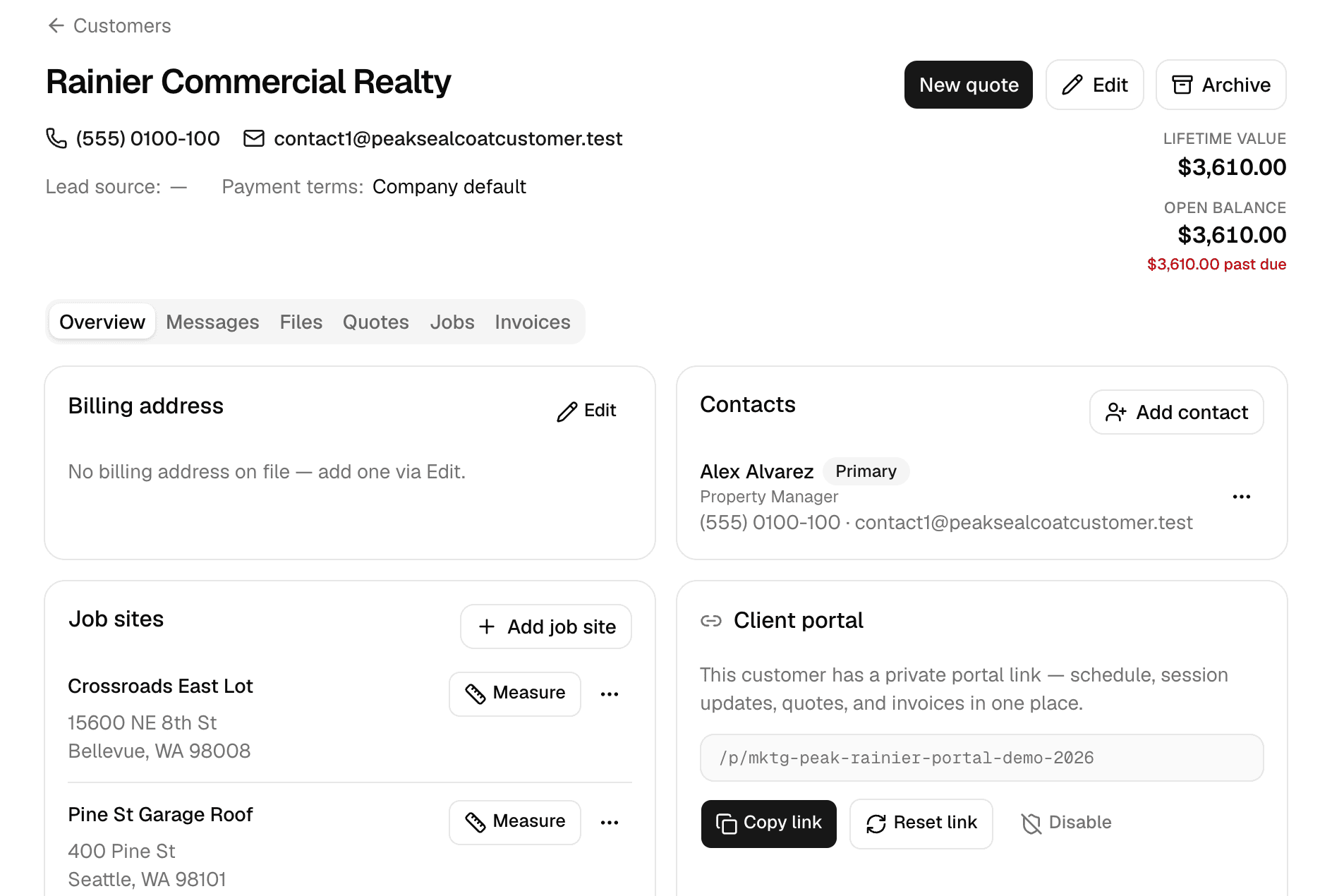
Customers
Every customer, every job site, and everything that happened there.
Learn more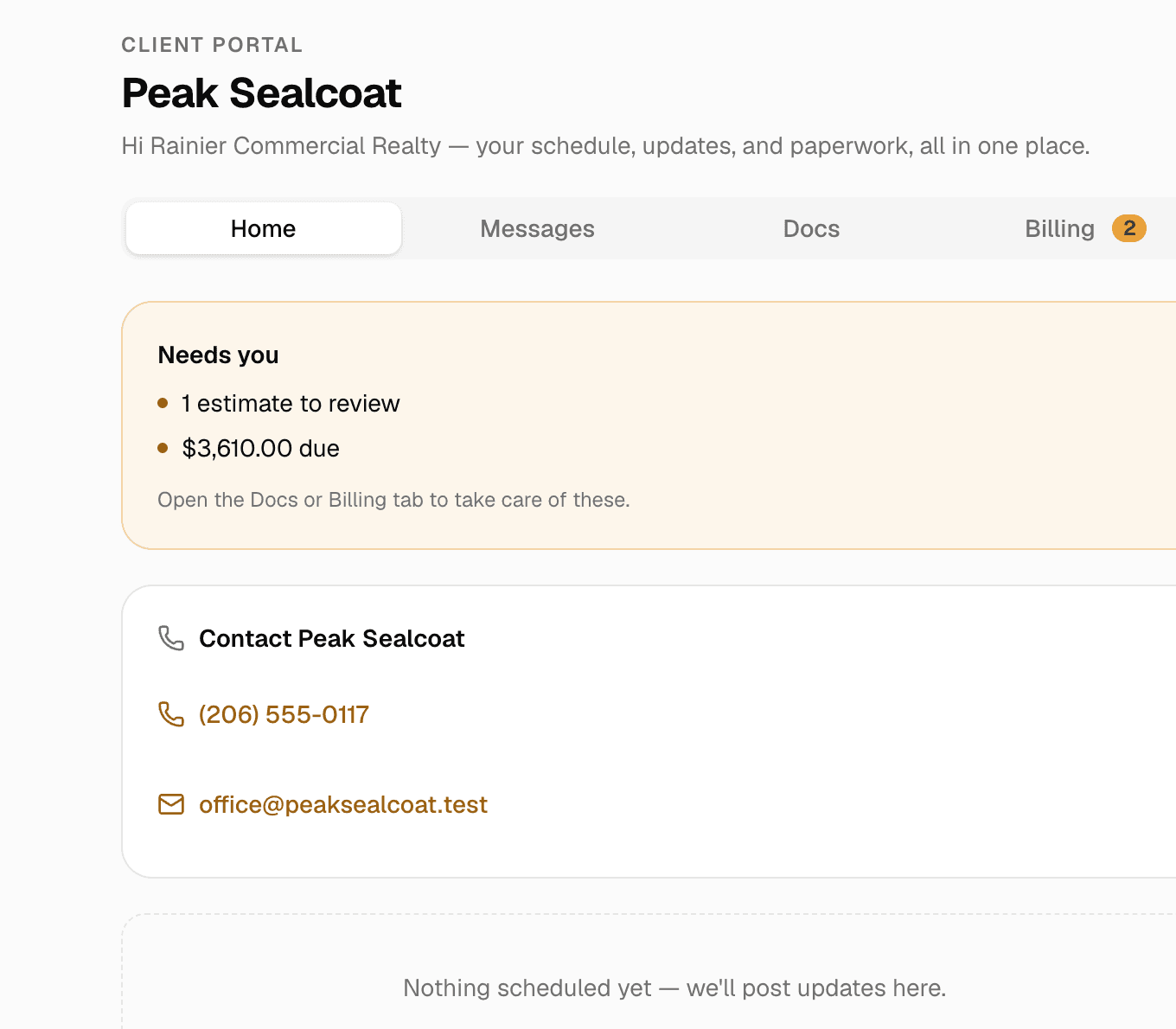
Client portal & e-signatures
One private link where customers see their quotes, invoices and visits, message you, and sign.
Learn more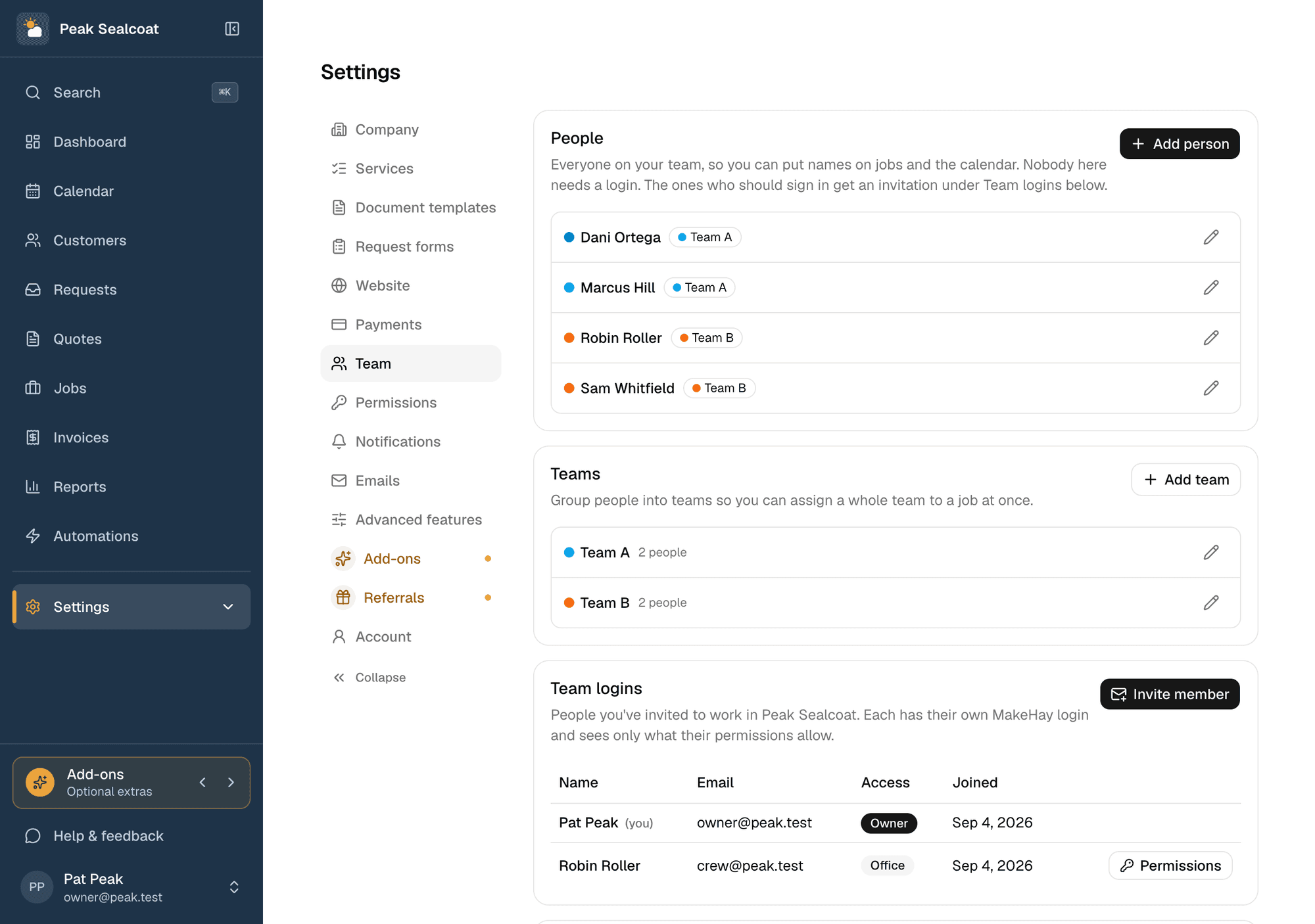
Team & permissions
Invite the office and the field team free, assign jobs, and decide who sees what.
Learn more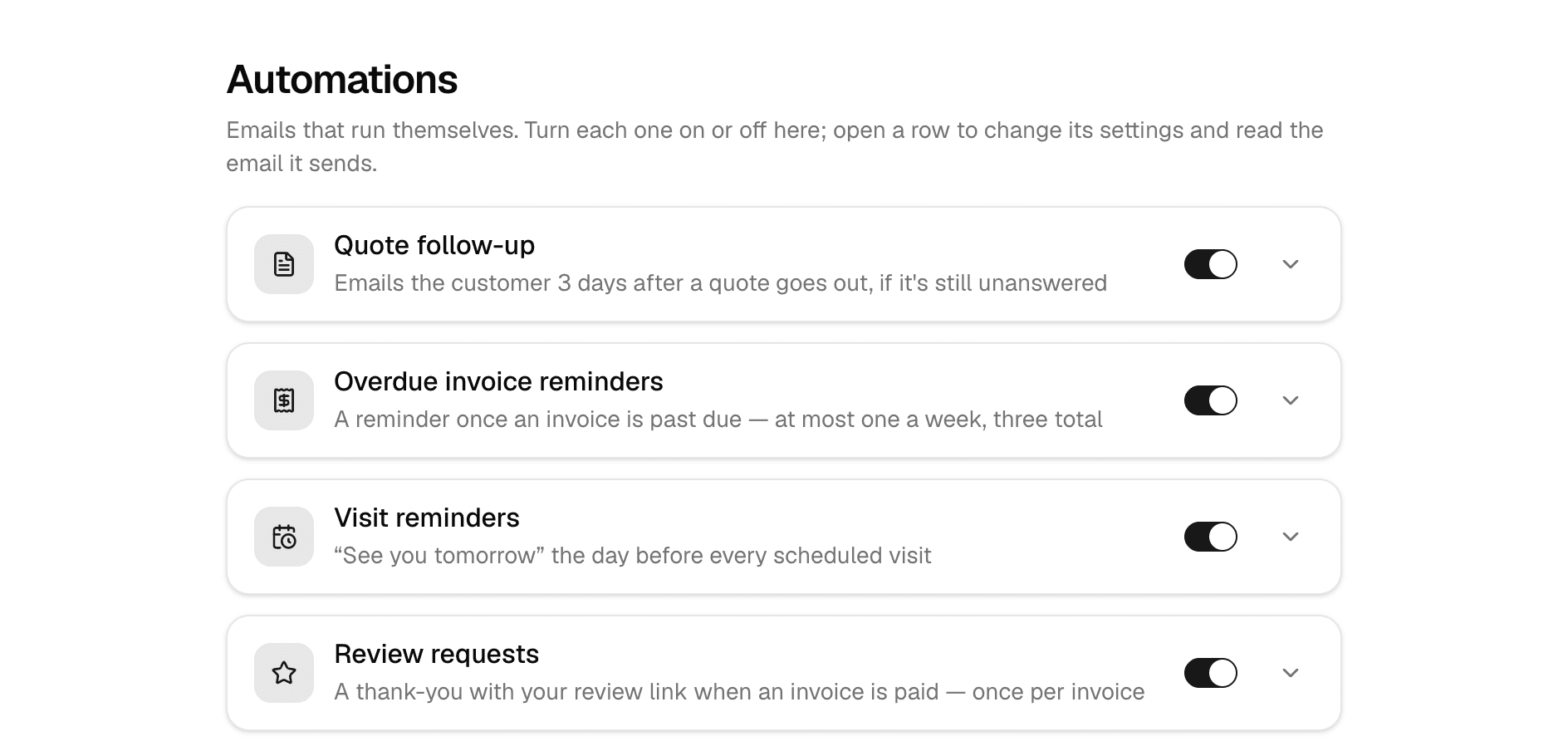
Automations
Follow-ups, reminders, and review requests that send themselves.
Learn more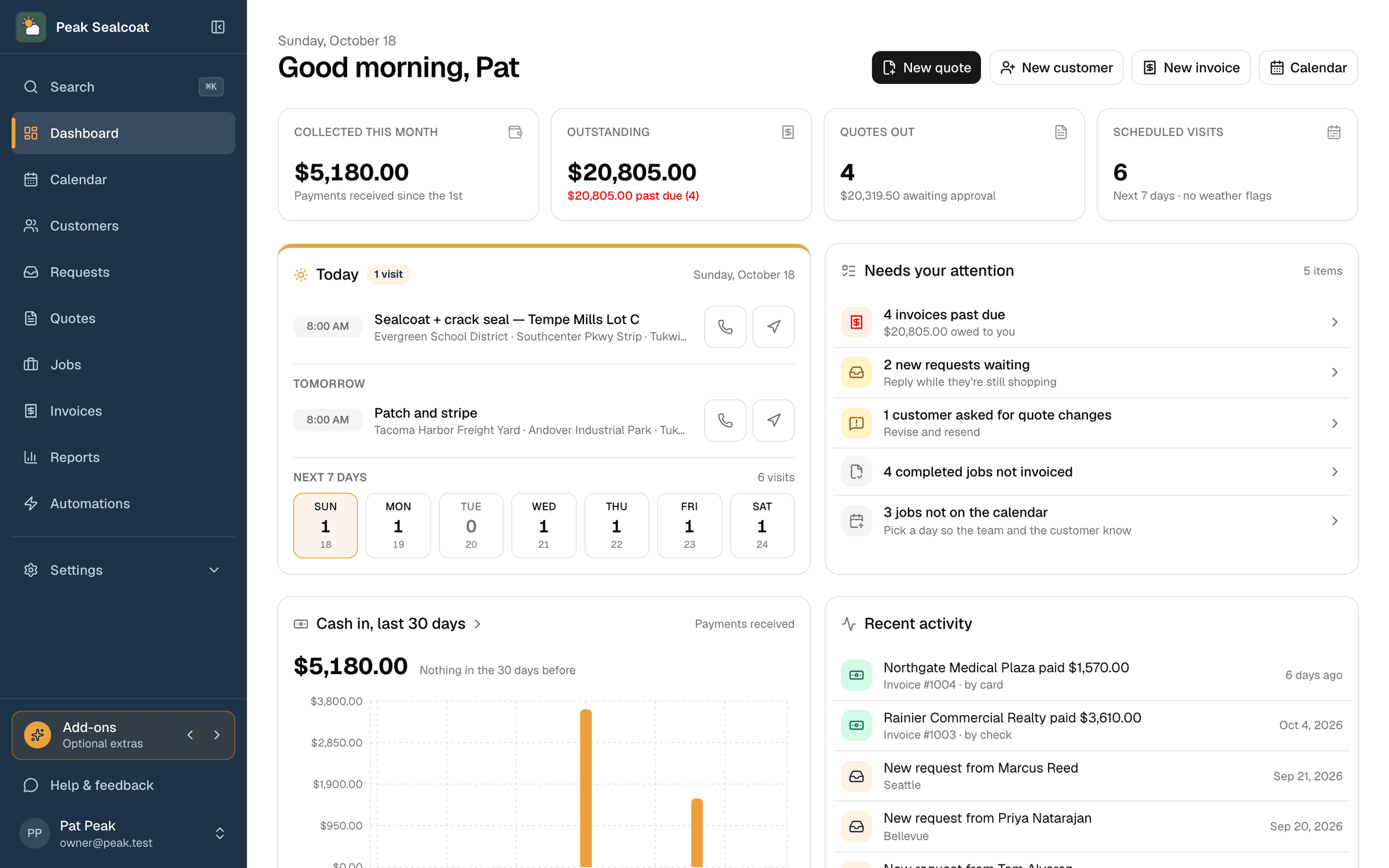
Dashboard & reports
What needs doing today, and how the business is doing this month.
Learn moreAll of it, free. Starting today.
No credit card, no trial clock. Set up in minutes and quote your first job this afternoon. It's all free: see pricing.
Free forever. No credit card. Set up in minutes.