Requests
Leads land in your inbox, not your voicemail.
Build the form once: the questions you want, photo uploads, the job site address. Put it on your website with one line of code, or share its link on Facebook, your Google Business Profile and your email signature if you don't have a website yet. Every request lands in MakeHay, and the visitor gets a confirmation in your words.
Free forever. No credit card. Set up in minutes.
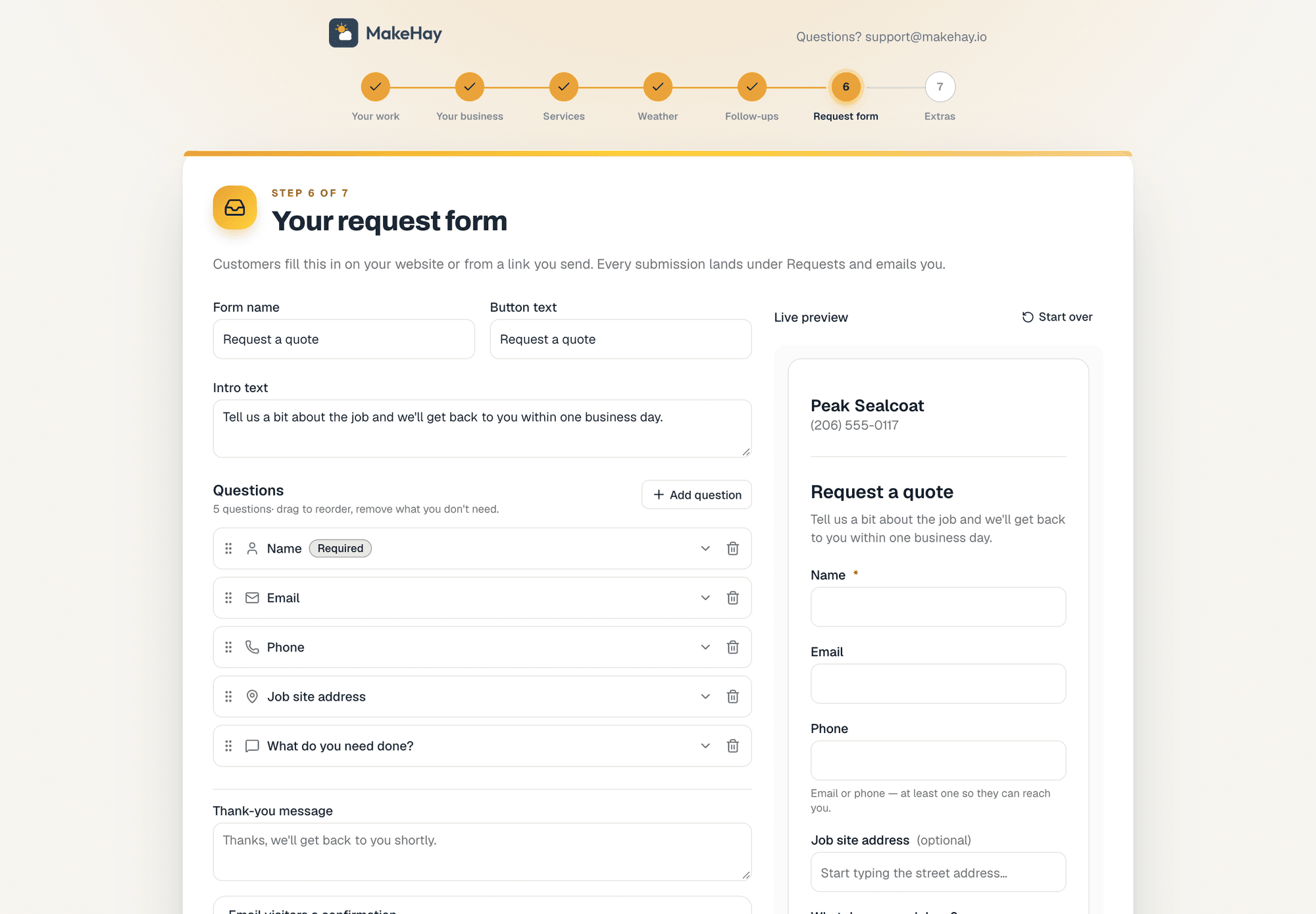
Setup builds your first form: your questions on the left, the form as visitors see it on the right.
- No website needed
- Every form has its own link. Share it anywhere.
- One line of code
- Inline on your site, or a floating button.
- Spam filtered
- Junk lands in its own tray, not your inbox.
- One tap to a quote
- Customer, job site and draft quote, from the request.
Build it in minutes
Your questions, your words, your photos.
Start from the built-in questions (name, email, phone, job site address, what do you need done) and add your own. Mark what's required, hide what you don't want, ask for photos of the lot or the yard, and watch the preview change as you type. The setup wizard builds your first one when you sign up.
- Built-in questions plus your own, dragged into the order you want
- Photo uploads and a job site address on the form
- Button text and thank-you message in your words
- More than one form if you need them, each with its own link
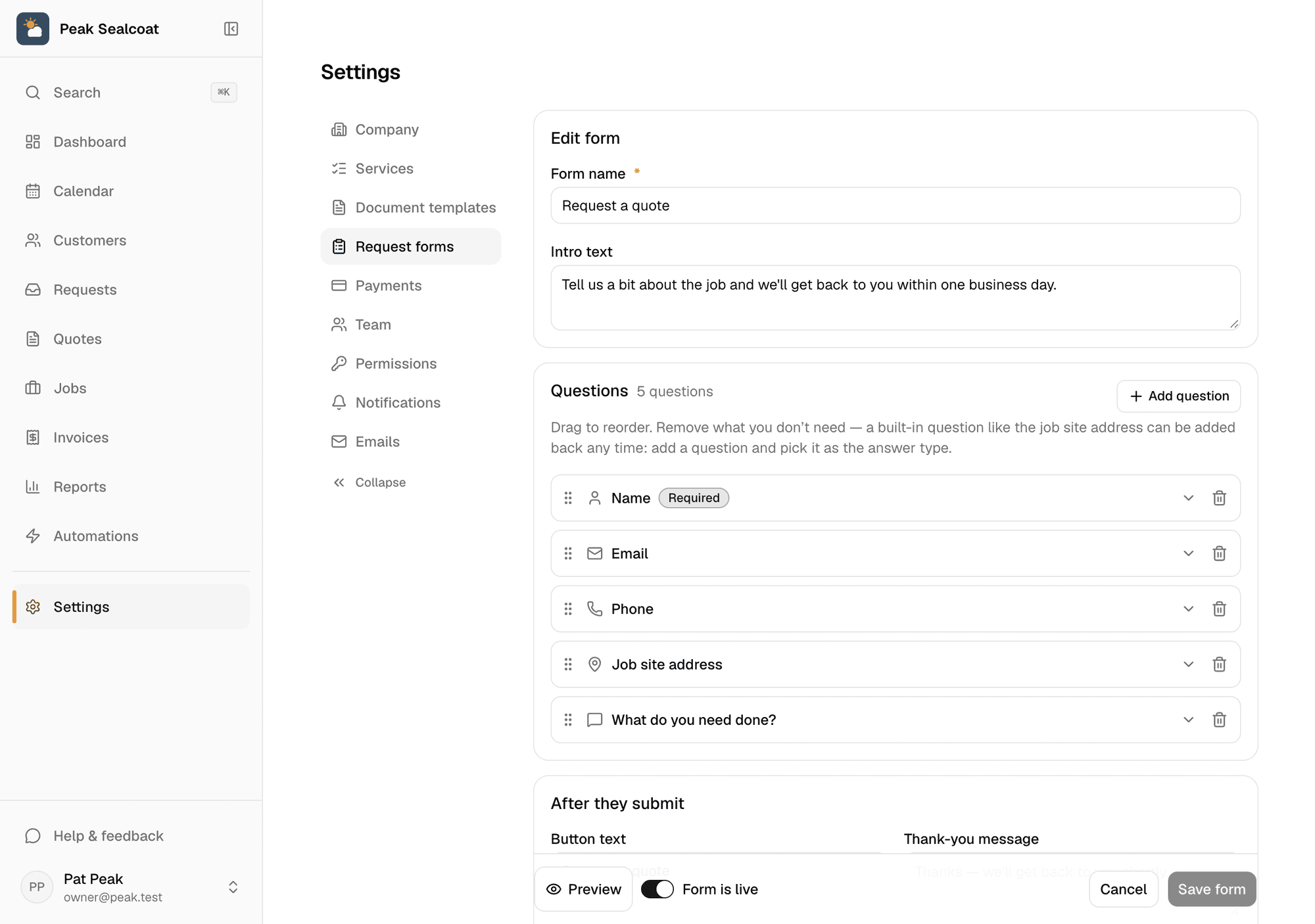
The editor under Settings › Request forms. Drag questions into order, mark what's required.
Everywhere you are
On your website, or a link that goes anywhere.
Paste one line of script and the form lives on your site, inline on the page or as a floating button that opens it. No website? Every form has a hosted link that works on Facebook, your Google Business Profile, a text message or a QR code on the truck.
- Inline embed or popup button, one line of script
- A hosted link for every form, no website required
- Looks right on a phone, where most requests come from
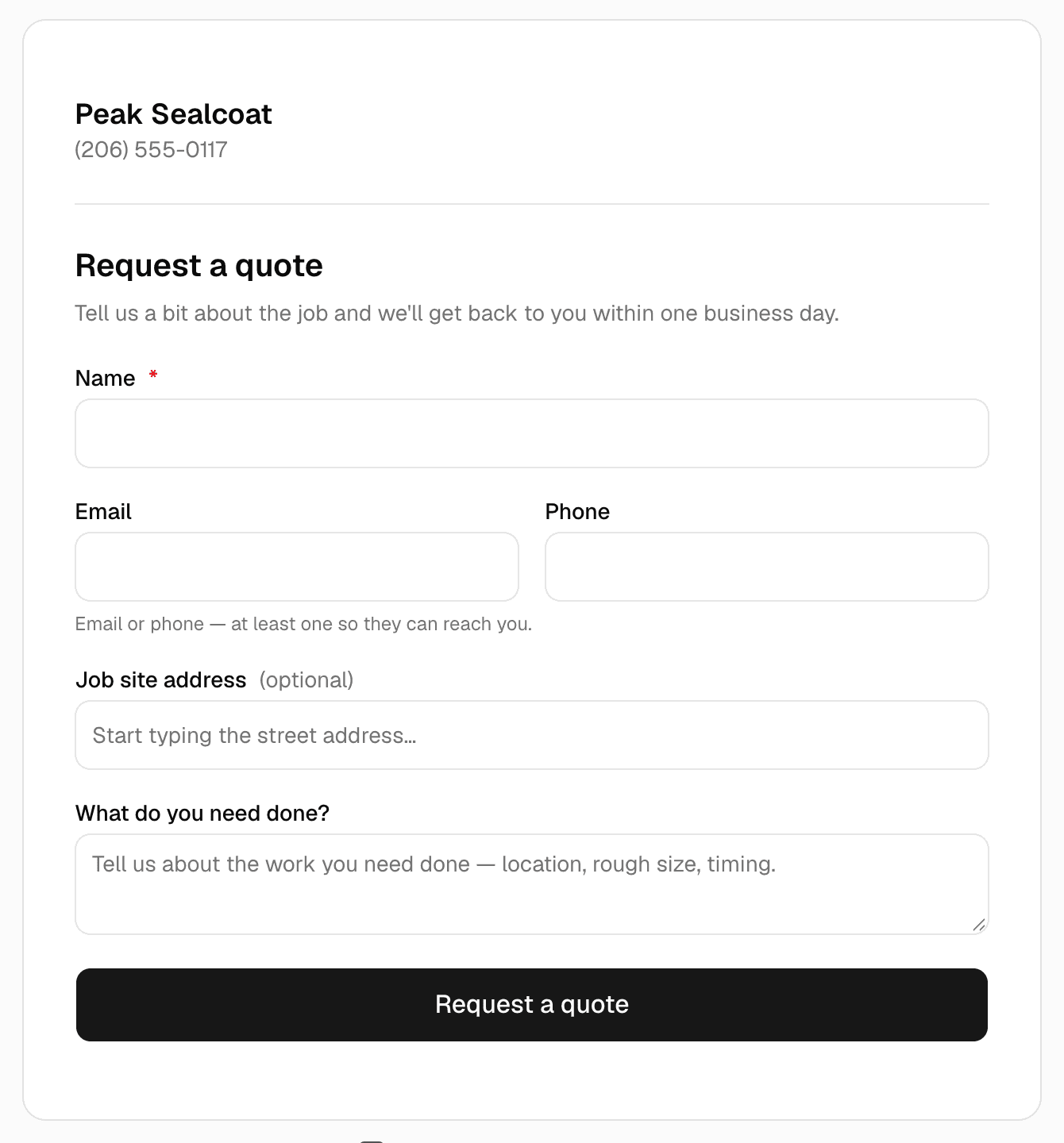
What a visitor sees, on your website or at the form's own link.
Into the pipeline
A request becomes a customer, a job site and a draft quote.
Requests land in their own inbox with the address and photos attached, and you get an email. One tap converts it: the customer is created, the job site is geocoded and ready to measure, and a draft quote is waiting. Spam goes to its own tray. The visitor's confirmation email is one of the ones you can reword under Settings.
- Requests inbox with new, viewed and converted
- One tap to customer, job site and draft quote
- Confirmation email to the visitor, in your words
- Requests by source on the reports page, so you know what's working
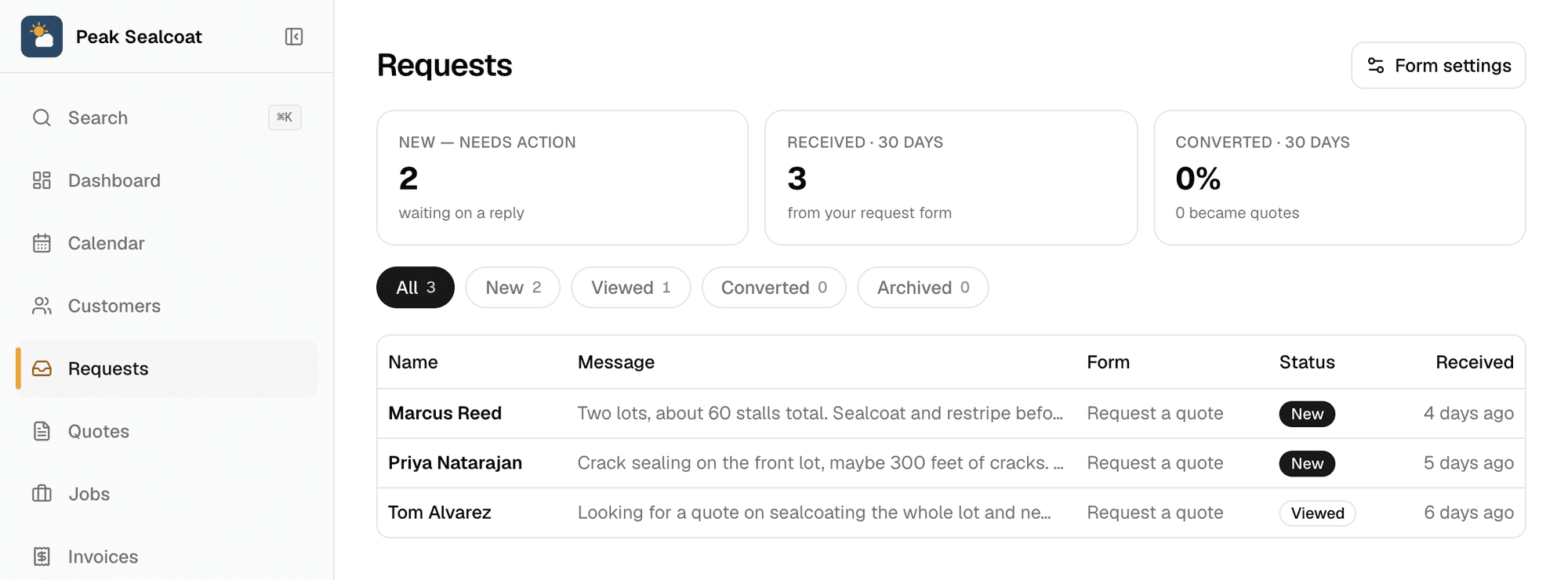
The inbox. New requests wait at the top until you convert or archive them.
Why businesses trust it
What every business gets, from day one.
Built to help small businesses grow
A lead form for your website, quotes customers approve from their phones, follow-ups that go out on their own, and a portal that answers "where's my invoice?" These are the tools the big platforms charge for, free, so the money stays in the business.
Straight pricing, no catch
$0 a month, every feature, no seat fees, no trial clock. The only charge is 0.75% on card and bank payments you choose to take online, and nothing if you don't.
A person answers
Every email MakeHay sends you is one you can reply to, and a person reads every reply. Missing a unit, a step, a trade? Say so.
FAQ
Common questions
Do I need a website to use the request form?
No. Every form has its own hosted link. Put it on Facebook, your Google Business Profile, a text, your email signature or a QR code. When you do have a website, the same form embeds with one line of script.
Can I ask my own questions?
Yes. Add questions to the built-in ones, mark them required, hide the ones you don't need, and ask for photos. The preview updates as you edit.
What happens when someone submits?
You get an email, the request appears in your Requests inbox with the address and photos attached, and the visitor gets a confirmation in your words. Spam is filtered into its own tray. One tap turns the request into a customer, a job site and a draft quote.
Can I have more than one form?
Yes. Make a form per service or per campaign, each with its own link and embed code, and the inbox shows which form every request came from.
More of MakeHay
It all works together.
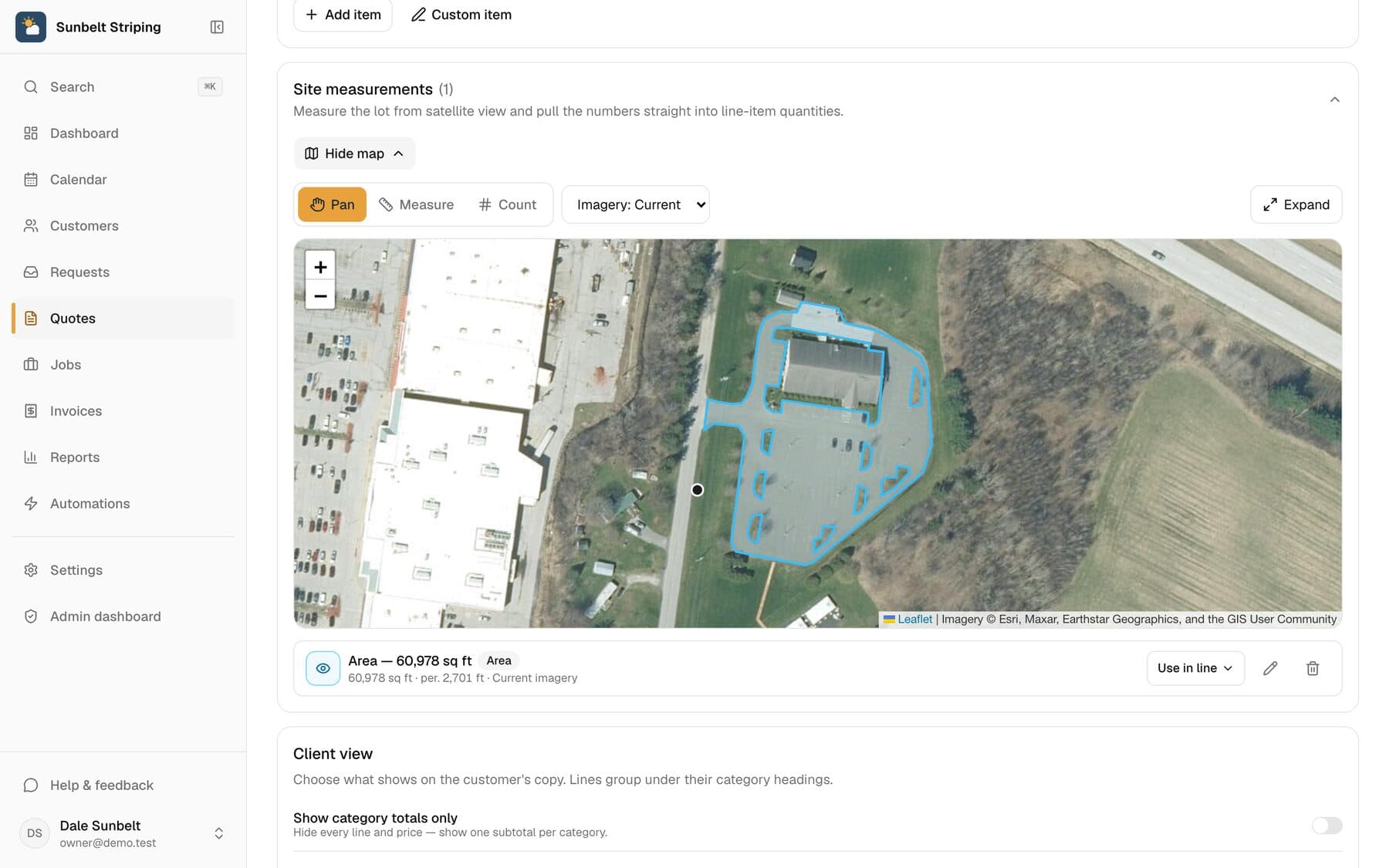
Satellite measurement
Measure any site from your desk: square feet, linear feet, stalls.
Learn more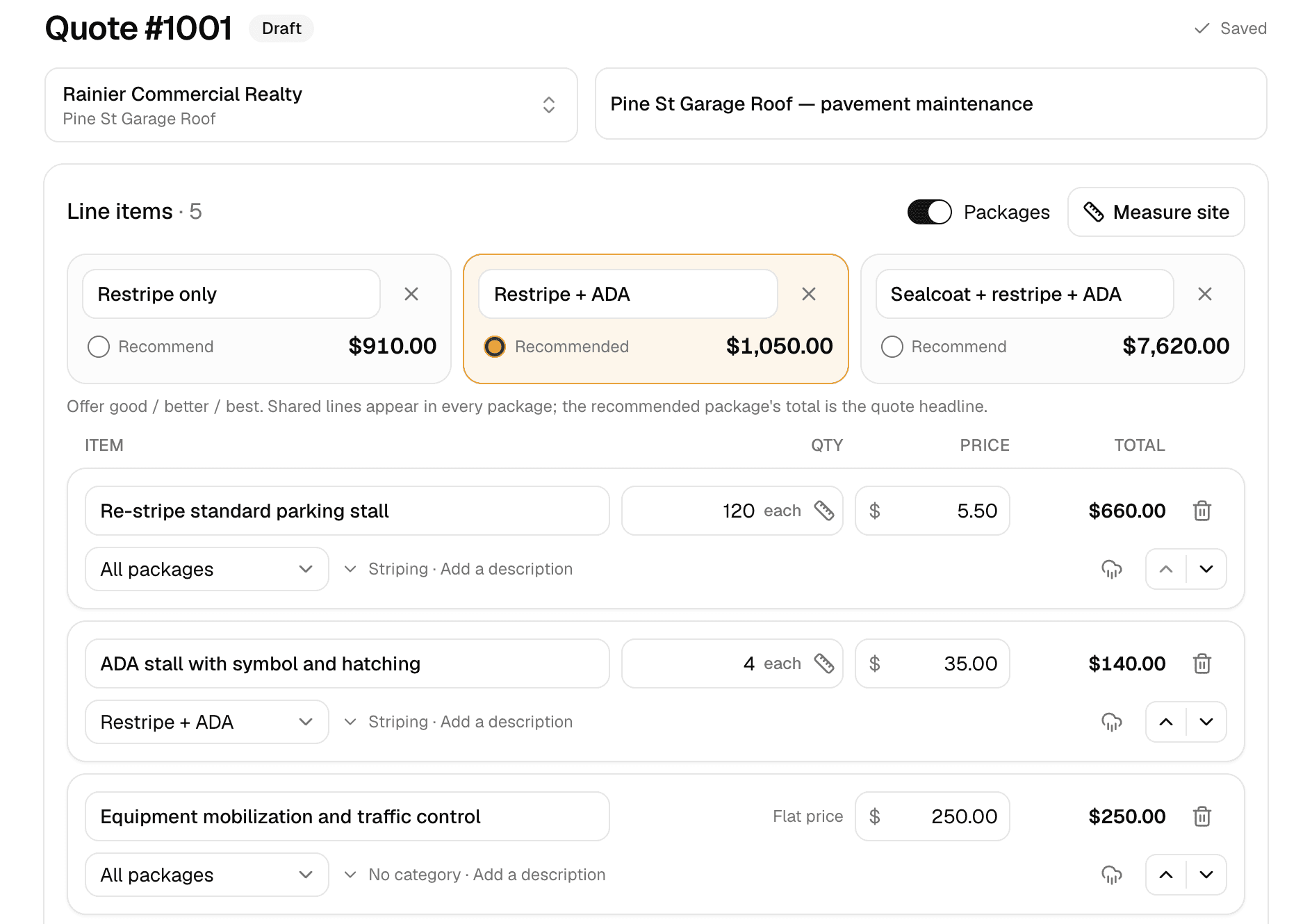
Quoting
Good/better/best quotes your customer approves online.
Learn more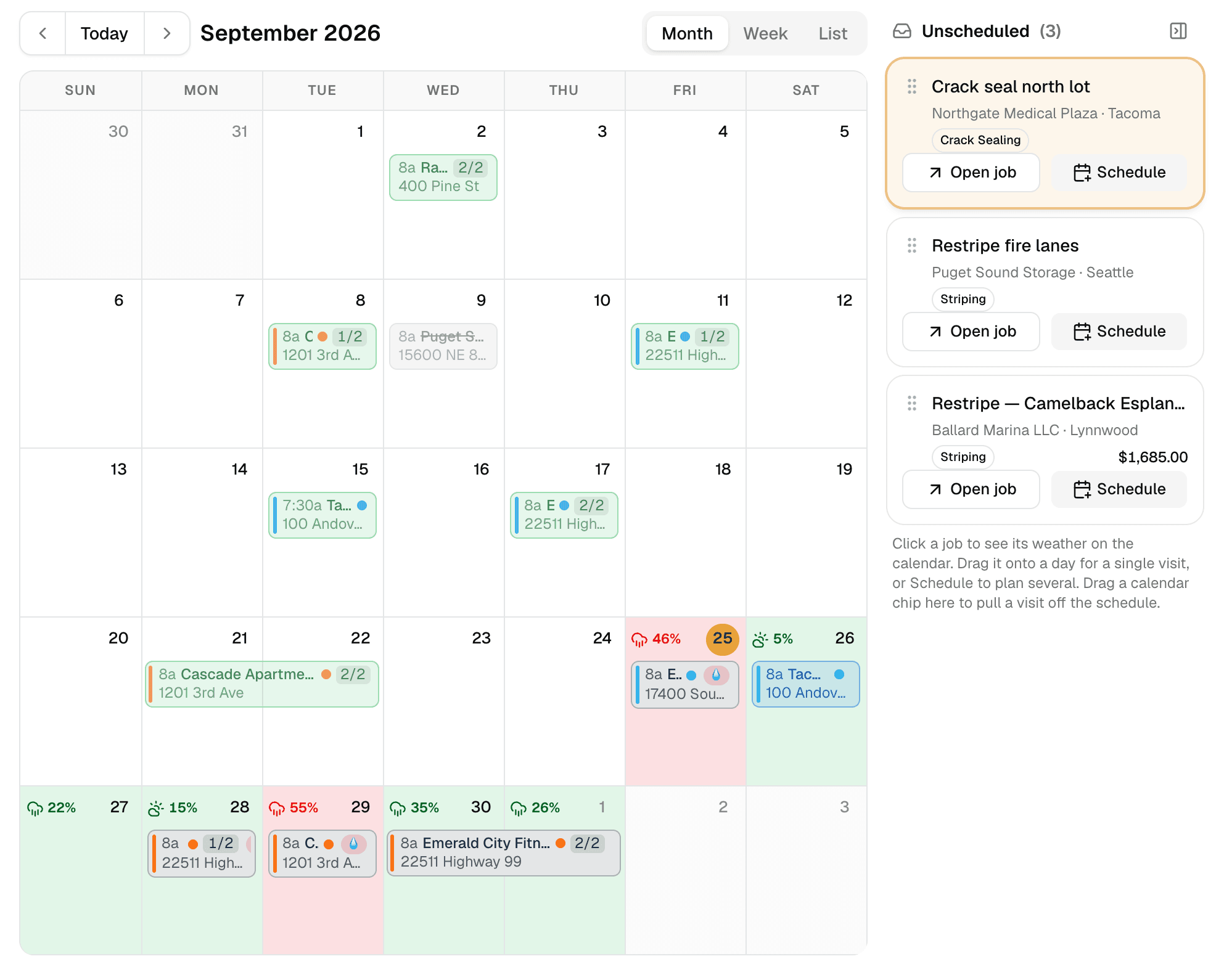
Weather-aware scheduling
A calendar that checks the forecast at every job site.
Learn more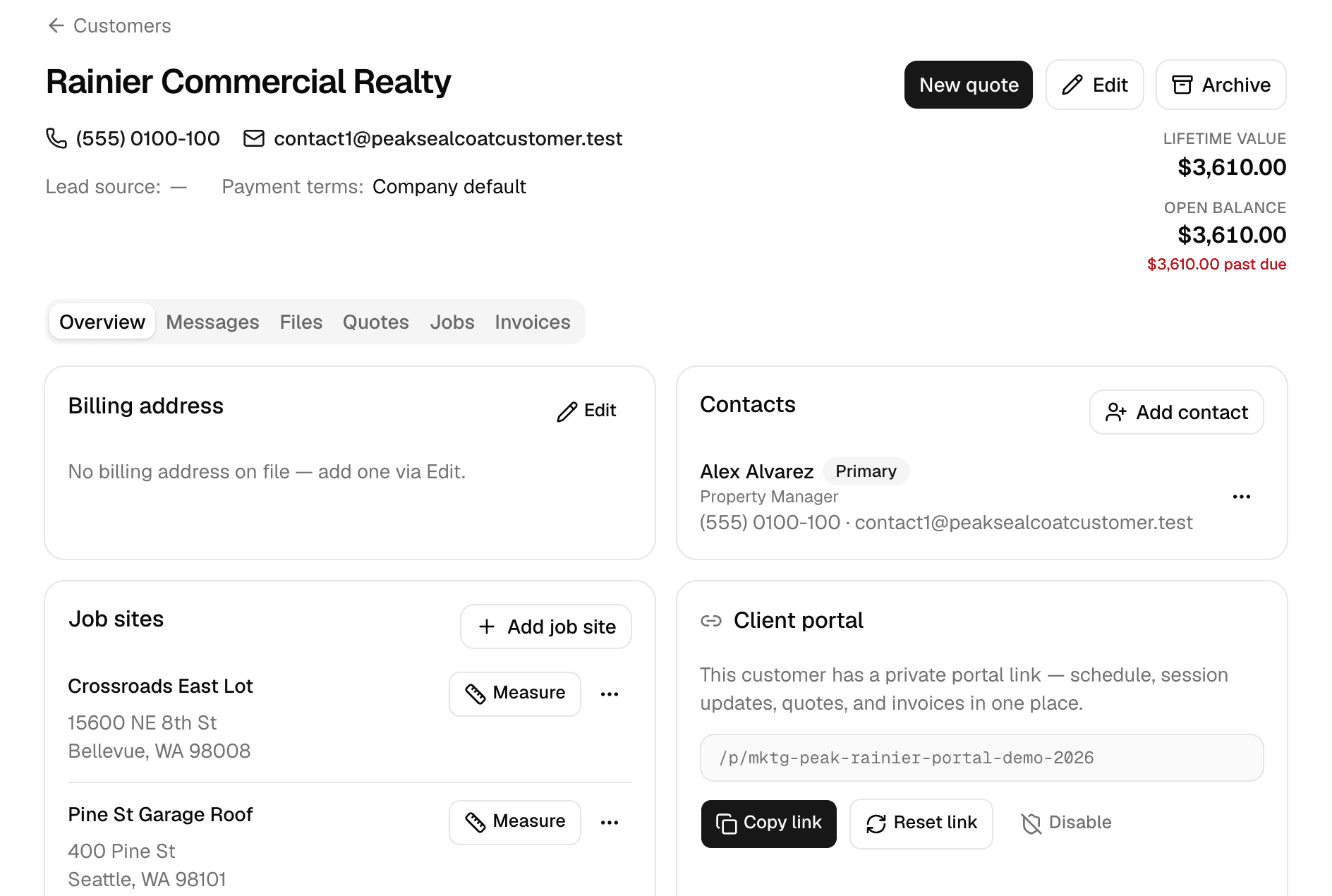
Customers
Every customer, every job site, and everything that happened there.
Learn more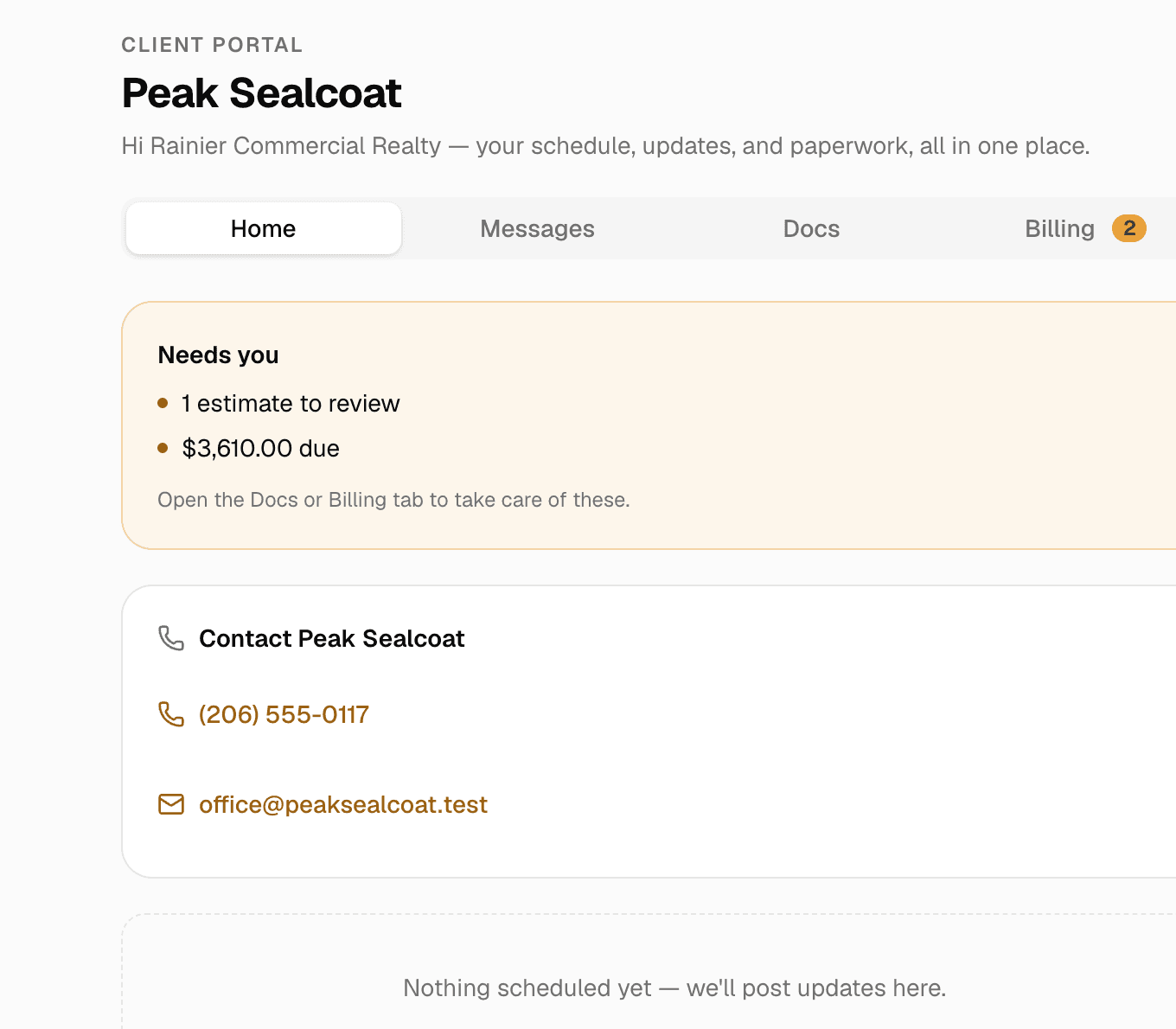
Client portal & e-signatures
One private link where customers see their quotes, invoices and visits, message you, and sign.
Learn more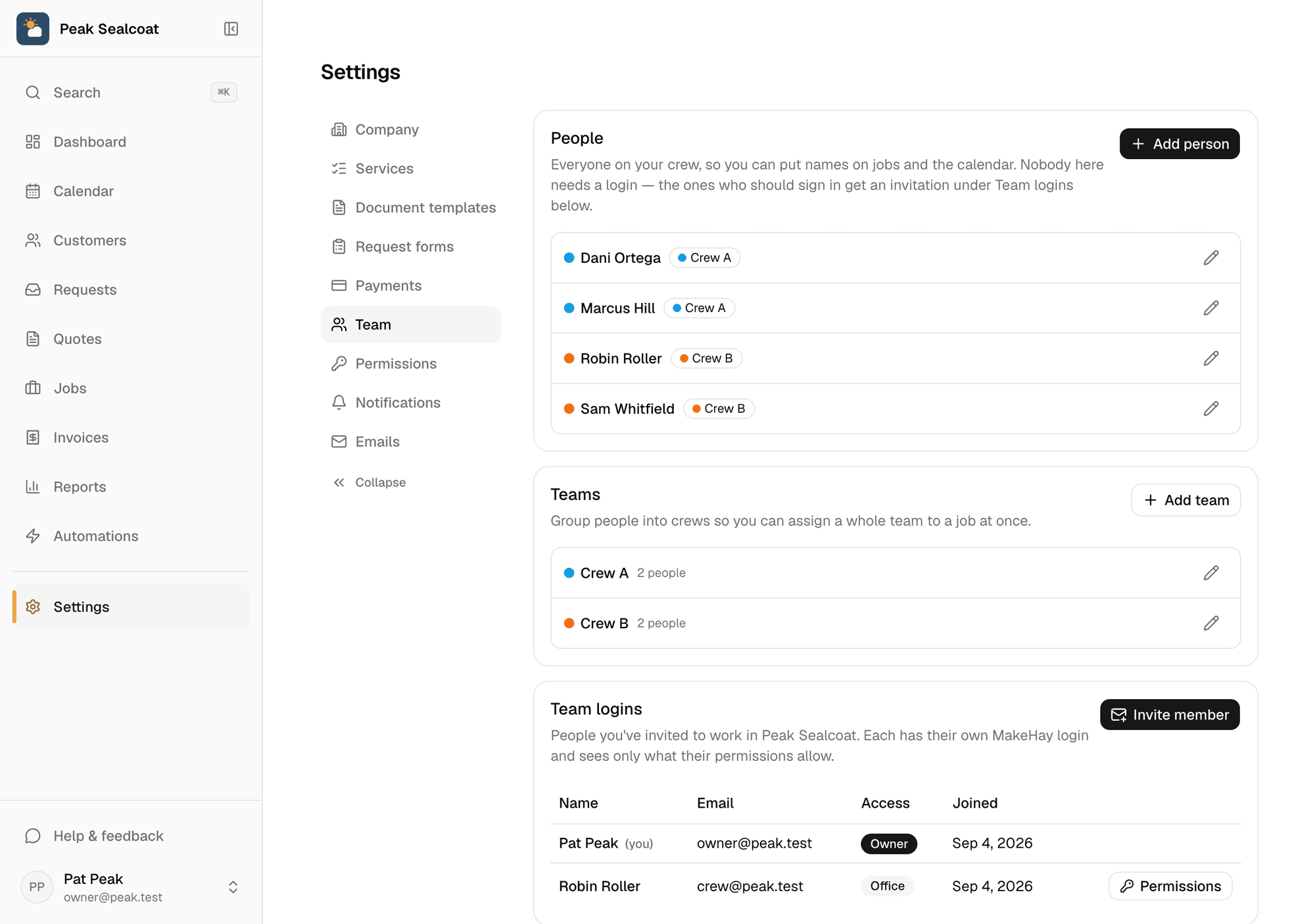
Team & permissions
Invite the office and the crews free, assign jobs, and decide who sees what.
Learn more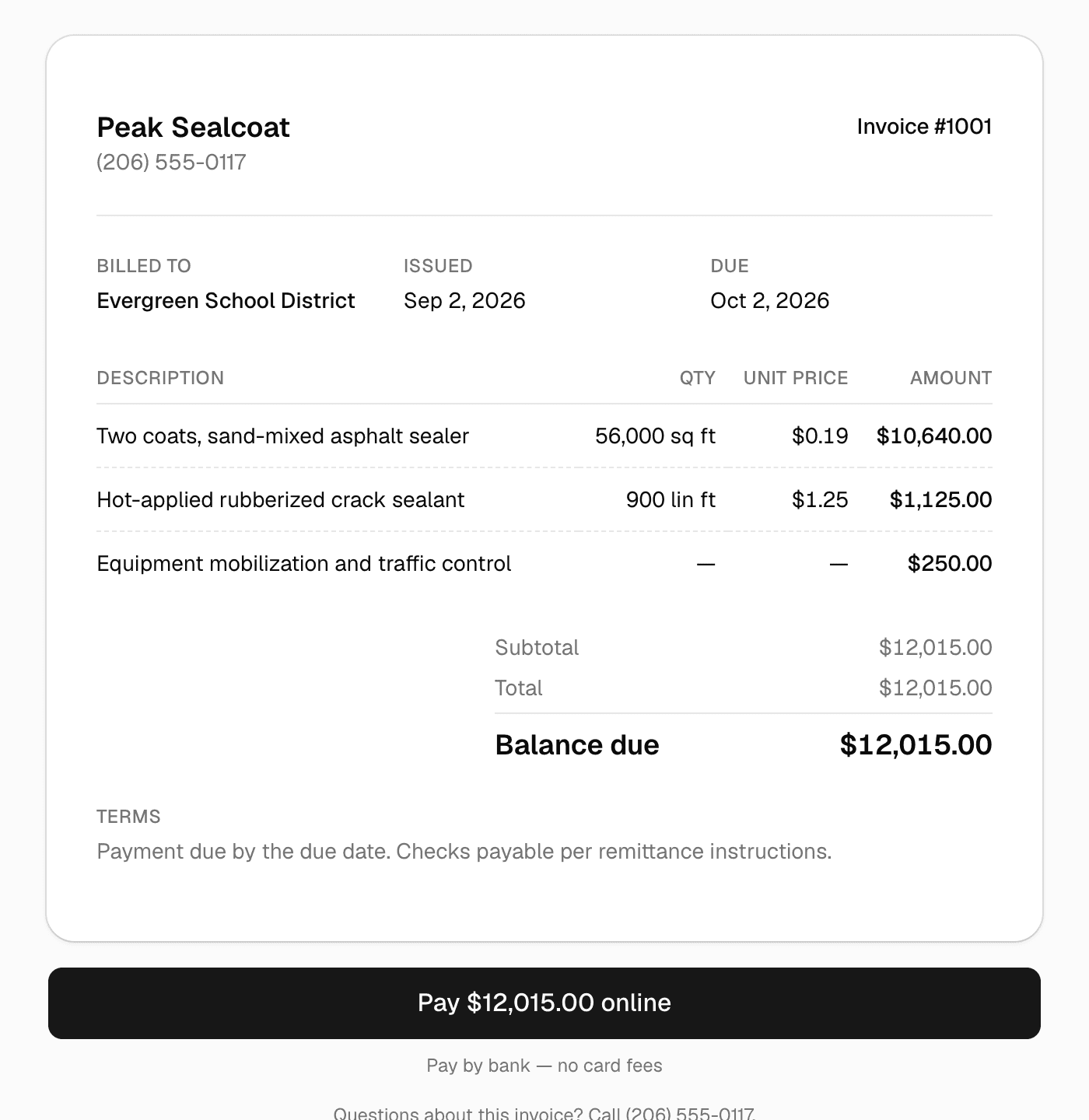
Invoicing & payments
Invoice in one click, get paid by card or bank transfer.
Learn more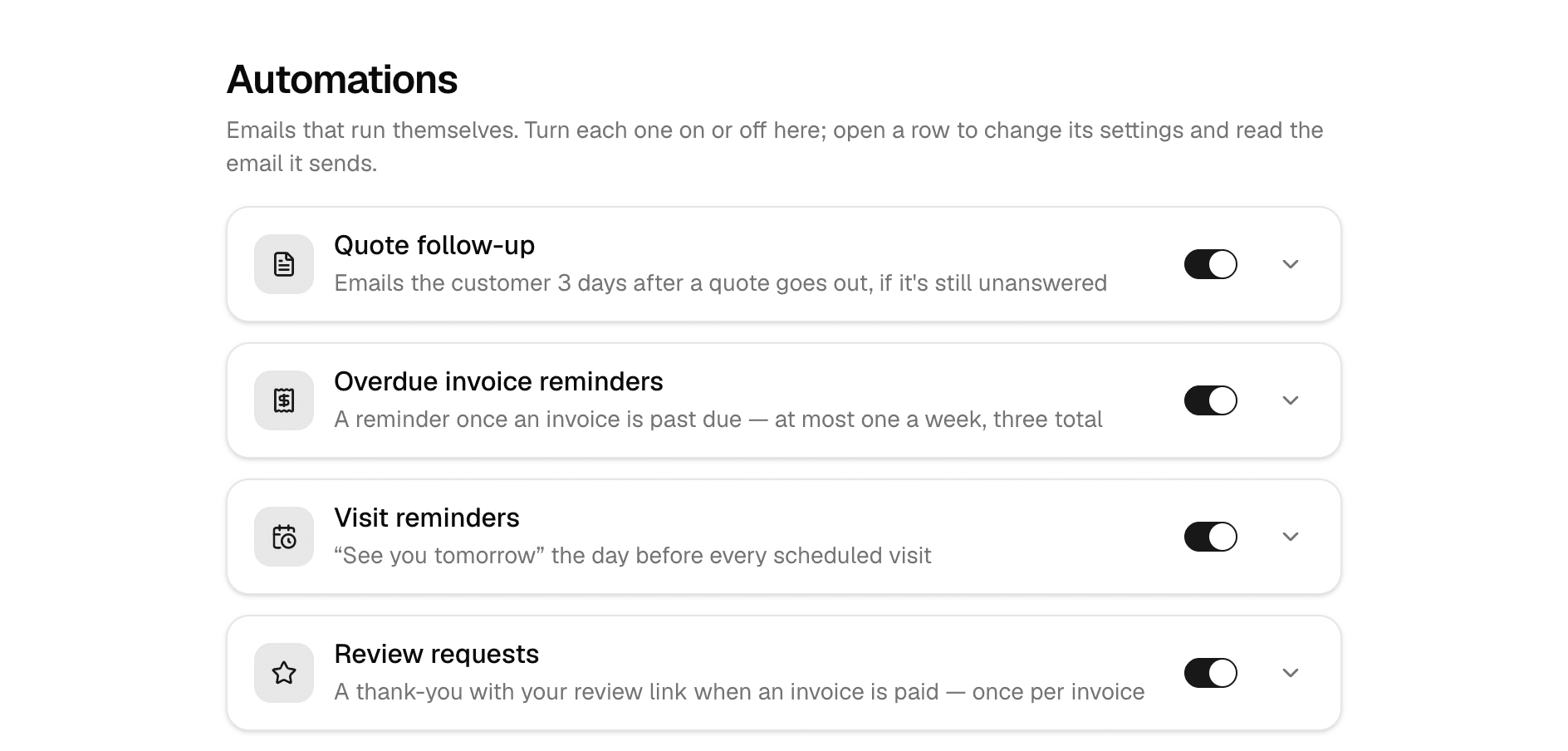
Automations
Follow-ups, reminders, and review requests that send themselves.
Learn more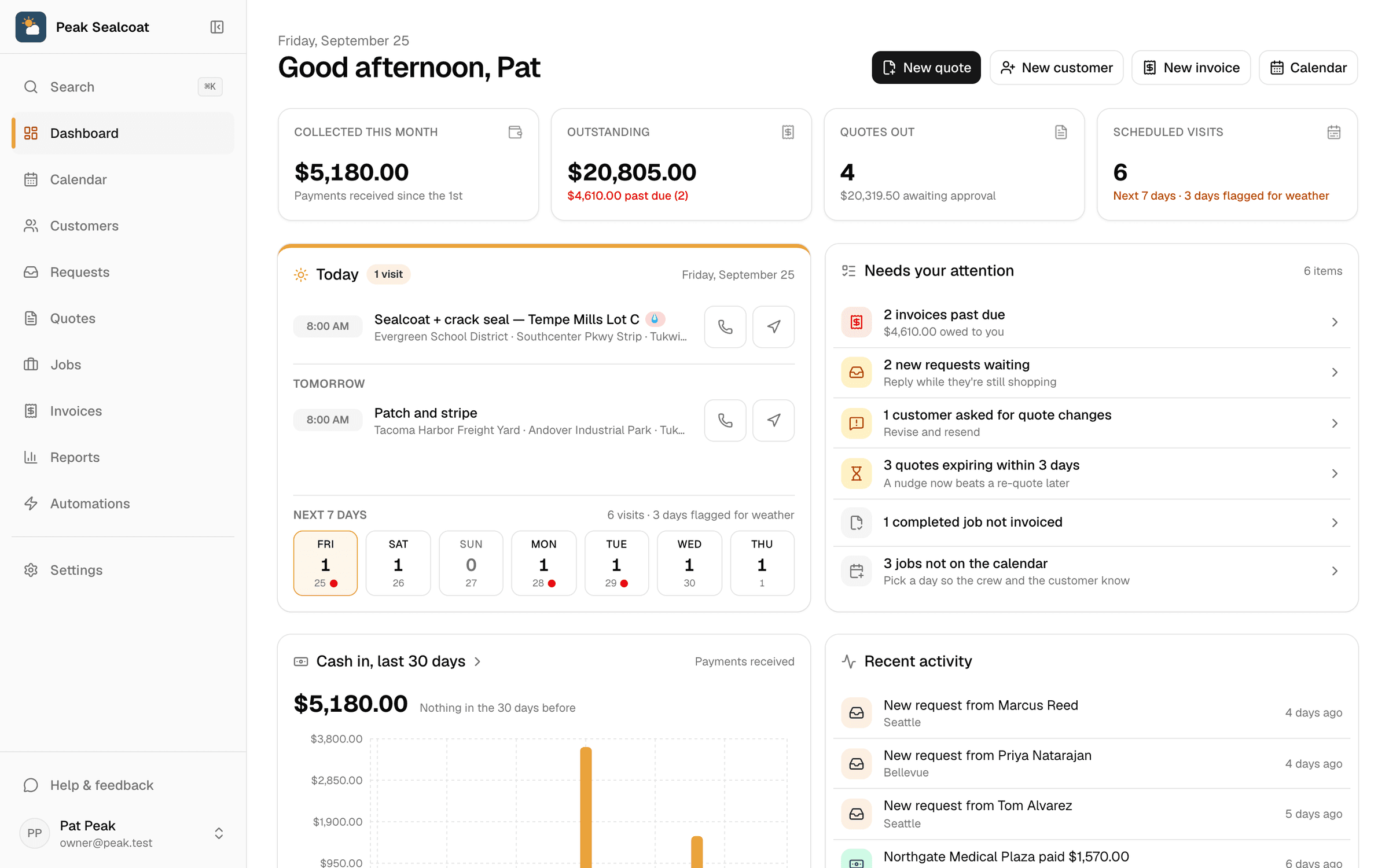
Dashboard & reports
What needs doing today, and how the business is doing this month.
Learn moreAll of it, free. Starting today.
No credit card, no trial clock. Set up in minutes and quote your first job this afternoon. It's all free: see pricing.
Free forever. No credit card. Set up in minutes.