Team
Everyone on the team, no seat fees.
Invite as many people as you need. Office staff get customers, quotes and invoices; crews get their day. Assign a team or a person to any job and it shows in their color on the calendar. Permission sets decide who can see money, who can send, and who only sees the schedule.
Free forever. No credit card. Set up in minutes.
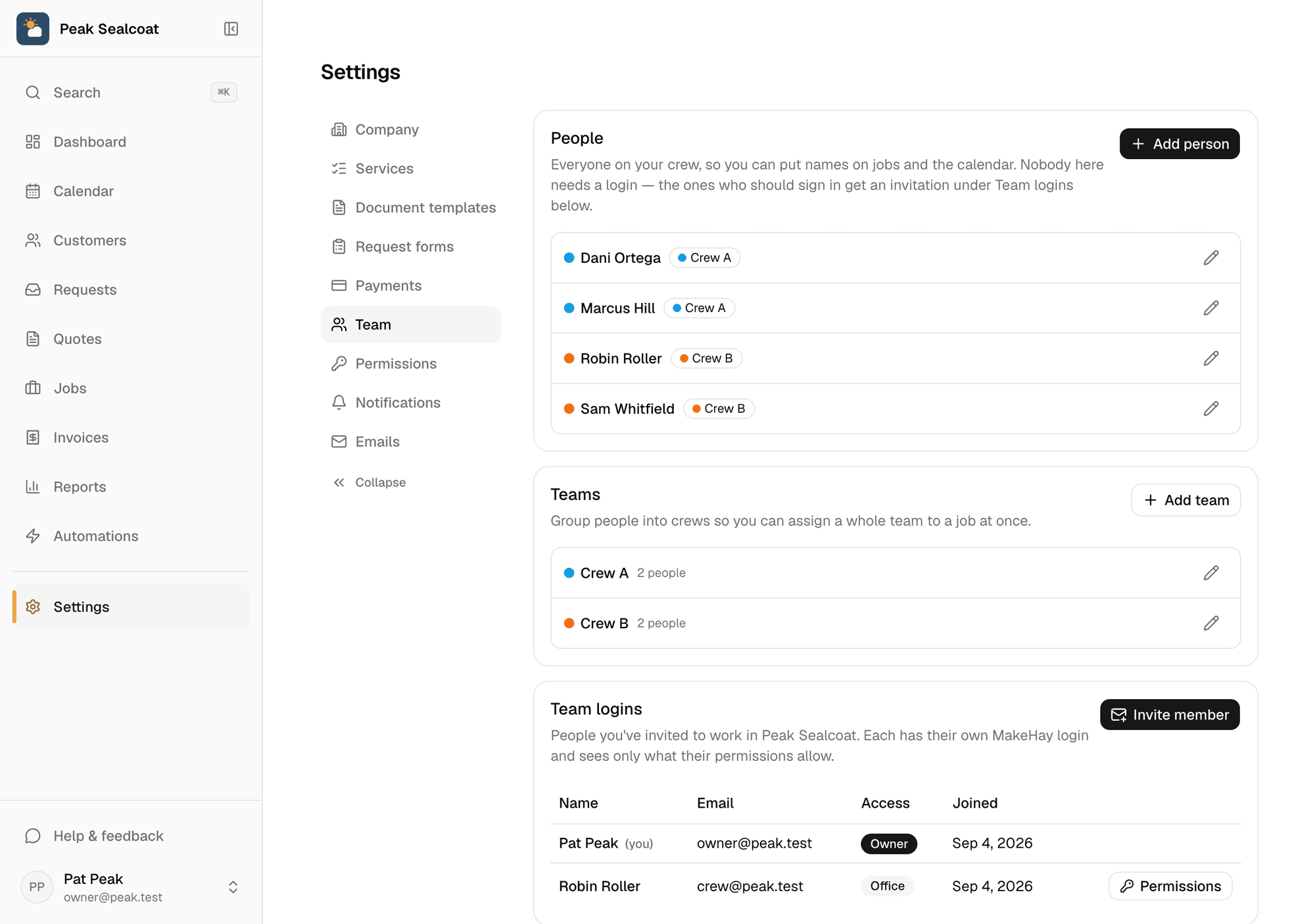
Members, teams and colors on one page. Invite by email; they're in the same minute.
- No per-user pricing
- Ten people cost what one does: nothing.
- Three built-in sets
- Full access, Office and Field tech, ready on day one.
- Your own sets
- Copy one, change any switch, name it.
- Hidden means hidden
- An area someone can't use isn't in their sidebar.
Who sees what
A tech sees the schedule. The office sees the money. You decide.
Every area of MakeHay is a switch: customers, quotes, scheduling, jobs, invoices, reports, automations, settings. A permission set is a bundle of those switches. Start with Full access, Office or Field tech, or copy one and change it. Someone without an area doesn't see it in the sidebar, and a link into it says so politely.
- Switches per area, and finer ones for sending, closing, payments and deleting
- Built-in Full access, Office and Field tech sets
- Custom sets, applied to as many people as you like
- Payments, billing and deleting the company stay with the account owner
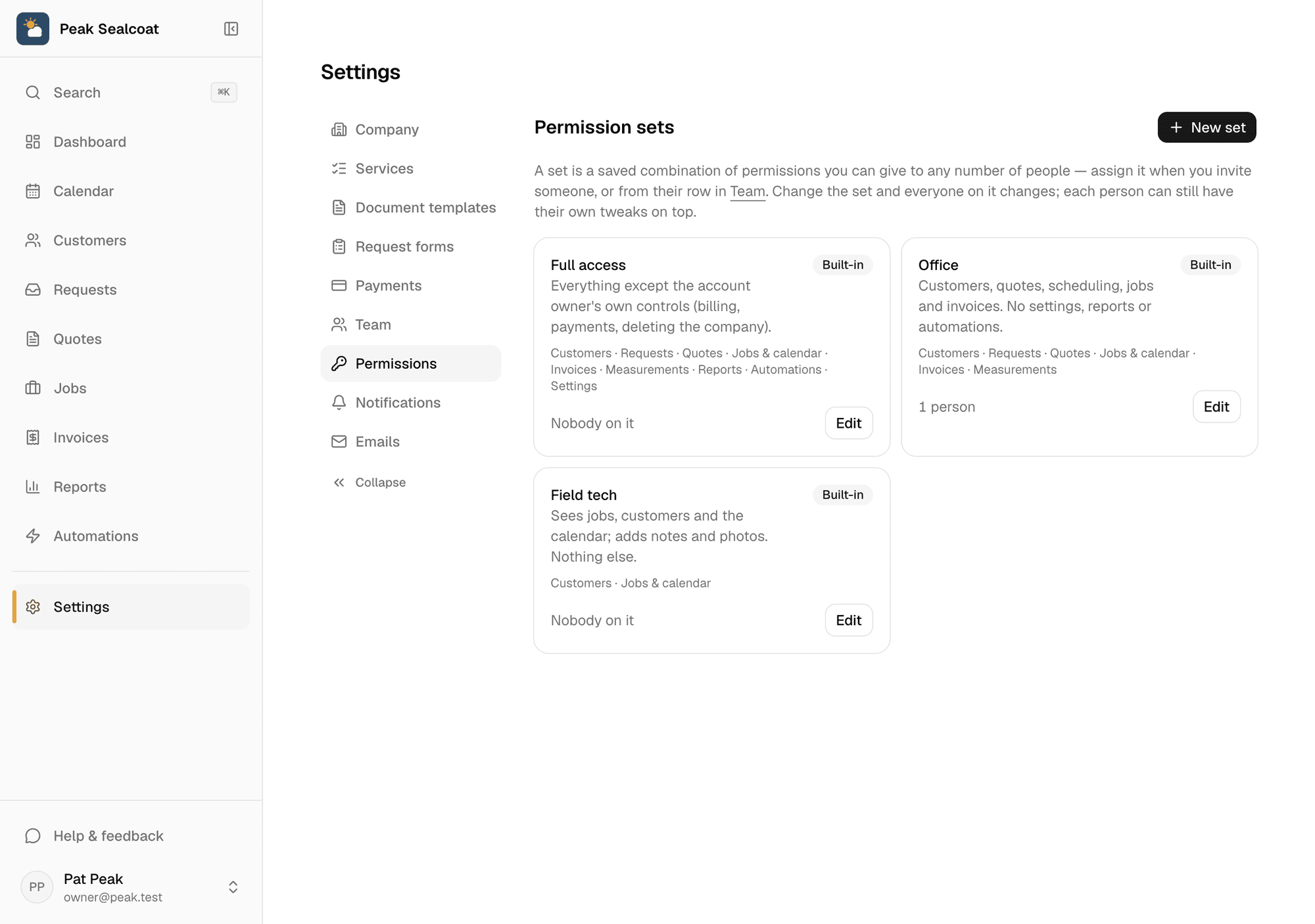
Permission sets: what each person can see and change, one switch at a time.
On the calendar
Assign a crew from the job's quick view.
Tap any job on the calendar, pick the team or the person, and the chip takes their color. Monday morning reads in ten seconds: who is where, and which jobs still need someone.
- Teams and members with their own colors
- Assign or change the crew from the calendar, no job page needed
- Crew shown on the chips, so you see who's on what without opening it
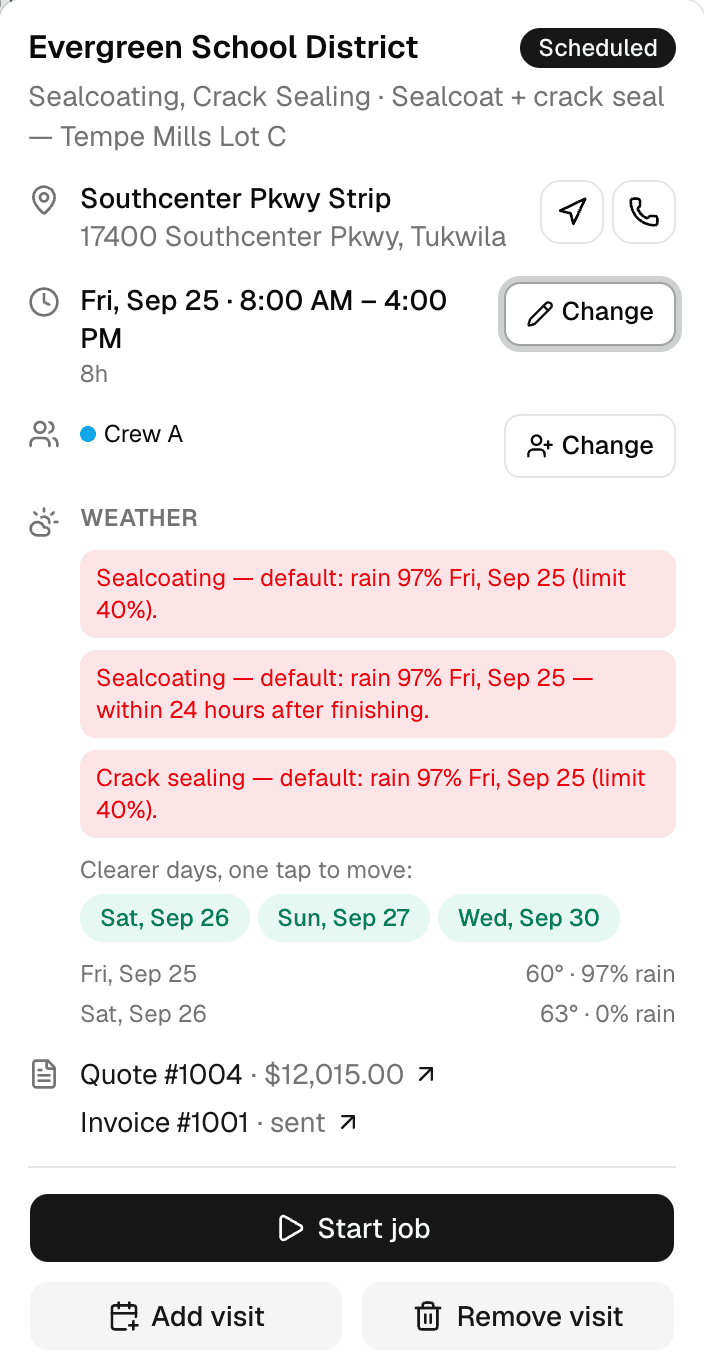
The crew line in the quick view, with its Change button, right under the time.
Nothing to install
The crew opens the same site on their phones.
There's no separate technician app to download or keep updated. Each person signs in on their phone and sees what their set allows: today's visits with directions and the customer's number, the job notes, and the photos to send from the site.
- Invite by email; remove anyone any time
- Phone-first screens for the truck
- Job updates with photos, sent from the site
Striping crew
Bryan + 2
Sealcoat crew
Marcus + 1
Mowing route
Dana
Why businesses trust it
What every business gets, from day one.
Built to help small businesses grow
A lead form for your website, quotes customers approve from their phones, follow-ups that go out on their own, and a portal that answers "where's my invoice?" These are the tools the big platforms charge for, free, so the money stays in the business.
Straight pricing, no catch
$0 a month, every feature, no seat fees, no trial clock. The only charge is 0.75% on card and bank payments you choose to take online, and nothing if you don't.
A person answers
Every email MakeHay sends you is one you can reply to, and a person reads every reply. Missing a unit, a step, a trade? Say so.
FAQ
Common questions
Is there a per-user or per-seat charge?
No. MakeHay is free for every member of your team, however many you invite.
Can a crew member see prices?
Only if their permission set allows it. The built-in Field tech set shows jobs, customers and the calendar without quotes, invoices or reports. Copy it and turn on exactly what you want them to see.
Is there a separate app for technicians?
No. Everyone uses the same site, which is built for phones. There's nothing to install or update.
What can only the owner do?
Connect the Stripe account and see payouts, manage billing, and delete the company. Everything else can be granted to anyone through a permission set.
More of MakeHay
It all works together.
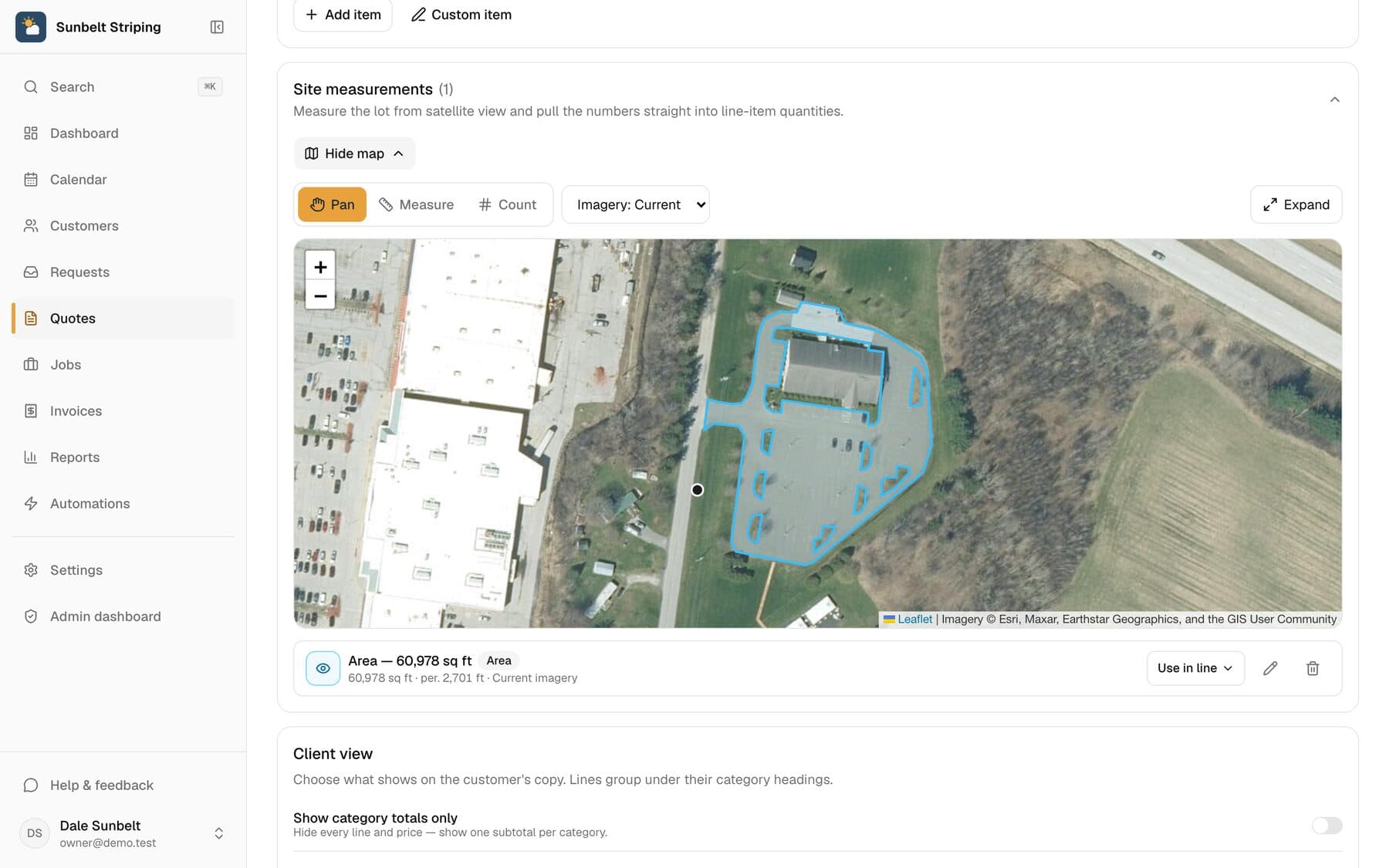
Satellite measurement
Measure any site from your desk: square feet, linear feet, stalls.
Learn more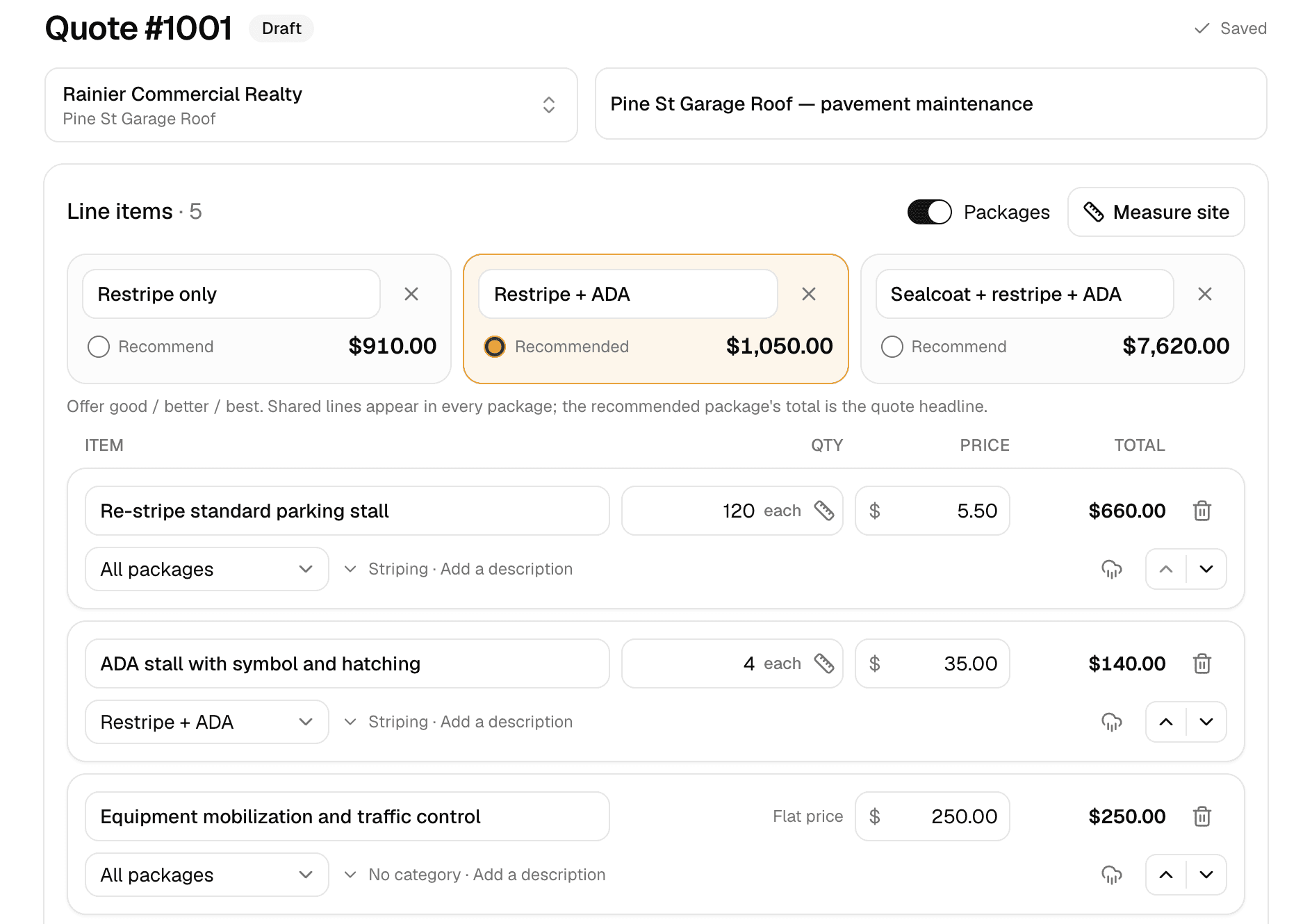
Quoting
Good/better/best quotes your customer approves online.
Learn more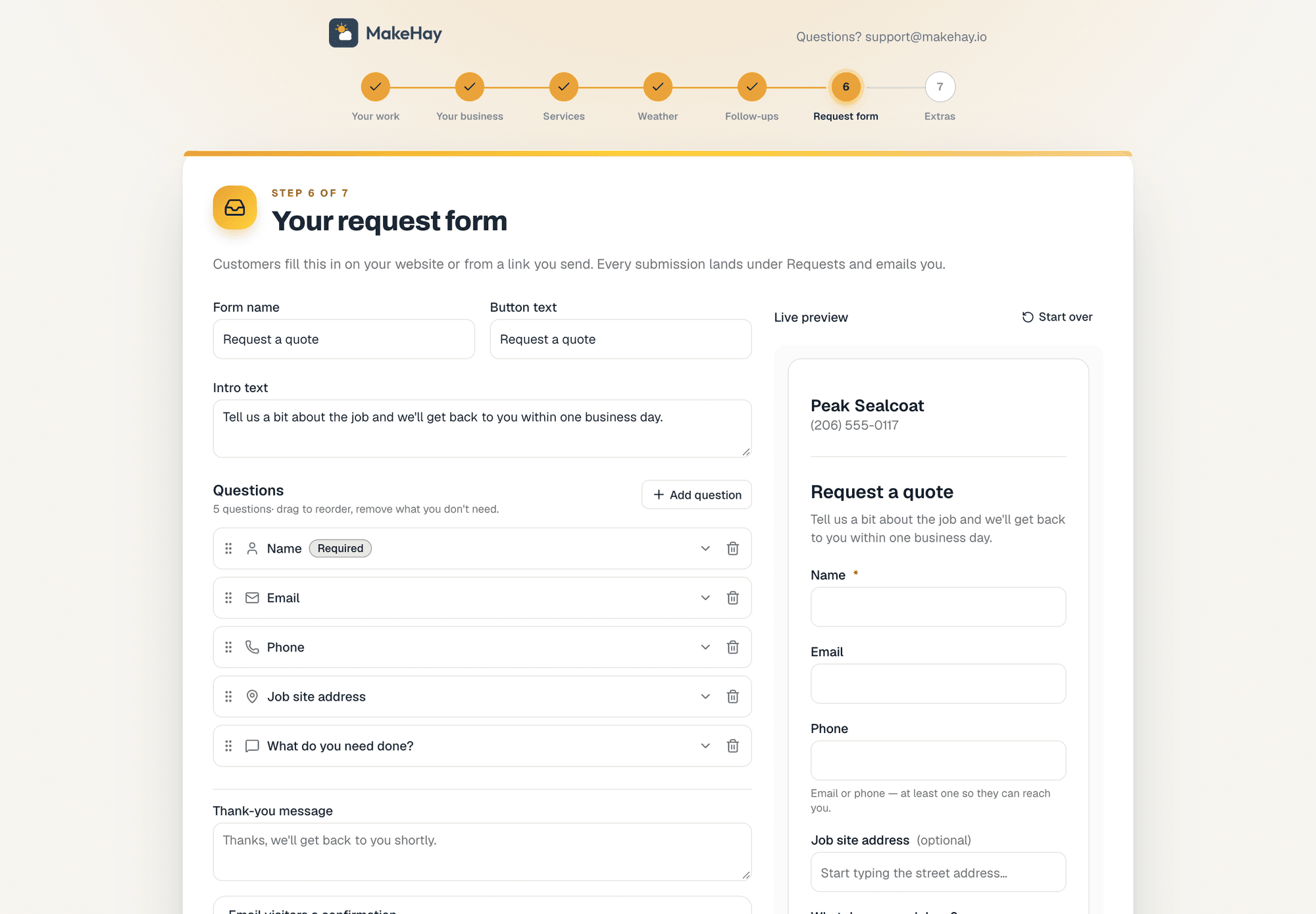
Request forms
A quote-request form for your website, or a link when you don't have one.
Learn more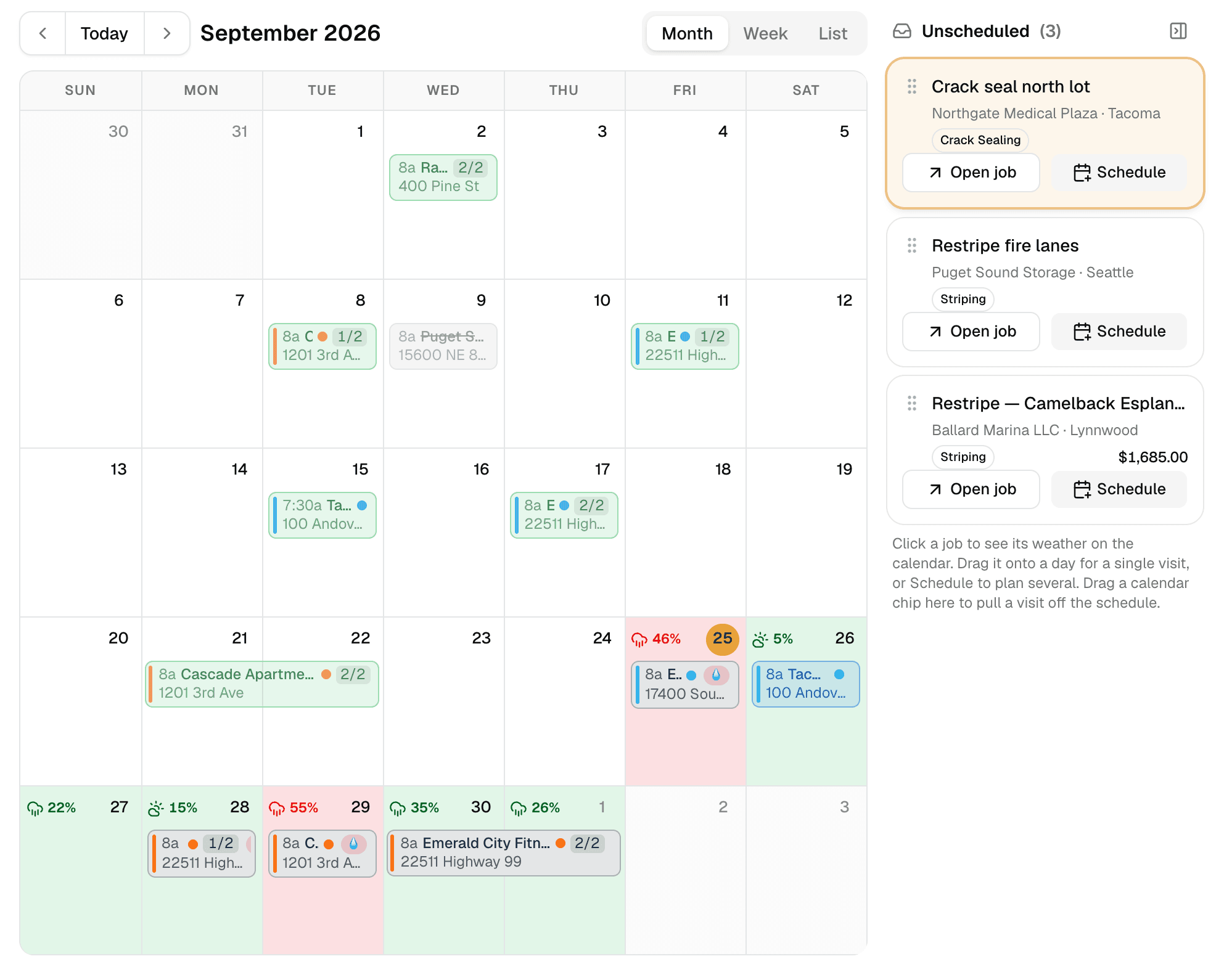
Weather-aware scheduling
A calendar that checks the forecast at every job site.
Learn more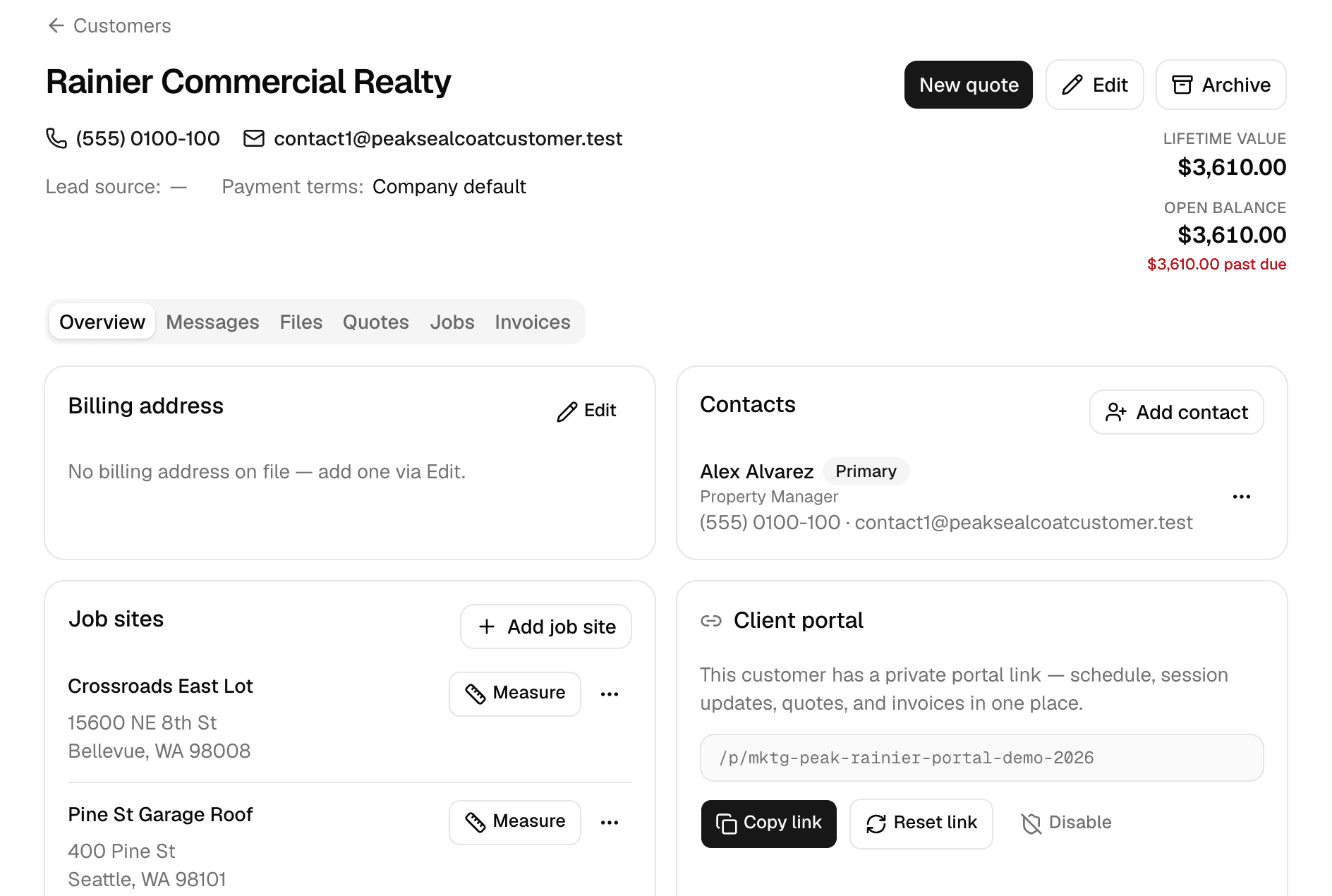
Customers
Every customer, every job site, and everything that happened there.
Learn more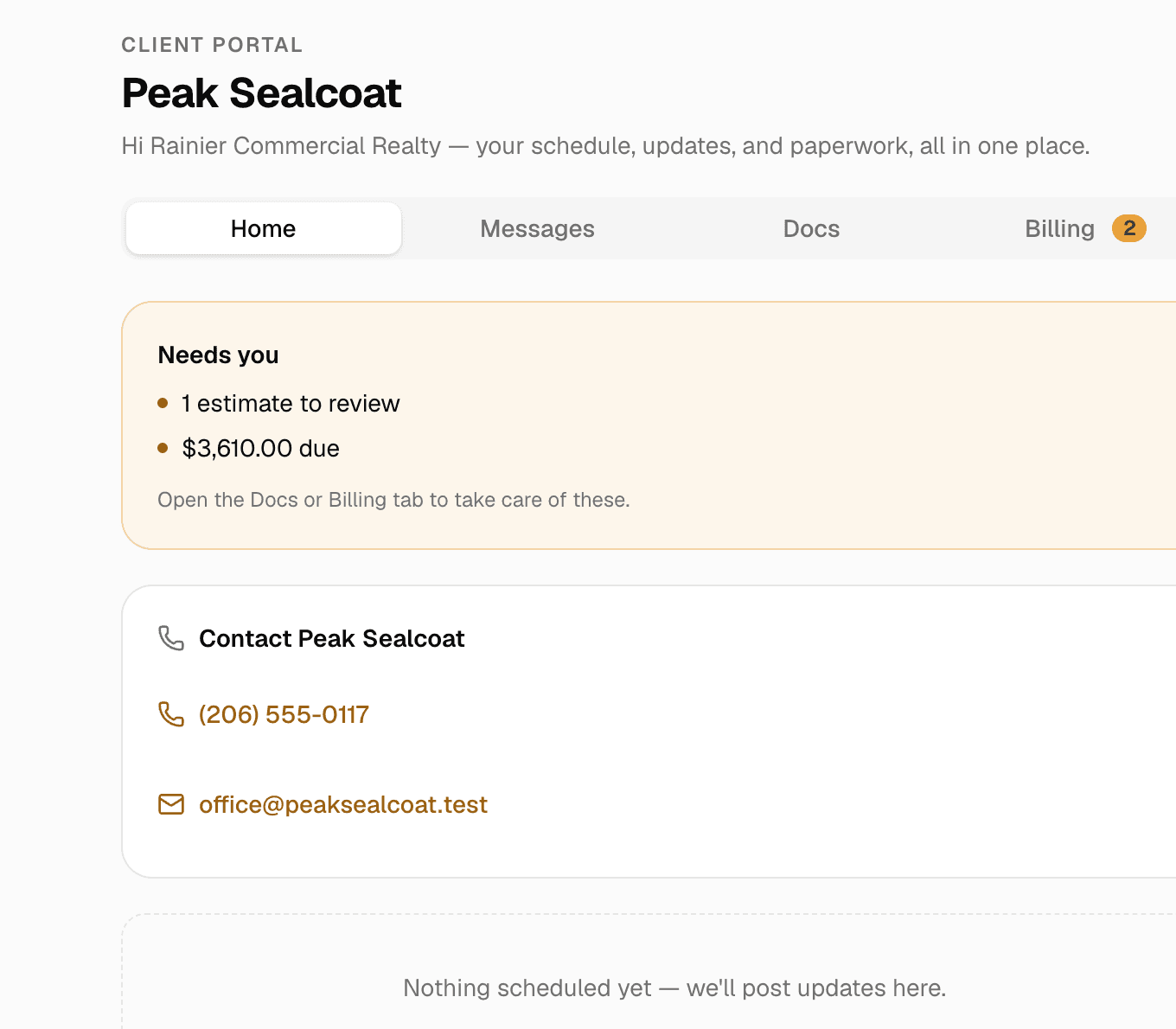
Client portal & e-signatures
One private link where customers see their quotes, invoices and visits, message you, and sign.
Learn more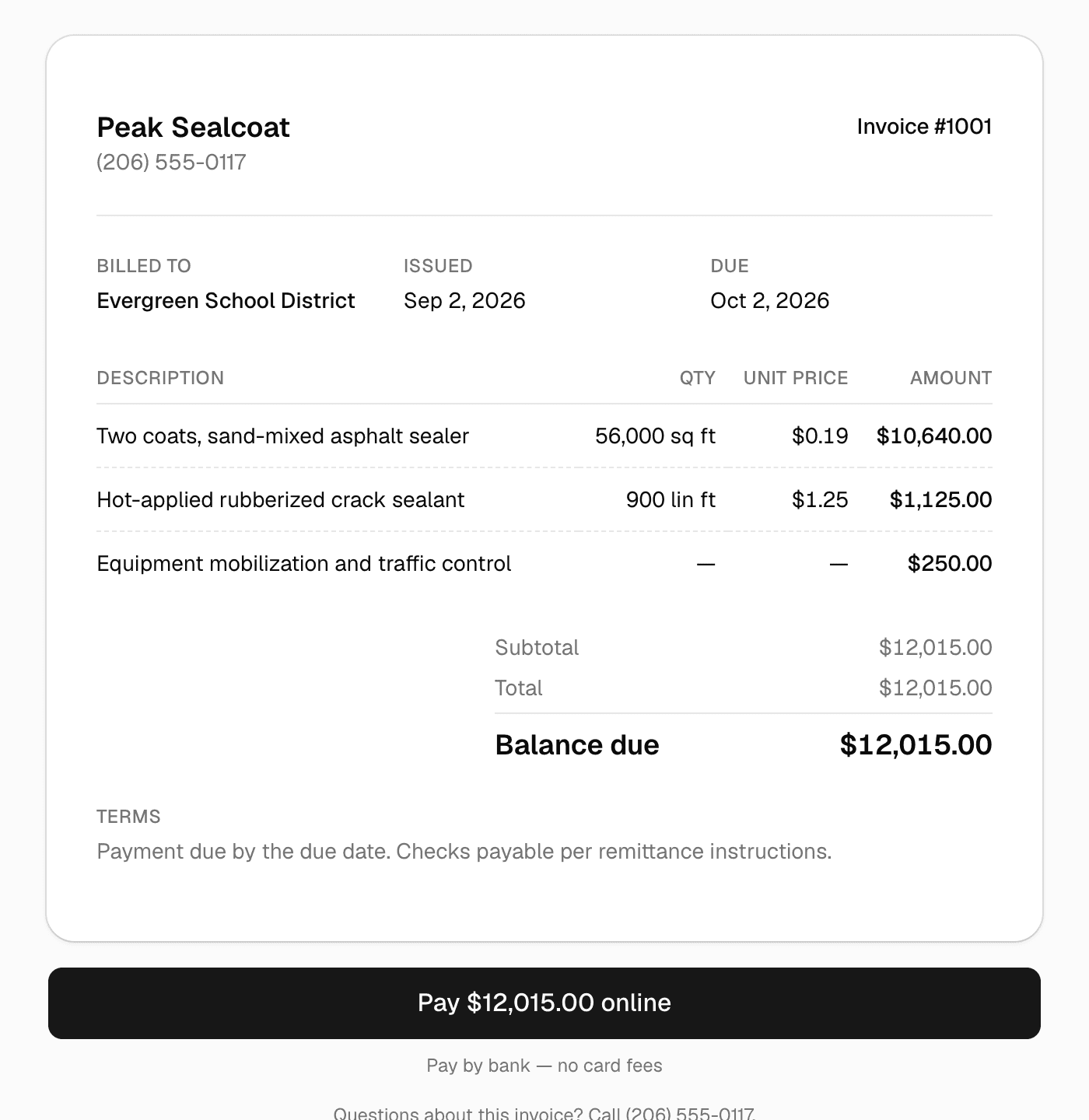
Invoicing & payments
Invoice in one click, get paid by card or bank transfer.
Learn more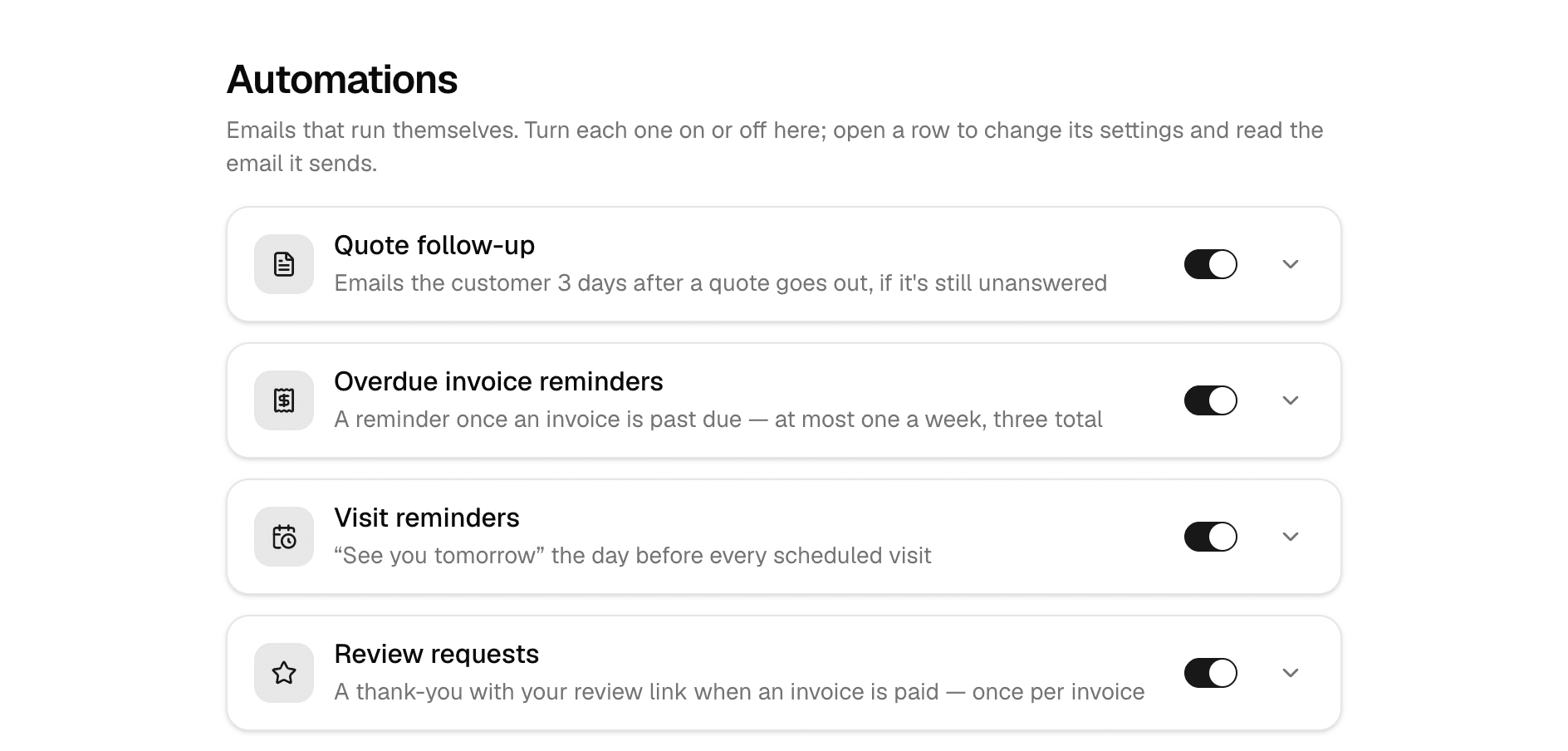
Automations
Follow-ups, reminders, and review requests that send themselves.
Learn more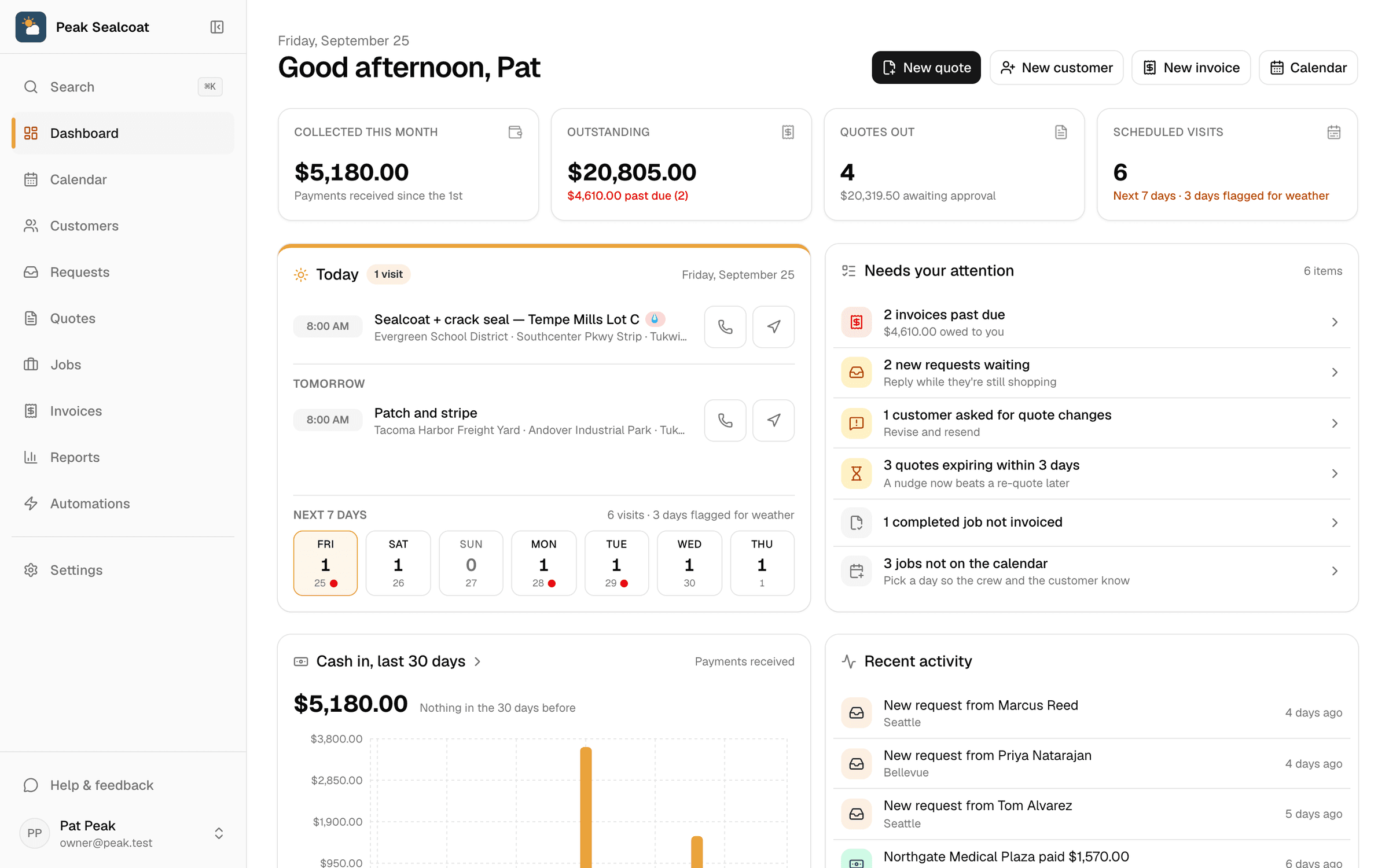
Dashboard & reports
What needs doing today, and how the business is doing this month.
Learn moreAll of it, free. Starting today.
No credit card, no trial clock. Set up in minutes and quote your first job this afternoon. It's all free: see pricing.
Free forever. No credit card. Set up in minutes.