Quote
Quotes in the units you bid, approved in one tap.
Free quoting and estimating software: per stall, per item, per square foot, per linear foot, or flat, built from your own service catalog, sent by email, and approved by your customer on their phone. No printer, no PDF attachments, no chasing.
Free forever. No credit card. Set up in minutes.
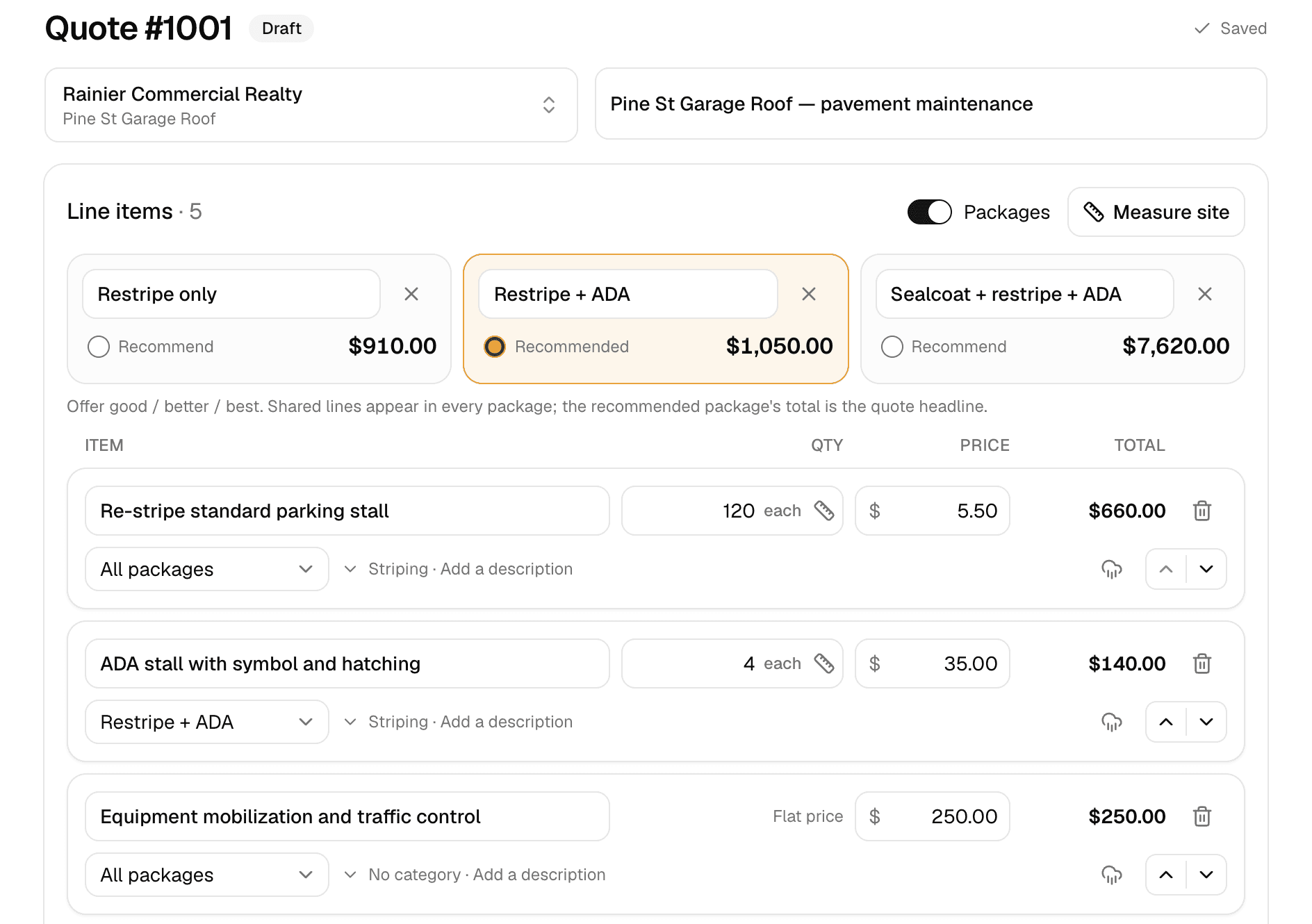
The builder as you see it. The customer gets the same numbers as a link they can approve from.
- Approved from a link
- No login, no app. Name and timestamp recorded.
- Deposits by Stripe
- Card or bank transfer at approval, straight to your account.
- E-signatures with an audit trail
- Signature requests for contracts, signed PDF included.
- Free, no per-quote fees
- Send as many as you like.
Upsell built in
Good, better, best: let the customer upgrade themselves.
Offer up to three packages on one quote. The customer flips between them, sees exactly what each includes, and picks, and the upgrade sells itself instead of you selling it.
- Up to three packages, shared lines written once
- Recommended package highlighted
- Customer picks and approves in the same tap
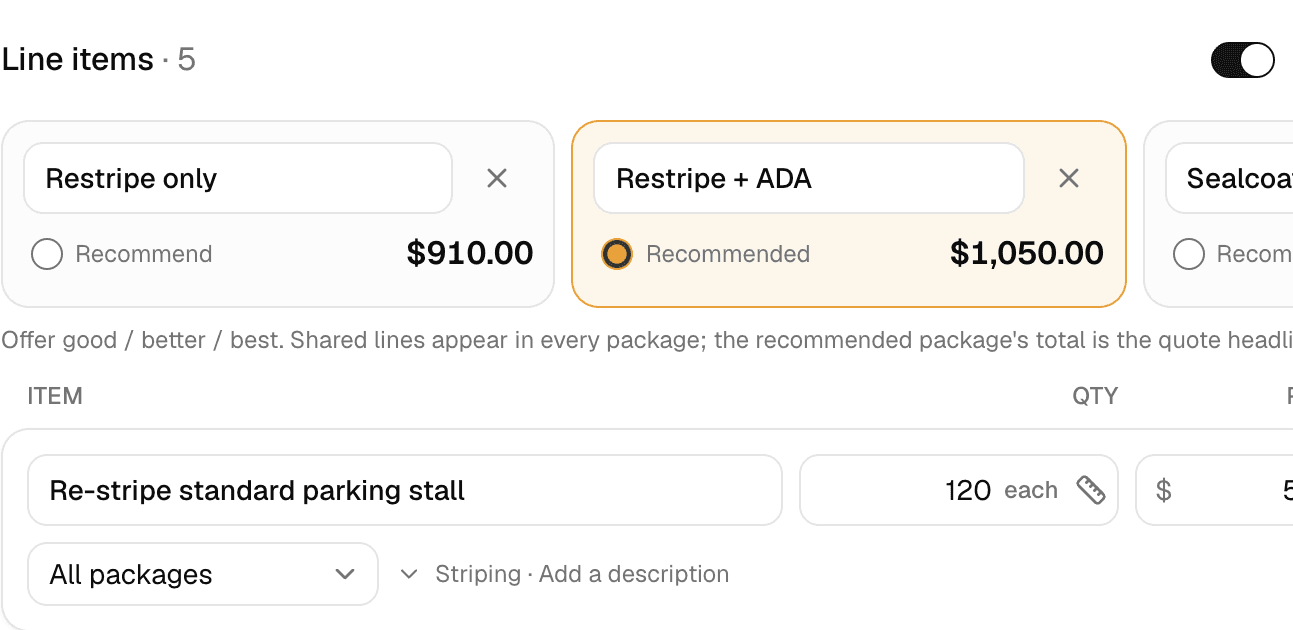
Name the tiers, pick the one you recommend, and the customer flips between them.
Your price book
Bid from your catalog, not from memory.
Your services with your units and your prices, one tap to add. Discounts with a visible reason ('10%, Repeat Customer') and category grouping so the customer sees a clean total instead of your cost breakdown.
- Service catalog in your units: each, sq ft, linear ft, or flat
- Whole-quote discounts with a customer-visible reason
- Control what the customer sees: hide unit prices or show one total
- Your logo, phone, email, address and website on every quote, each one a switch
- Quotes double as estimates: same document, same approval link
Standard stalls
42 each × $20.00
ADA stalls
2 each × $75.00
Crosshatching
242 sq ft × $1.00
Close the deal
Approval and deposit in the same moment.
The quote lands as a link. Your customer reads it, taps approve, types their name, and if you required a deposit, pays it right there by card or bank transfer. The job books itself while they're still excited.
- One-tap online approval with name + timestamp
- Optional deposit (percent or dollar) collected at approval
- Approved quote becomes a job automatically
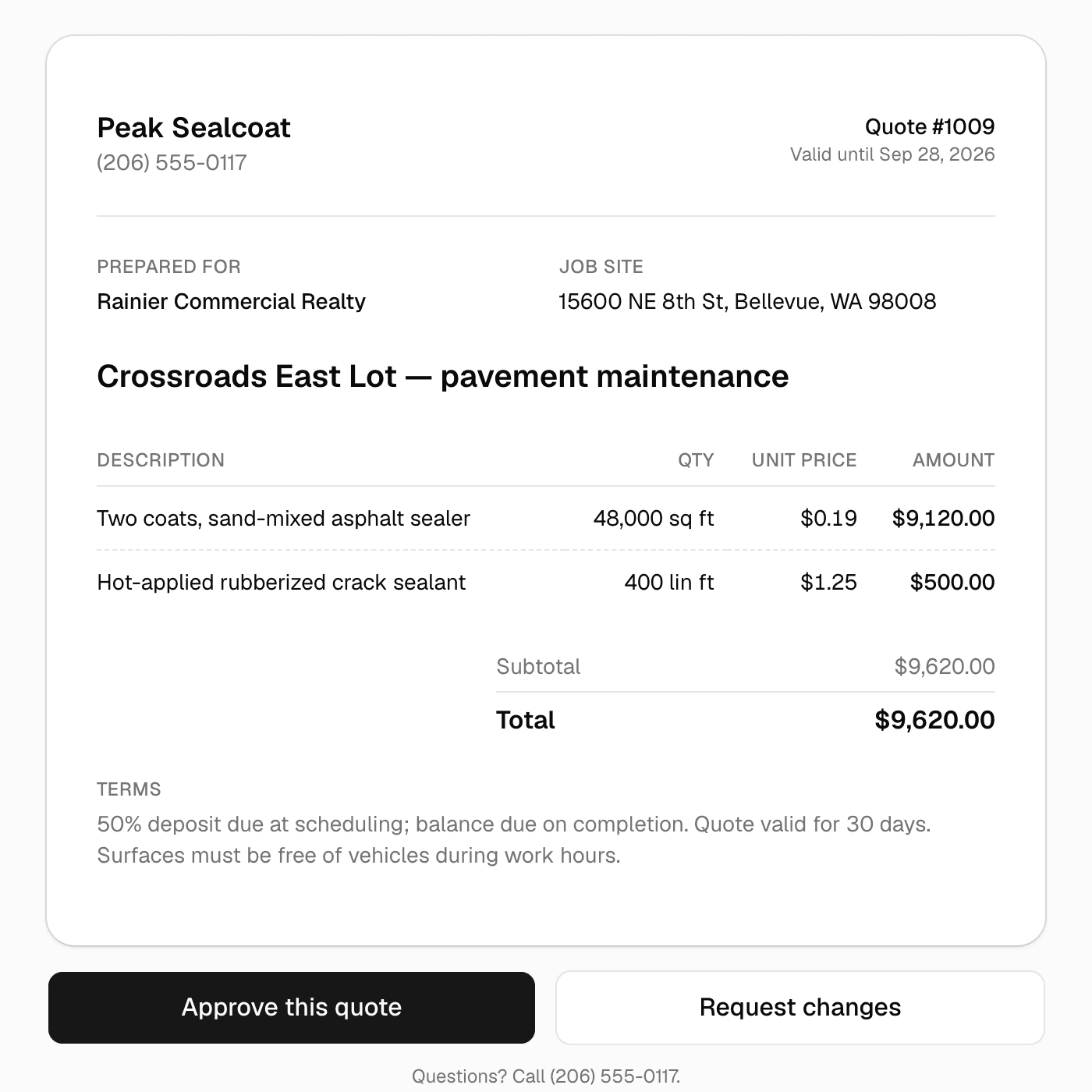
What the customer sees: the quote, one tap to approve, one to ask for changes.
Why businesses trust it
What every business gets, from day one.
Built to help small businesses grow
A lead form for your website, quotes customers approve from their phones, follow-ups that go out on their own, and a portal that answers "where's my invoice?" These are the tools the big platforms charge for, free, so the money stays in the business.
Straight pricing, no catch
$0 a month, every feature, no seat fees, no trial clock. The only charge is 1.5% on card and bank payments you choose to take online, and nothing if you don't.
A person answers
Every email MakeHay sends you is one you can reply to, and a person reads every reply. Missing a unit, a step, a trade? Say so.
FAQ
Common questions
Can customers approve quotes without creating an account?
Yes. The quote is a secure link: customers open it, review, and approve on any device. No login, no app, no account. They can also request changes, which lands back on your dashboard.
Can I require a deposit before work starts?
Yes. Set a percent or dollar deposit on any quote. Approval then requires paying the deposit by card or ACH through Stripe, so 'approved' always means committed.
Do quotes convert to jobs and invoices?
Automatically. An approved quote spawns a job for the calendar, and when the work's done, the invoice is one click, carrying the approved lines, package choice, discount, and any deposit already paid.
Is this estimating software or quoting software?
Both. In MakeHay a quote is the estimate. Build it from your catalog, send the link, and the customer approves online; there's no separate estimate-to-quote step.
What if I need a signed contract, not just an approved quote?
Upload the contract under the customer's Documents and send a signature request. They sign from an emailed link on any device; MakeHay records who signed, when, and from where on an audit trail and stamps a signed PDF you can download, an ESIGN/UETA electronic signature. Quotes still approve with one tap; contracts get the full signature.
How is this different from a free quoting app like Joist?
MakeHay also schedules the job, runs a client portal, captures leads from your website, and sends automated follow-ups, all free, not just the quote and invoice.
More of MakeHay
It all works together.
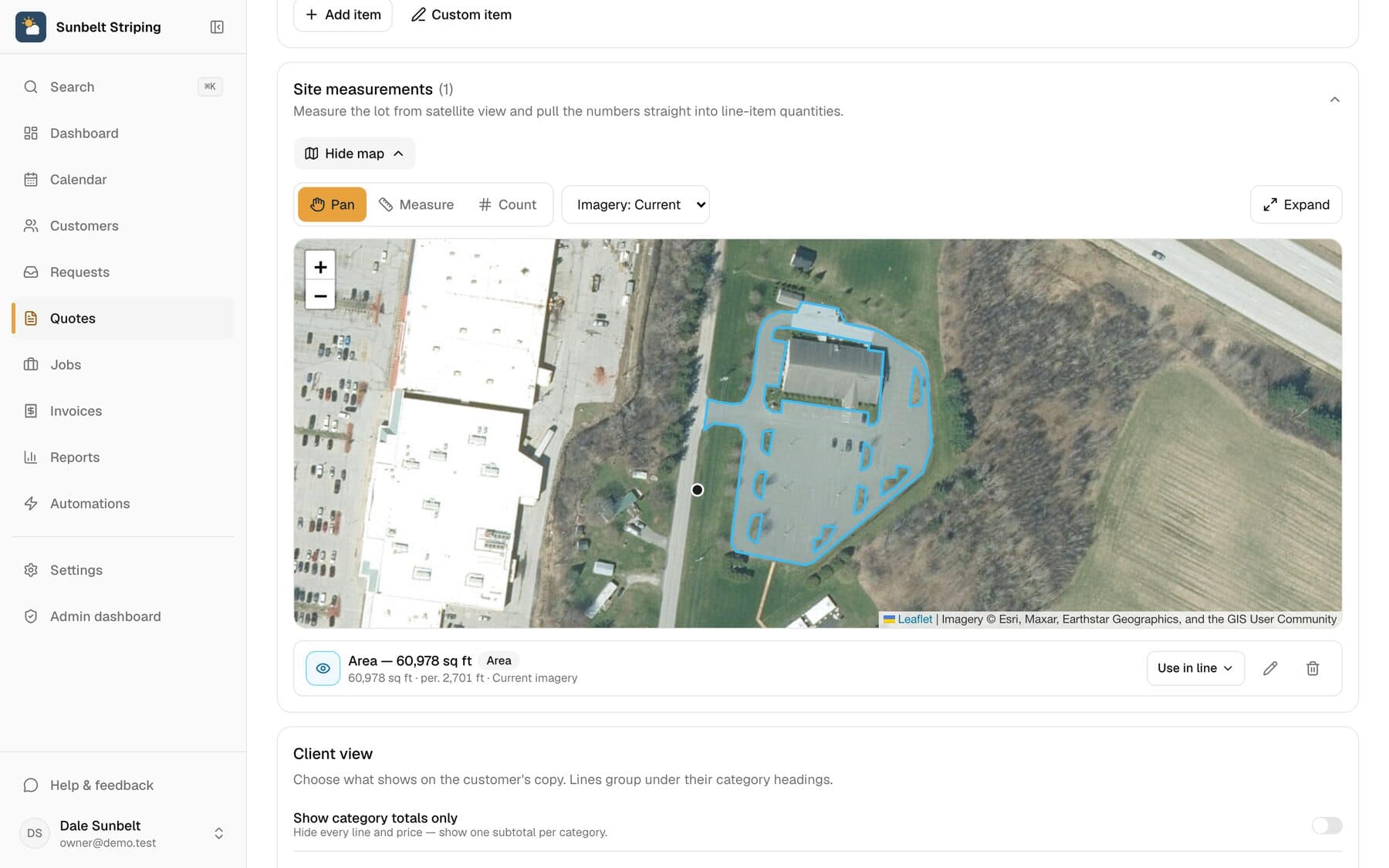
Satellite measurement
Measure any site from your desk: square feet, linear feet, stalls.
Learn more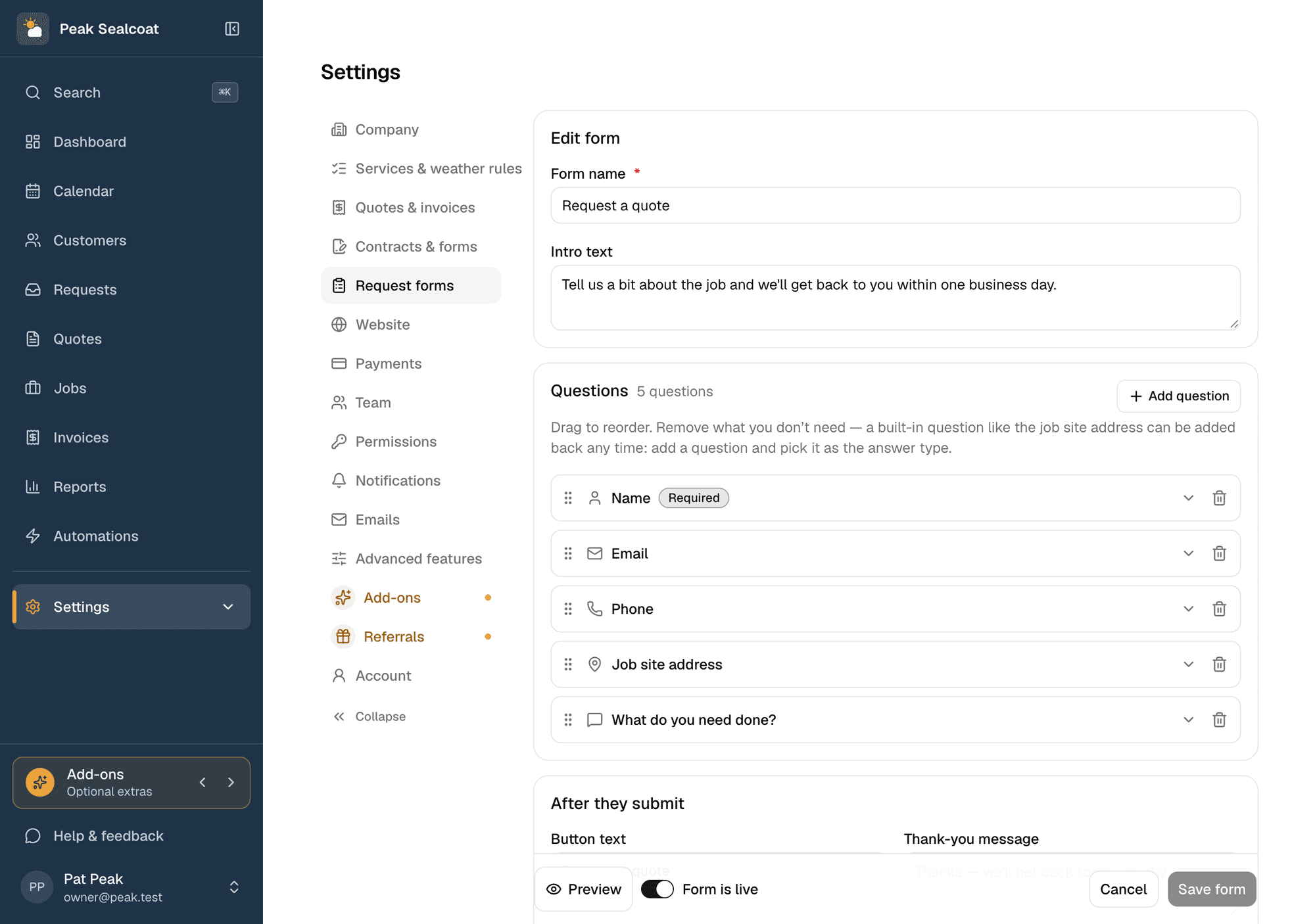
Request forms
A quote-request form for your website, or a link when you don't have one.
Learn more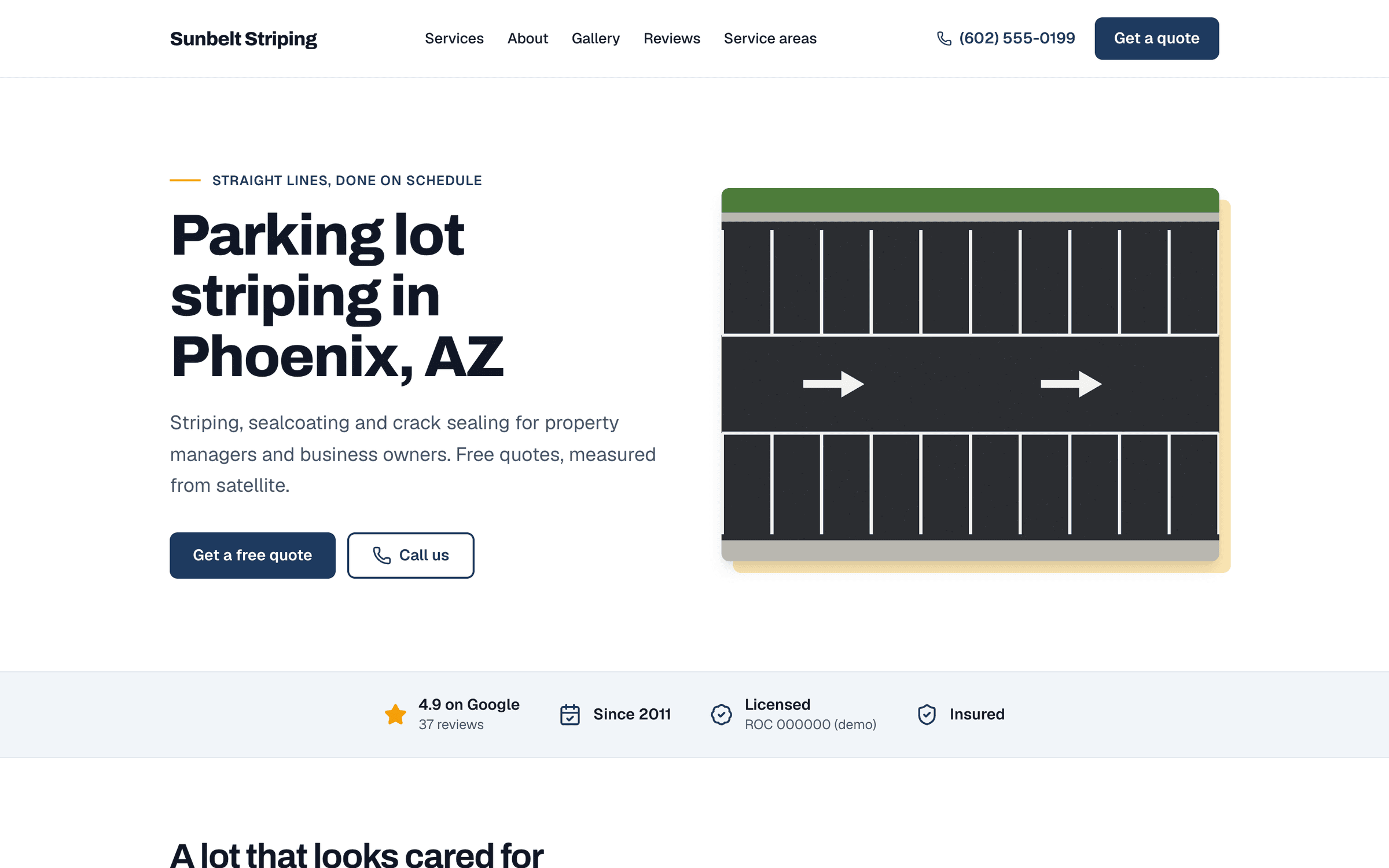
Website
A website built for you by a team of experienced web developers. Every lead lands in Requests.
Learn more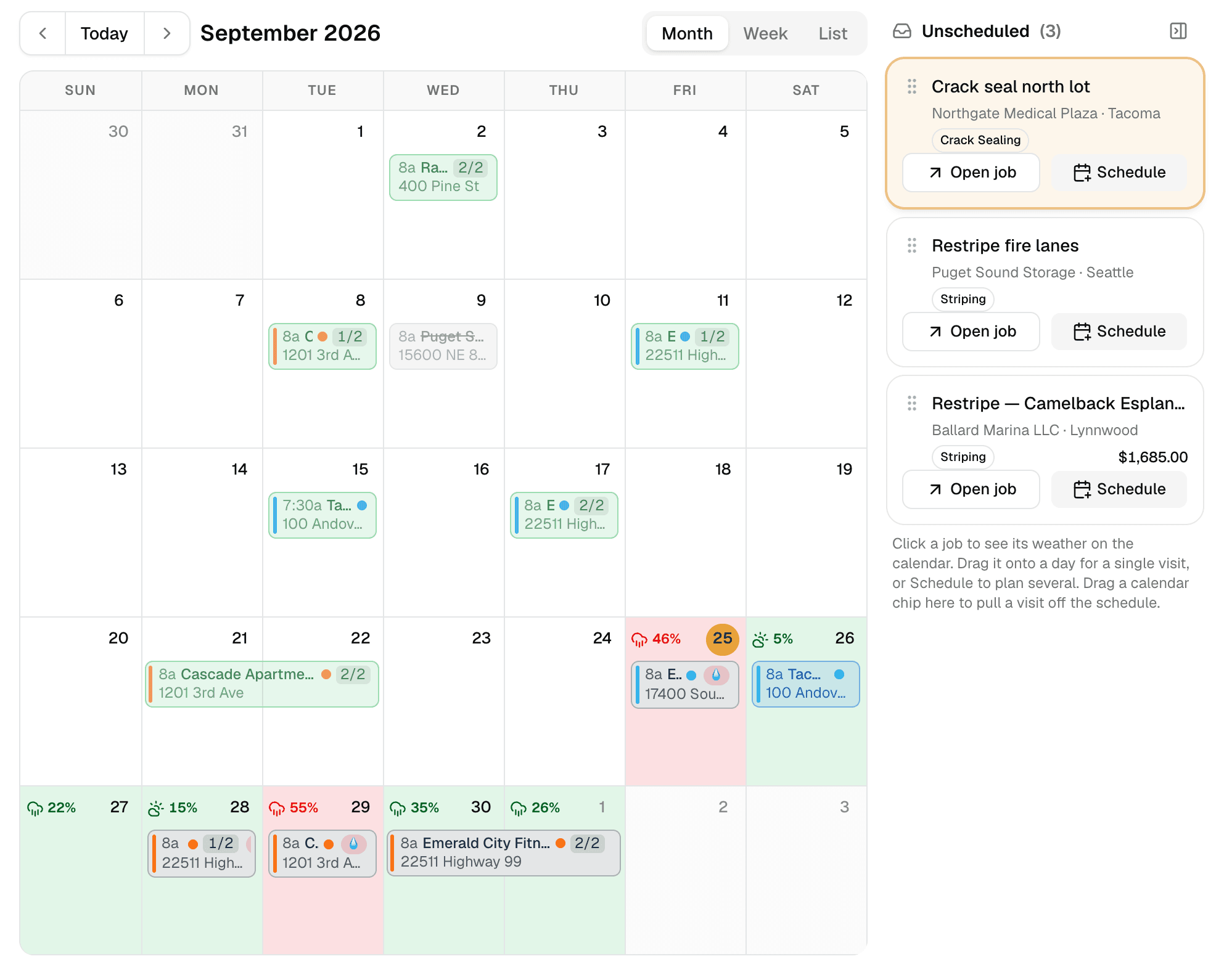
Weather-aware scheduling
A calendar that checks the forecast at every job site.
Learn more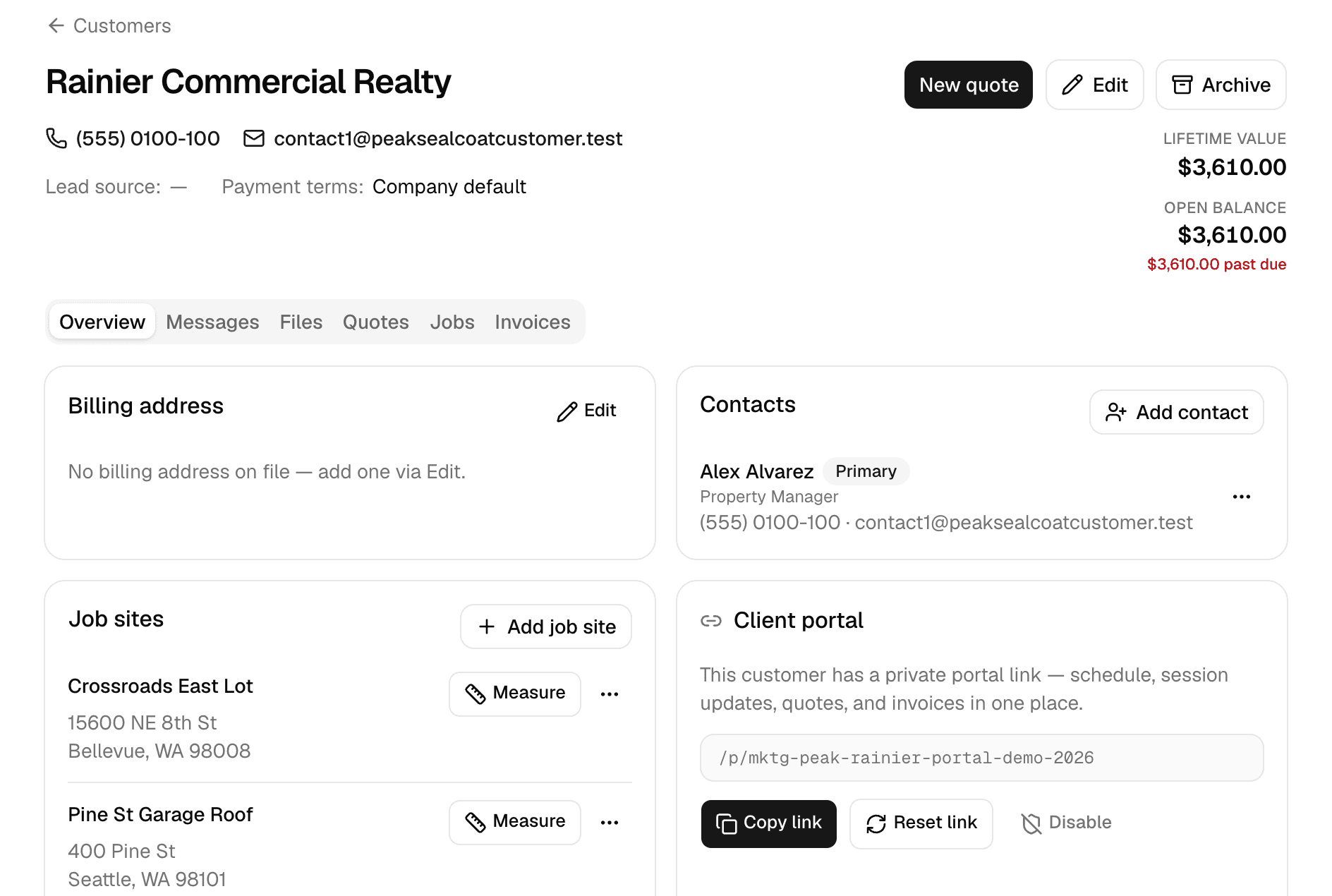
Customers
Every customer, every job site, and everything that happened there.
Learn more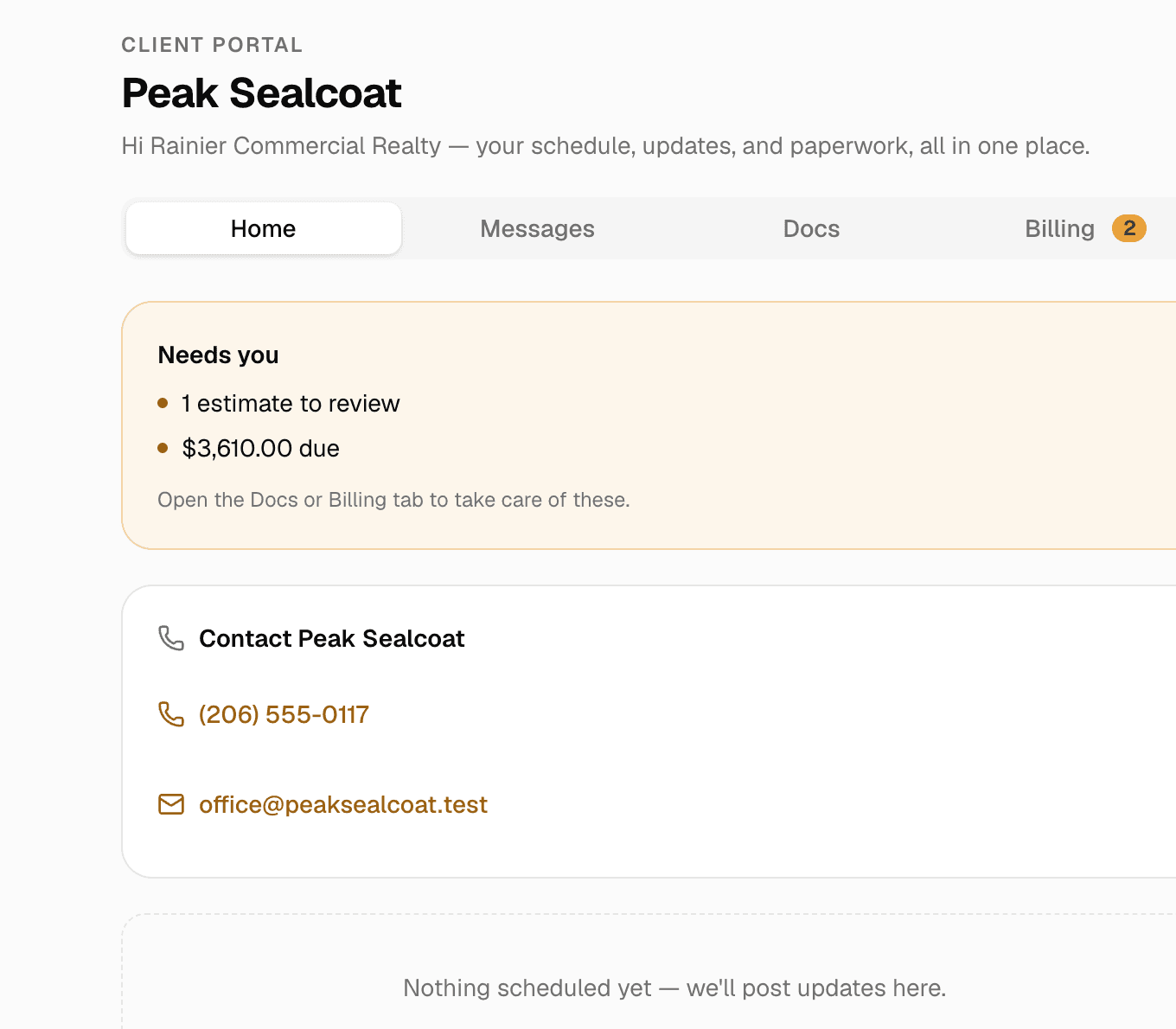
Client portal & e-signatures
One private link where customers see their quotes, invoices and visits, message you, and sign.
Learn more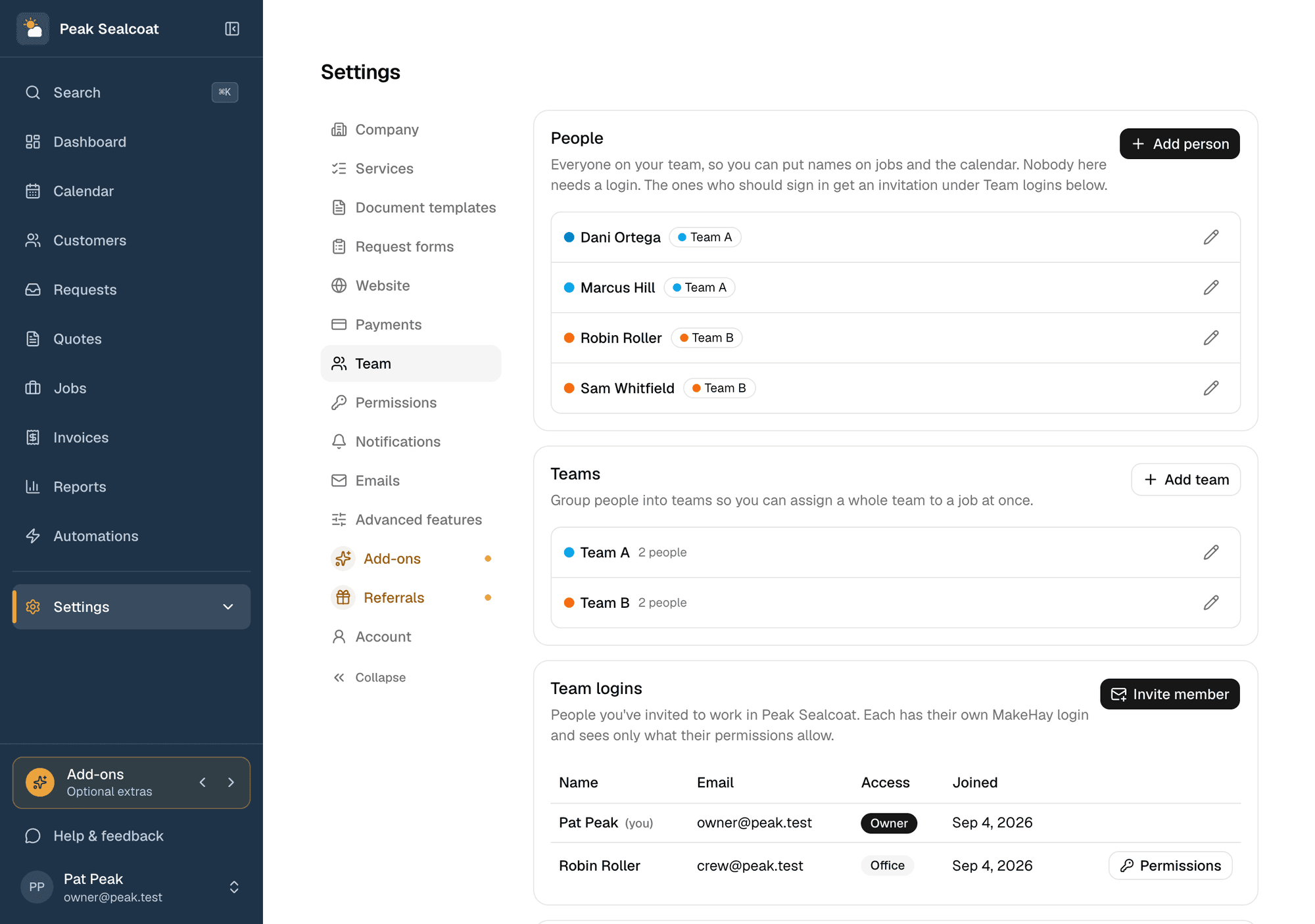
Team & permissions
Invite the office and the field team free, assign jobs, and decide who sees what.
Learn more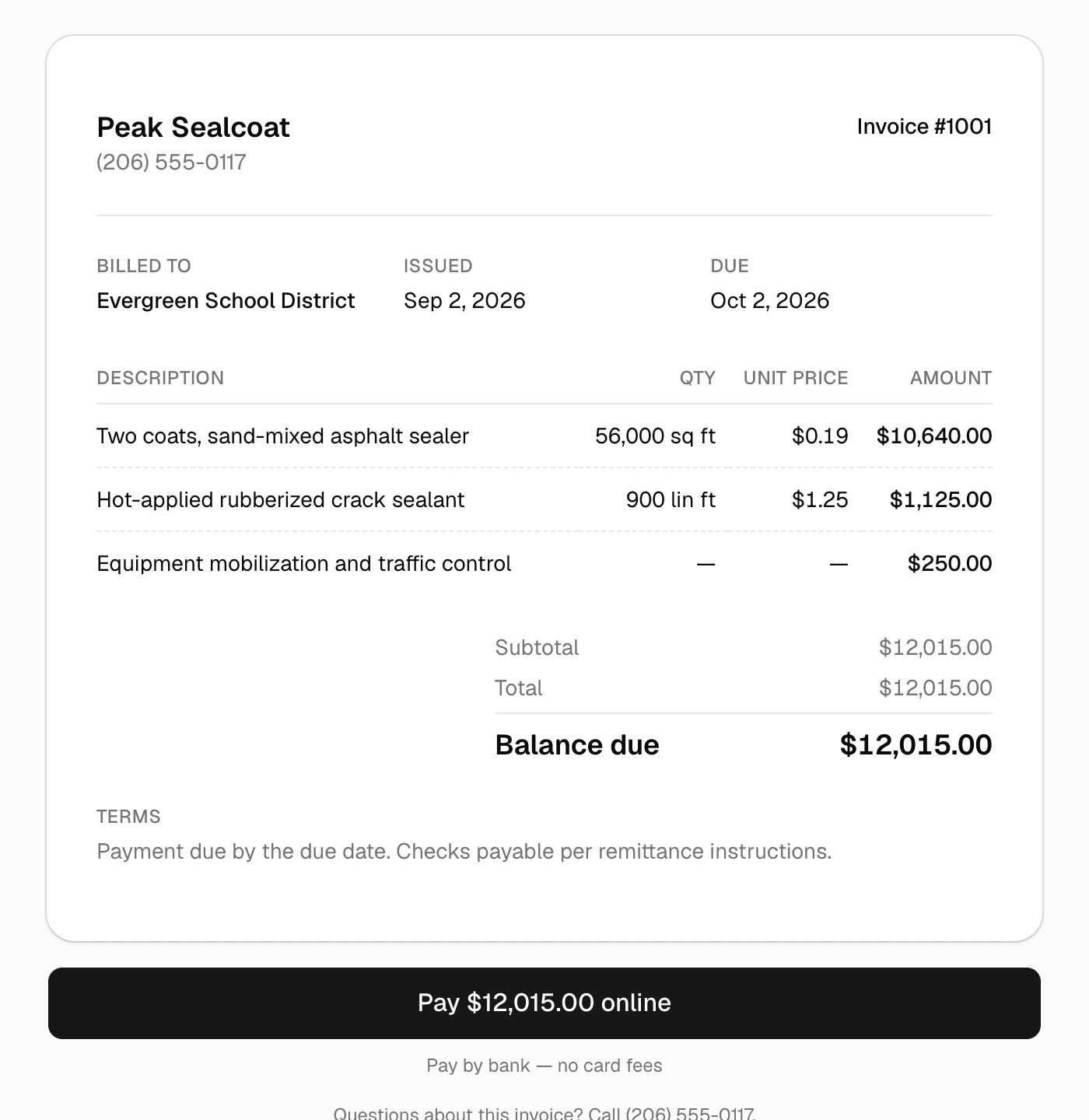
Invoicing & payments
Invoice in one click, get paid by card or bank transfer.
Learn more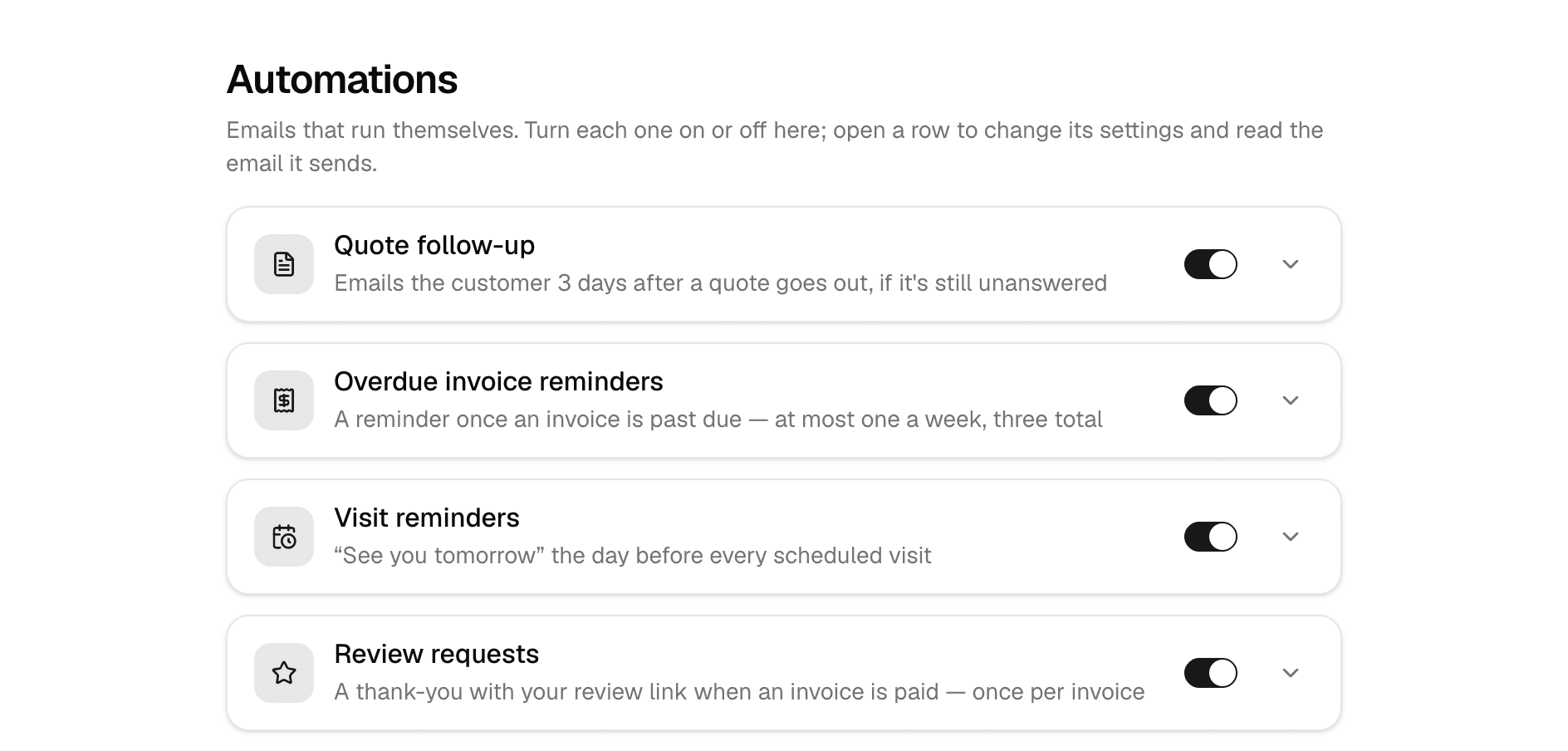
Automations
Follow-ups, reminders, and review requests that send themselves.
Learn more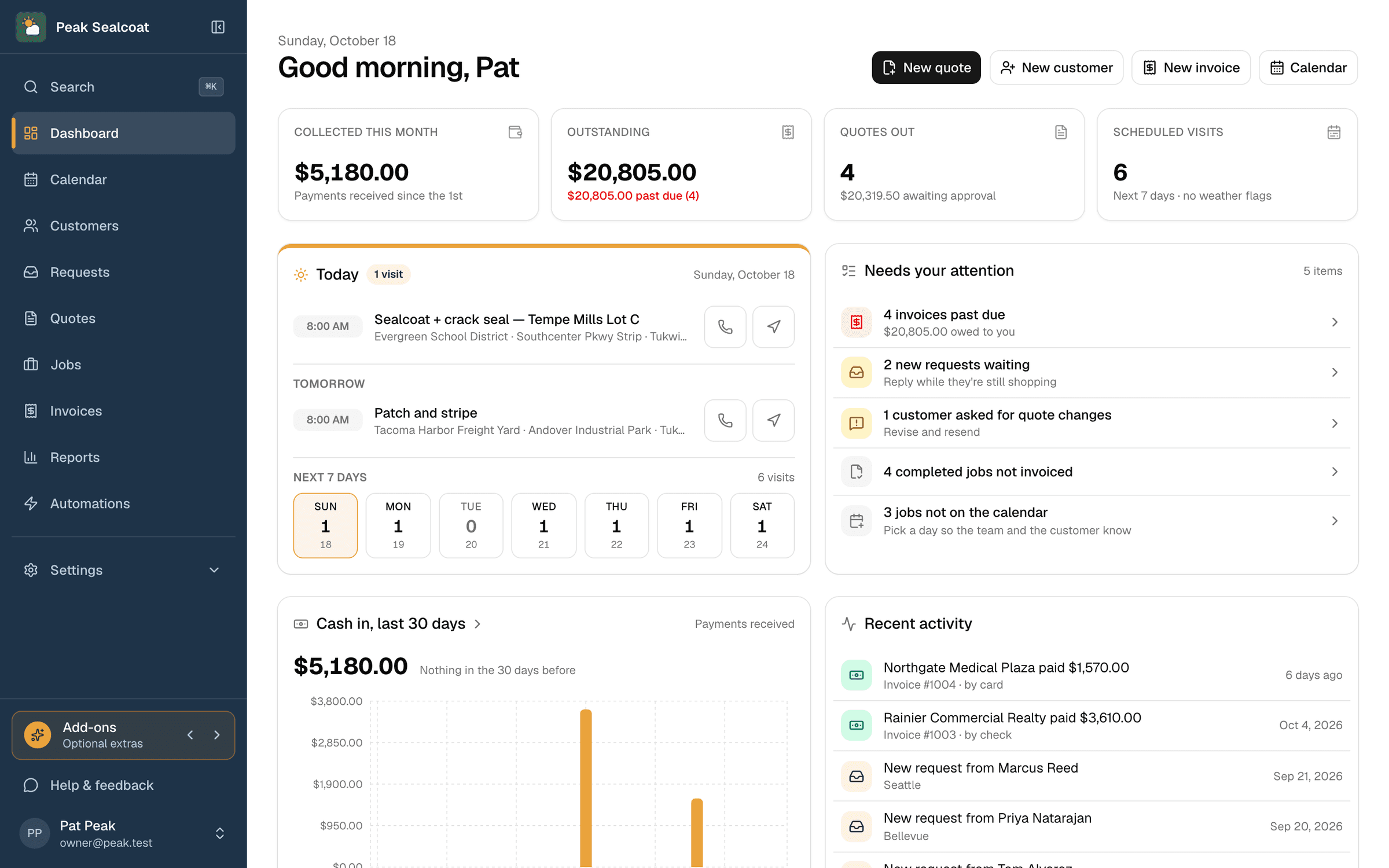
Dashboard & reports
What needs doing today, and how the business is doing this month.
Learn moreAll of it, free. Starting today.
No credit card, no trial clock. Set up in minutes and quote your first job this afternoon. It's all free: see pricing.
Free forever. No credit card. Set up in minutes.