For asphalt paving contractors
Asphalt paving software that's actually free
Hot mix leaves the plant around 300°F and starts dying the minute it's in the truck. You're already juggling plant hours, trucking, and the sky. You don't need a per-seat software bill on top. MakeHay runs the office side for $0.
Free forever. No credit card. Set up in minutes.
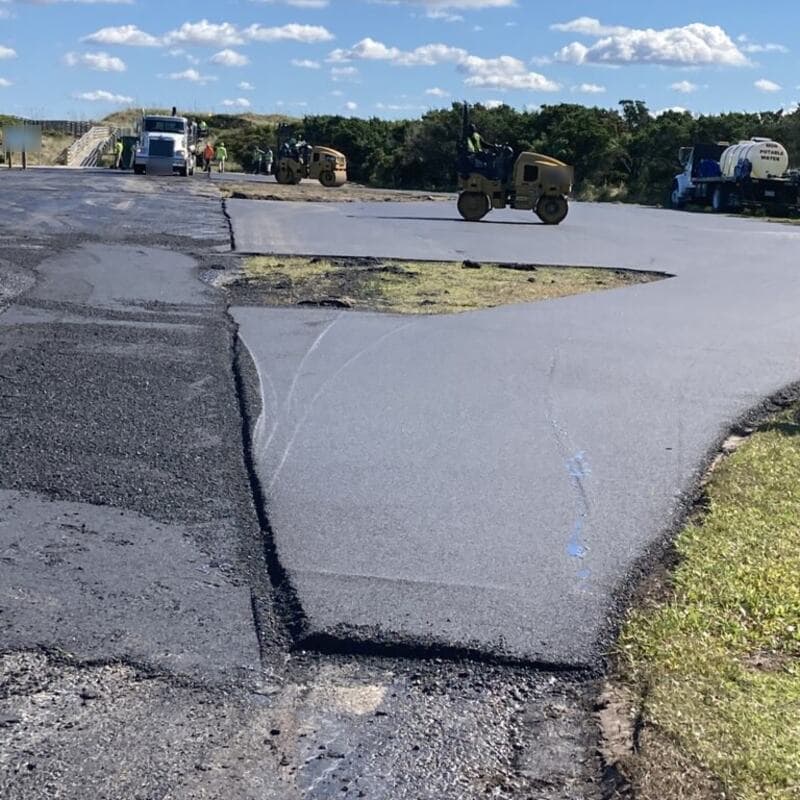
Free forever. No monthly plan, no seat fees, no trial clock.
Built for asphalt paving
What a paving contractor gets, for $0.
Square foot or per ton
Overlay and milling by the square foot; hot mix as a per-ton each-unit line; grading and trucking flat.
QuotingRain flags days ahead
Each job site carries its own National Weather Service forecast, checked against your paving rule before the plant order.
SchedulingMill, pave, stripe as visits
One job, several visits on their own days, each with its own forecast and team.
SchedulingChange orders that get paid
Extra work found under the old mat goes on the invoice as its own labeled section.
Invoicing & paymentsDeposit up front, ACH on the balance
Collect a deposit at approval and invoice the balance with a card or bank-transfer link.
Invoicing & paymentsApproval from a link
The customer taps approve on a phone; the job is real before you order tonnage.
QuotingTeam colors
Each team has a color on the calendar, so two sites on one day read at a glance.
SchedulingEvery site's history
The lot you pave today is the sealcoat and restripe customer later; its measurements and quotes stay on file.
Customers & portal
What changes with MakeHay
Quote, schedule, get paid, come back.
Schedule around the weather, not despite it
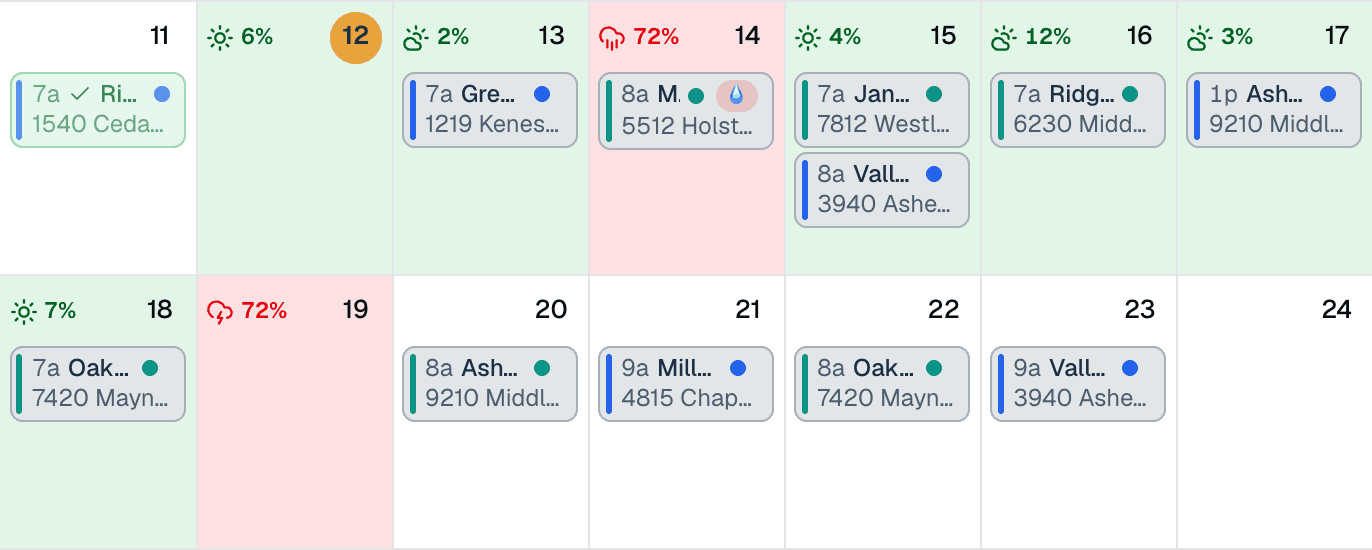
Rain is the enemy of a paving day: you can't lay hot mix on a wet base, and a cold snap steals workable time between the plant and the screed. MakeHay puts the National Weather Service forecast for each job site's address on your calendar, so you see the washout coming before you've ordered tonnage and lined up trucks, not after the first load's en route.
- Rain warnings on scheduled pave days, per job-site address
- Cold-temperature flags when the day shrinks your compaction window
- Reschedule with the forecast in view, before the plant order, not after
Quote it before you leave the site
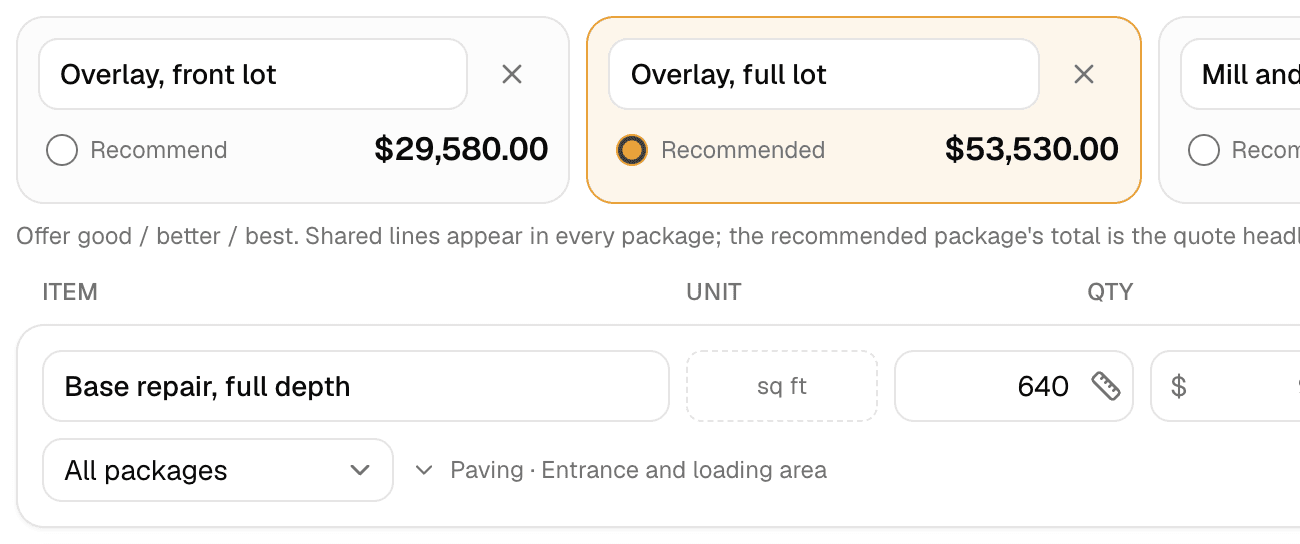
Price the job the way you figure it, by the square foot or by the ton, with grading, base repair, and mobilization as line items. Email it from the truck and let the customer approve with one tap while they're still motivated.
Get paid without chasing
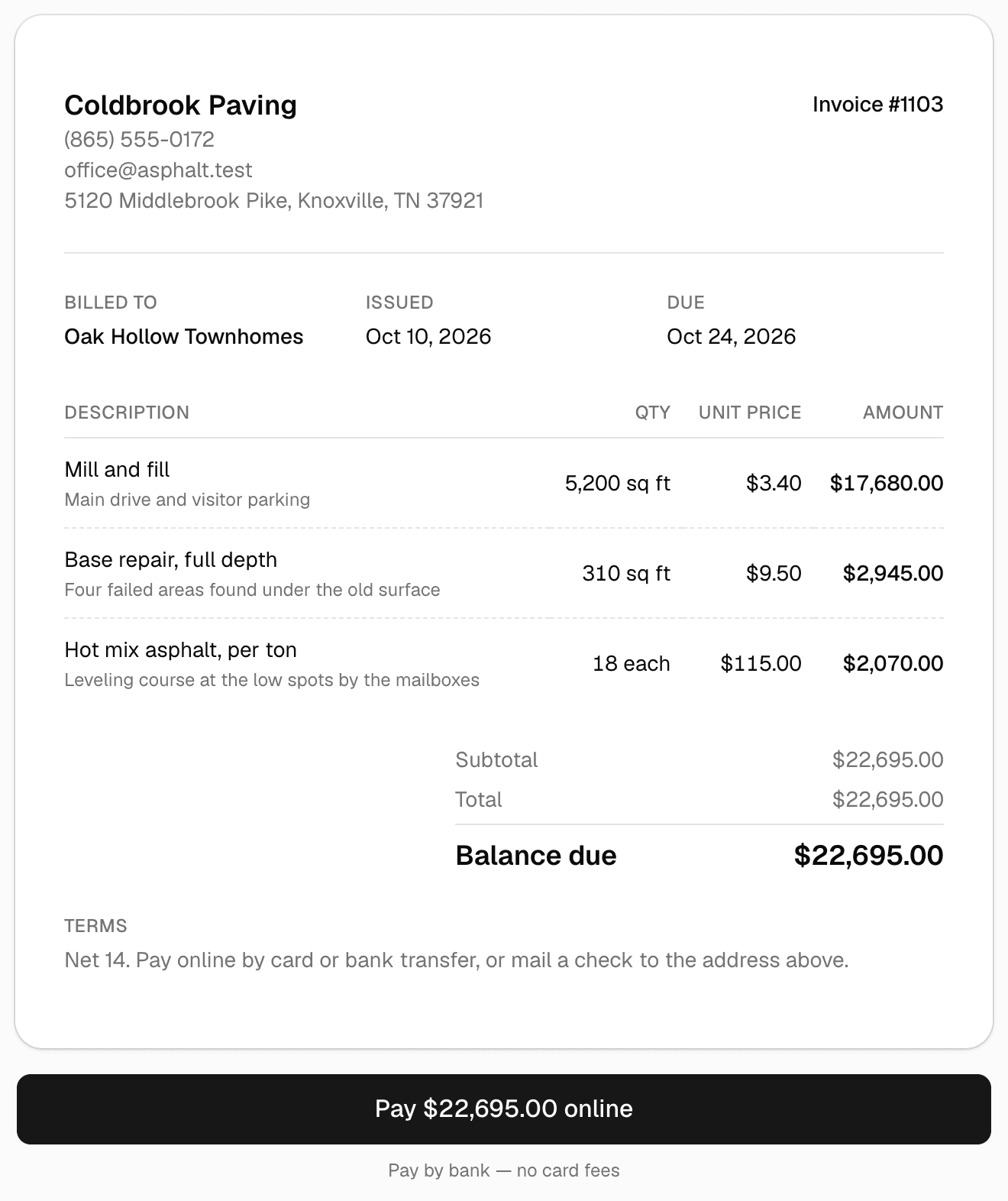
Paving invoices are big enough to hurt when they're late. Turn the approved quote into an invoice in one click, send a card or ACH pay link, and let automatic reminders do the chasing while you're on the next job.
Keep every customer for the re-do
The lot you pave today is your sealcoat, crack-fill, and restripe customer for the next decade. MakeHay keeps every site's history in one place, so the maintenance work comes back to you instead of whoever mails a flyer first.
Give every customer a portal
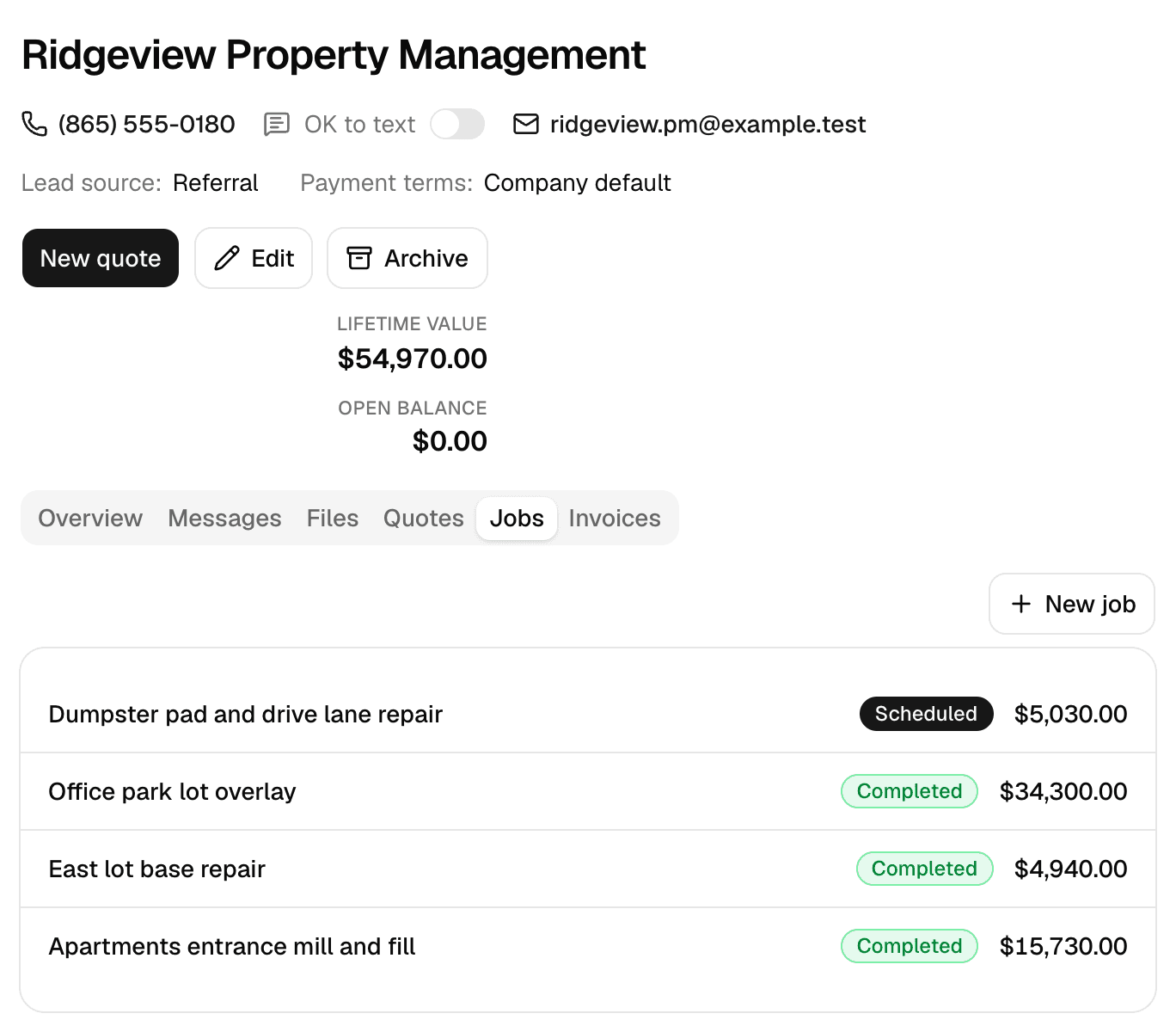
One private link per customer: messages with photos, documents you request, a heads-up on any contract waiting for their e-signature, and invoices they pay. No app, no password, free.
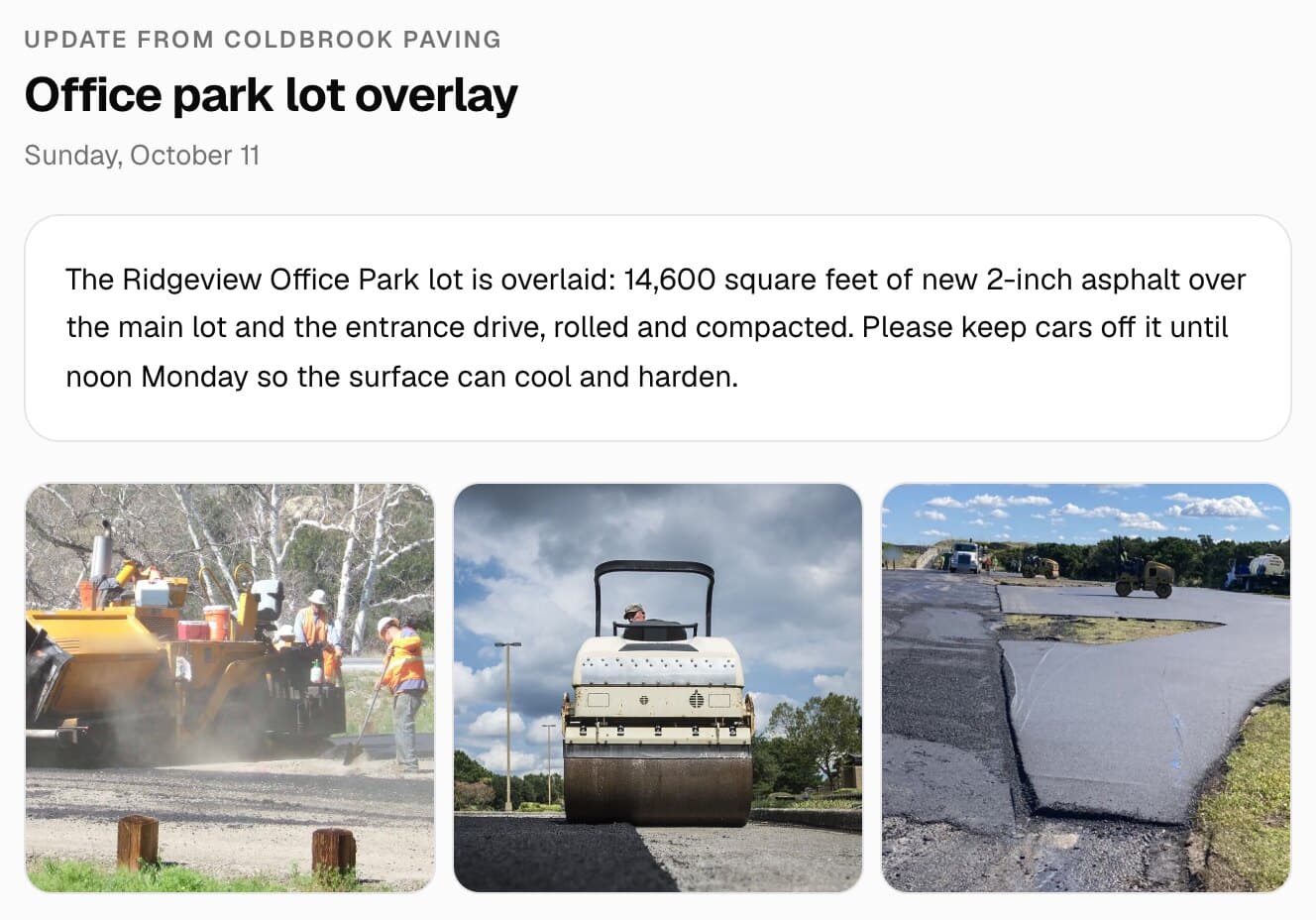
Want a website too? Our team of experienced web developers builds one from your account: a page per service in your price book, a page per town you serve, your photos, and your request form as the contact page, so every lead lands in Requests. Optional, $197 a month, your domain free for the first year. See the Website add-on
Set up in ten minutes
What a asphalt paving business puts in on day one.
A starting point that matches how the trade bids and runs. Every item, rule, and follow-up is yours to rename, reprice, or switch off.
Price book
- Asphalt overlay, 2" compactedper sq ft
- Mill and fillper sq ft
- Hot mix asphalt, per toneach
- Base repair, full depthper sq ft
- Grading and compactionflat
- Trucking and mobilizationflat
Weather rules
- Paving: rain under 20% and a high above 50°F on the pave day
- Milling: rain under 60%, since a wet mill day is slow but not lost
- Base repair: dry the day of and the day after, so the sub-base sets
Follow-ups that run themselves
- Quote follow-up three days after a bid goes unanswered
- Visit reminder the day before, so the lot is closed and empty
- Overdue reminders on the balance, then a review request when it's paid
The honest math
Compare the bill, not the brochure.
MakeHay
$0/mo
Free is the plan, not a trial of one
- Every feature, every user, from day one
- No per-seat pricing, no feature gates
- No credit card to sign up, nothing to cancel
The usual field-service subscription
$29 to 399/mo
plus per-user fees on top
- Per-seat pricing that climbs as your crew grows
- The features you actually need gated to higher tiers
- An annual bill whether it rained all month or not
FAQ
Asphalt paving questions, answered straight.
Is it really free for paving contractors?
Yes. Unlimited customers, job sites, quotes, scheduling, and invoices, free forever, not a trial. No monthly plan, no per-seat pricing, no credit card to start.
What's the catch for a paving company?
There isn't one in fine print. The software costs us next to nothing per contractor to run, so it's free. Online card and ACH payments carry processing costs, the same as they would with any provider.
Can it help me avoid getting rained out with mix on order?
That's the flagship feature. Every scheduled job carries the National Weather Service forecast for its own address, with rain and cold flags on the calendar, so you move the pave day before you've committed the plant order and the trucks.
Can a paving company take its data if it leaves?
It's yours. Ask and we'll export everything (customers, sites, quotes, invoices, payment history) and we delete what's left as laid out in our privacy policy.
Do I need a credit card to start quoting paving jobs?
No. Sign up with an email and send your first paving quote the same day. No trial clock, no tier to upgrade into.
See every trade we build for on the industries page, browse the full feature list, check pricing (it's free), or measure your next job on the free satellite measurement tool, no account needed.
Keep the mix hot and the overhead cold.
Tonnage-friendly quoting, rain-day warnings per job site, and online payments for paving contractors. Free forever.
Free forever. No credit card. Set up in minutes.