For landscaping contractors
Landscaping software that's actually free
A three-day install becomes a five-day install every time it rains, the plants arrive on the nursery's schedule instead of yours, and spring buries you either way. Your software should absorb that chaos, not add a $250/mo line item to it.
Free forever. No credit card. Set up in minutes.
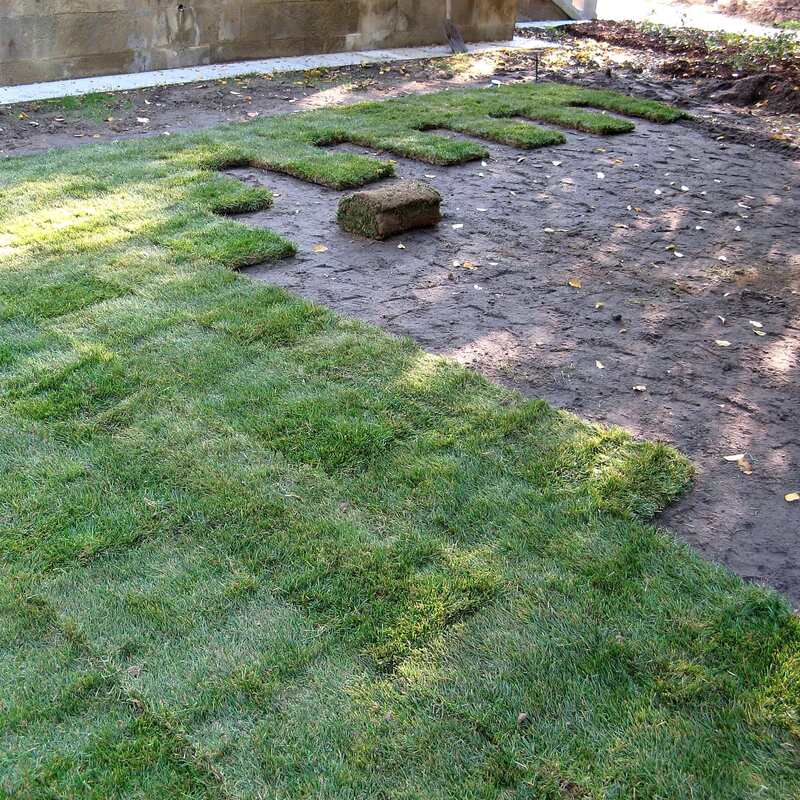
Free forever. No monthly plan, no seat fees, no trial clock.
Built for landscaping
What a landscaping contractor gets, for $0.
Price-book estimates
Plants, mulch, edging, hardscape, labor, and hauling as one-tap lines in your units.
QuotingDesign tiers
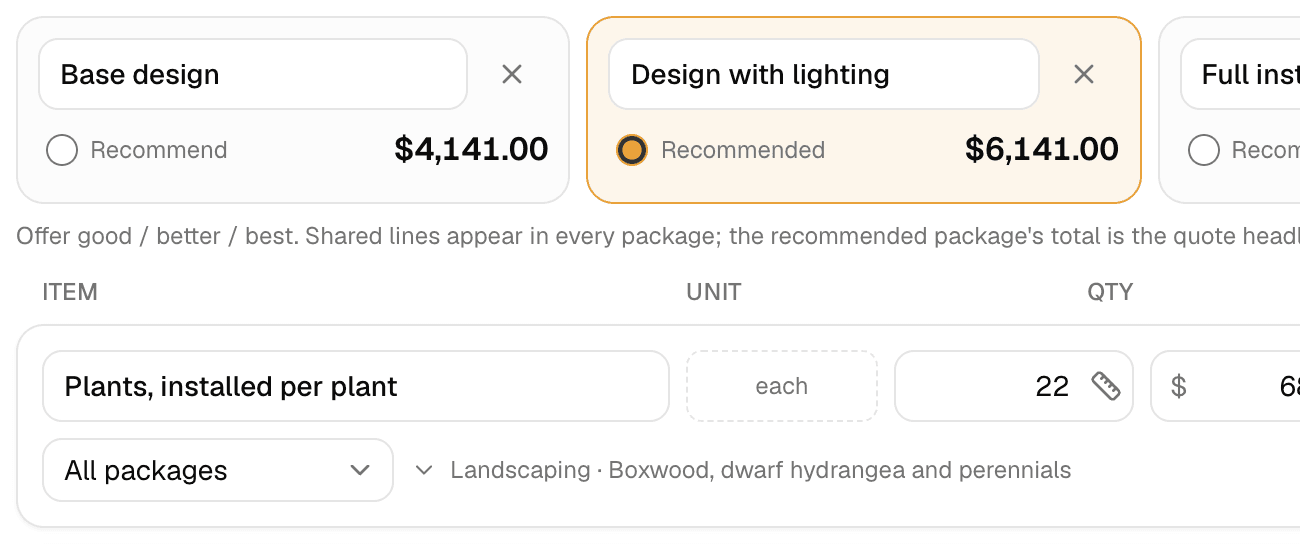
The base design, the design with lighting, and the full install as three packages on one quote.
QuotingInstalls as visits
Grade, hardscape, and plant on their own days, each with its own forecast.
SchedulingDeposits and progress payments
A deposit at approval that credits automatically; progress invoices along the way and the balance on the final invoice.
Invoicing & paymentsChange orders
The second bed added mid-job goes on the invoice as its own labeled section.
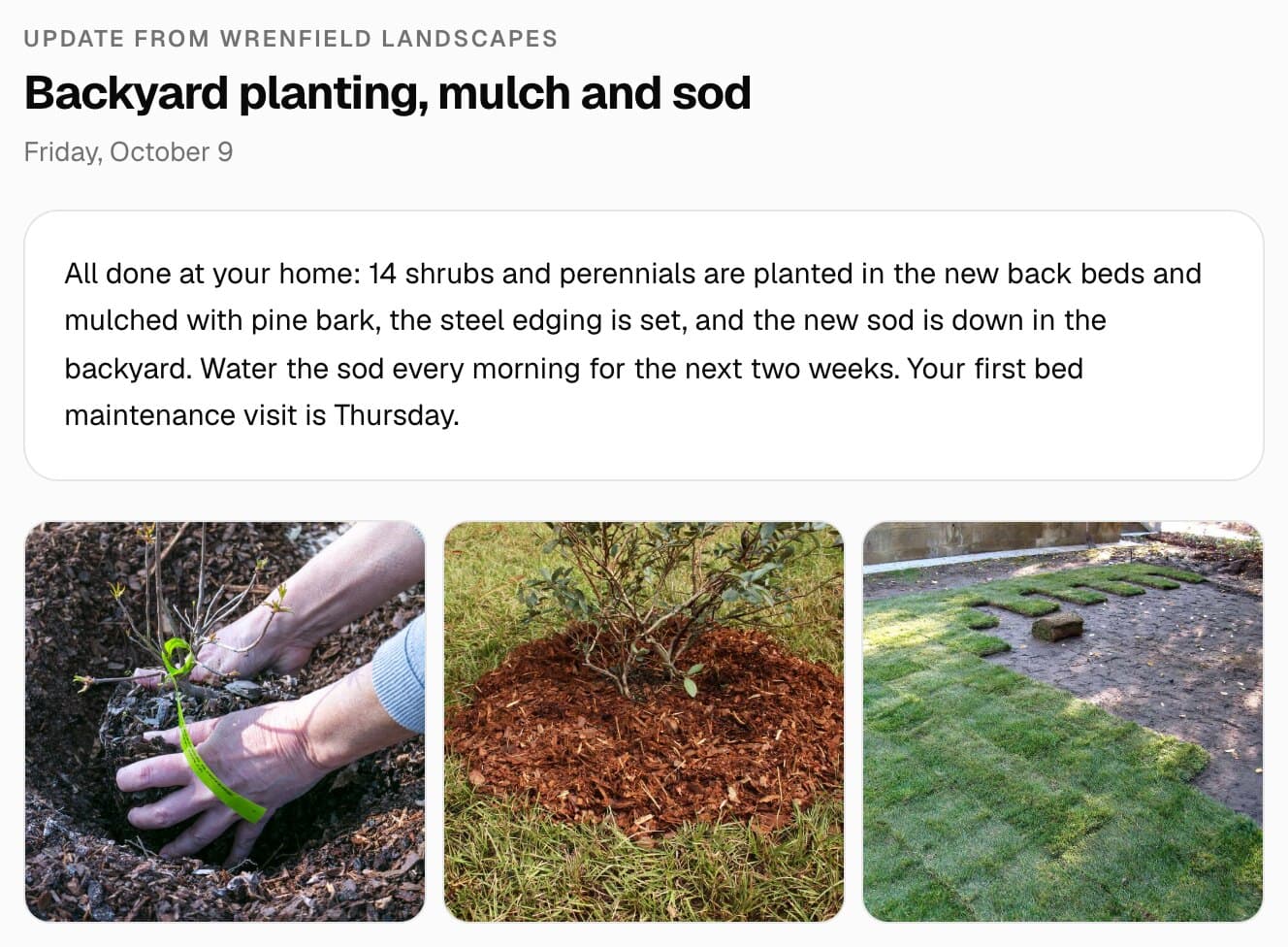
Invoicing & paymentsPhoto updates
Send progress photos from the site; the client gets an email and a portal gallery.
Customers & portalRequests with photos
The form on your website takes photos and the address; one click makes a customer, a site, and a draft quote.
Customers & portalE-signed contracts
Send the agreement for signature; the client signs from the emailed link on any phone.
Customers & portal
What changes with MakeHay
Quote, schedule, get paid, come back.
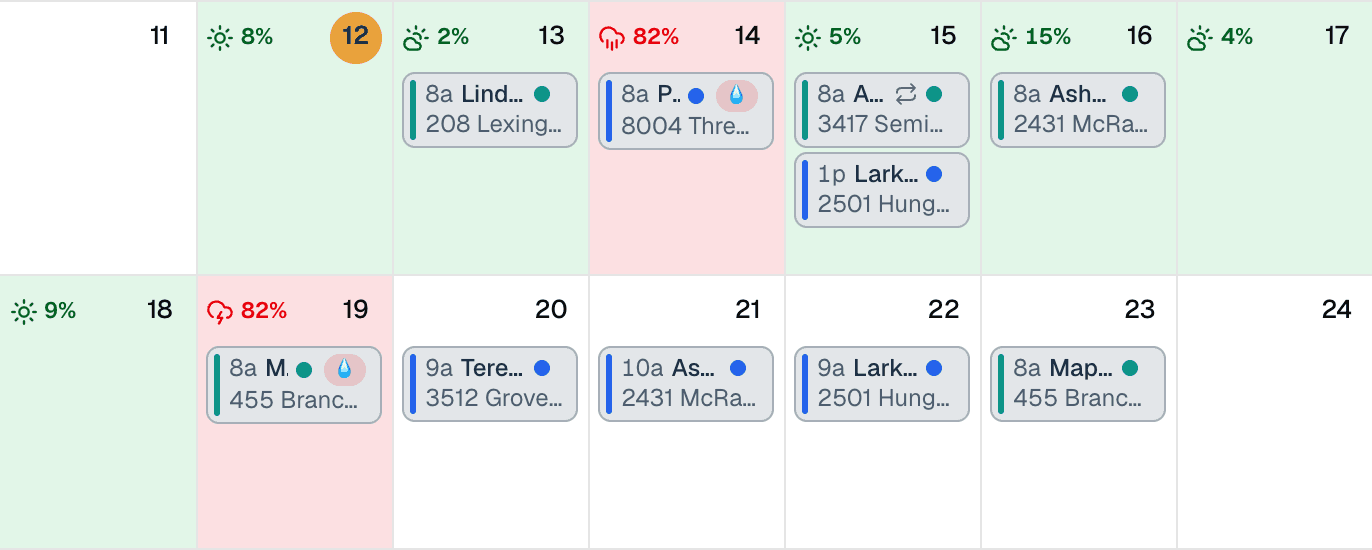
Schedule around the weather, not despite it
You can't plant in a downpour and you can't grade mud. One rained-out day drags every install behind it, and it's the client phone calls that hurt most. MakeHay shows the forecast against every scheduled job, so you see the slide coming days ahead, resequence the calendar, and tell the client before they're wondering where your crew went.
- Per-site forecasts across multi-day installs
- Rain warnings early enough to resequence the week
- One weather-aware calendar the whole operation plans from
Quote it before you leave the site
Build install quotes with real line items (plants, materials, labor, hauling) during the walkthrough, and send them while the client's still excited. One tap to approve, and the deposit can be in before you buy a yard of mulch.
Get paid without chasing
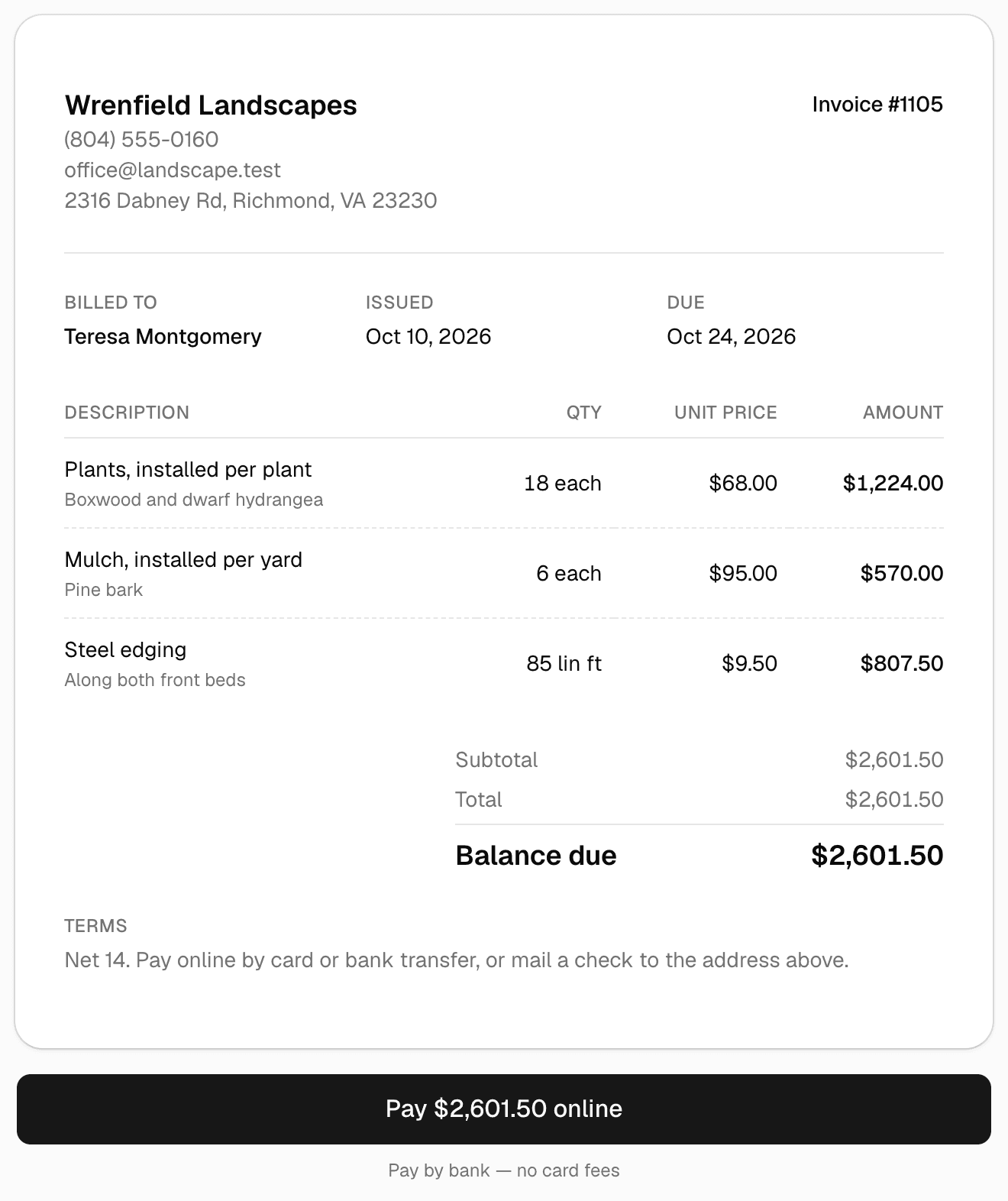
Deposit by card at approval, then a progress invoice mid-job and the balance at the final walkthrough as pay links your client settles by card or ACH. Automatic reminders keep the last payment from taking longer than the install did.
Keep every customer for the re-do
The install is the beginning: spring cleanups, mulch refreshes, seasonal color, phase two of the design. MakeHay keeps every property's full history, so next season's work goes to you by default instead of back out to bid.
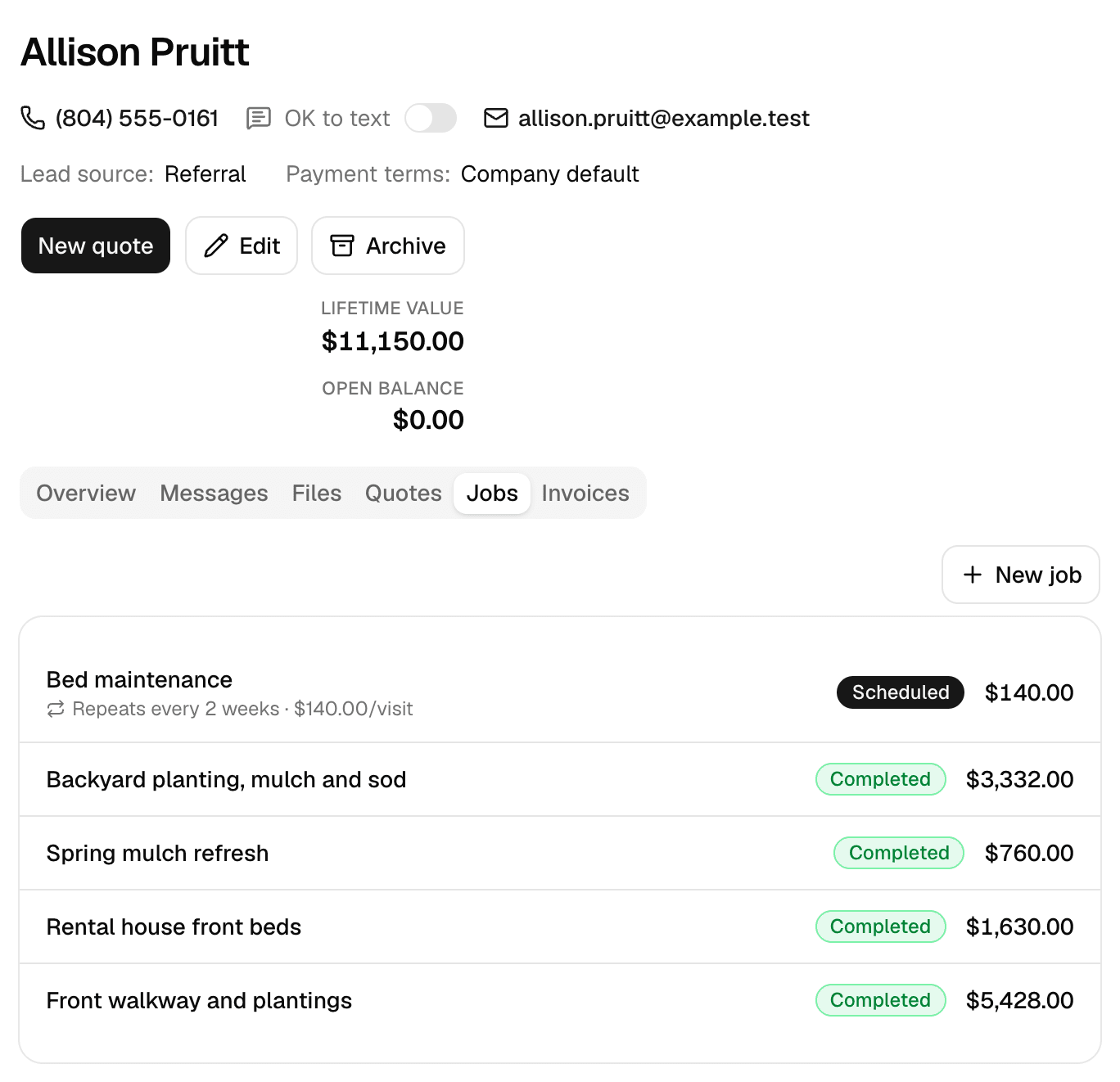
Give every customer a portal
One private link per customer: messages with photos, documents you request, a heads-up on any contract waiting for their e-signature, and invoices they pay. No app, no password, free.
Want a website too? Our team of experienced web developers builds one from your account: a page per service in your price book, a page per town you serve, your photos, and your request form as the contact page, so every lead lands in Requests. Optional, $197 a month, your domain free for the first year. See the Website add-on
Set up in ten minutes
What a landscaping business puts in on day one.
A starting point that matches how the trade bids and runs. Every item, rule, and follow-up is yours to rename, reprice, or switch off.
Price book
- Landscape design and layoutflat
- Mulch, installed per yardeach
- Plants, installed per planteach
- Steel edgingper linear ft
- Paver patio or walkwayper sq ft
- Sodper sq ft
- Haul-away and dump feesflat
Weather rules
- Grading and hardscape: rain under 30% on the day
- Planting and sod: flag only when rain is over 70%
- Pre-emergent and fertilizer: dry the day of and the day after
Follow-ups that run themselves
- Quote follow-up three days after an unanswered estimate, when spring bids go quiet
- Visit reminder the day before each install day
- Review request once the final invoice is paid
The honest math
Compare the bill, not the brochure.
MakeHay
$0/mo
Free is the plan, not a trial of one
- Every feature, every user, from day one
- No per-seat pricing, no feature gates
- No credit card to sign up, nothing to cancel
The usual field-service subscription
$29 to 399/mo
plus per-user fees on top
- Per-seat pricing that climbs as your crew grows
- The features you actually need gated to higher tiers
- An annual bill whether it rained all month or not
FAQ
Landscaping questions, answered straight.
Is it really free for landscapers?
Yes. Unlimited clients, properties, quotes, scheduling, and invoices, free forever, not a trial. No monthly plan, no per-seat pricing, no credit card to start.
What's the catch for a landscaping company?
No catch. The software costs us almost nothing per company to run, so it's free. Online card and ACH payments carry processing costs, the same as with any provider.
How does it handle rain delays on multi-day installs?
Every scheduled job carries the forecast for its own address, so a wet stretch shows up on the calendar days early. You resequence the schedule with the weather in view and warn clients before the slip, instead of discovering it crew-side on the morning of.
Can a landscaping company take its data if it leaves?
It's yours. Ask and we'll export everything (clients, properties, quotes, invoices, payment history) and we delete what's left as laid out in our privacy policy.
Do I need a credit card to start quoting landscaping jobs?
No. Sign up with an email and send your first landscaping quote the same day. No trial window, no tier waiting behind it.
See every trade we build for on the industries page, browse the full feature list, check pricing (it's free), or measure your next job on the free satellite measurement tool, no account needed.
Grow the business, not the overhead.
Line-item install quotes, rain-aware scheduling, and online deposits for landscaping contractors. Free forever.
Free forever. No credit card. Set up in minutes.