Schedule
The calendar that watches the sky for you.
Free job scheduling that pulls the National Weather Service forecast for every visit, at that job's actual address. Set your rules once per trade or service (about a minute) and they turn that forecast into warnings: rain on the job day, a high too cold for the coat to cure, rain landing inside the cure window after you leave. You get warned before it costs you, and pointed to the clearer day. Most CRMs don't look at the sky at all.
Free forever. No credit card. Set up in minutes.
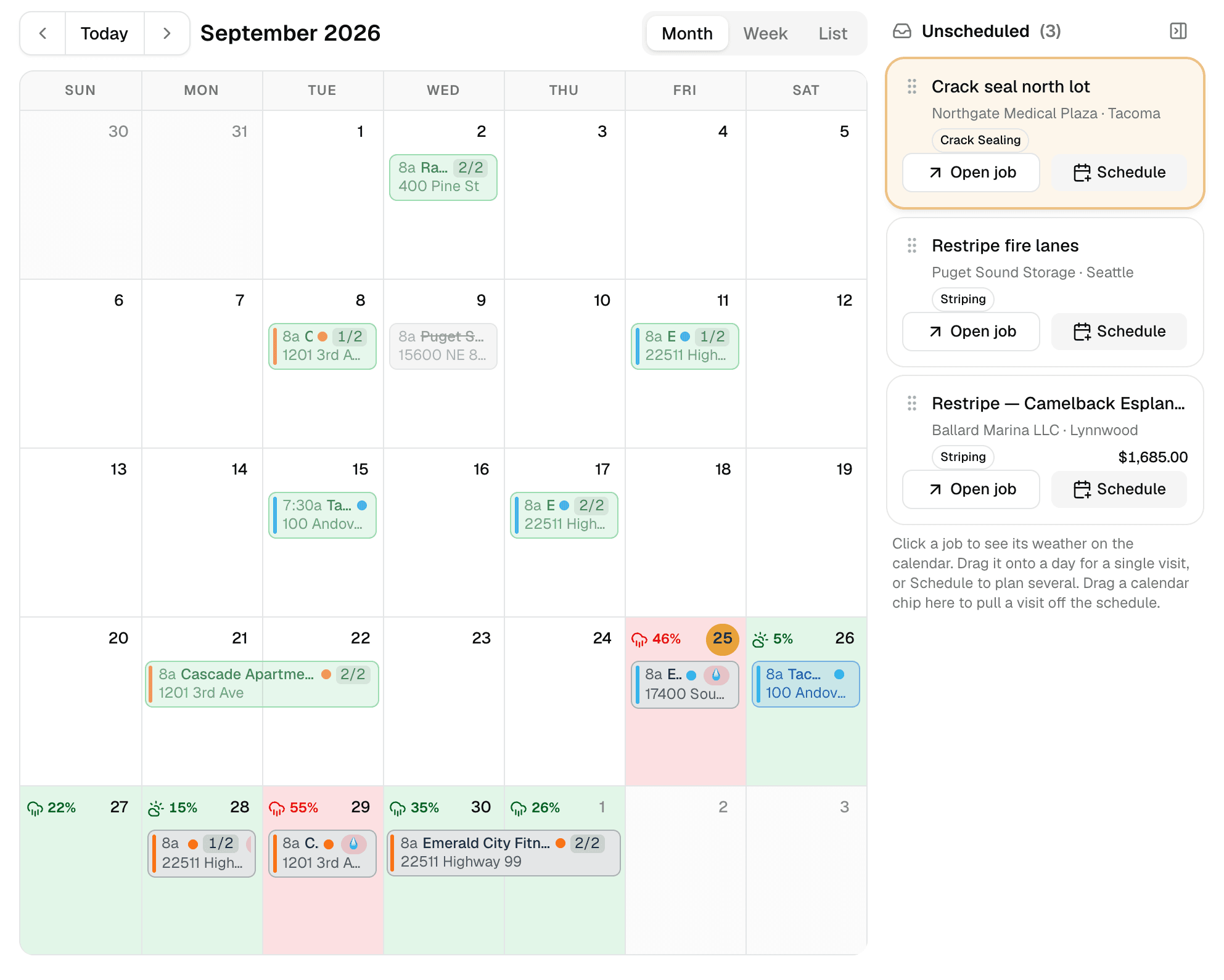
The month at a glance: jobs on their days, the unscheduled tray beside them, and the forecast painted on every day the selected job could run.
- National Weather Service forecasts
- Checked at each job site's own address, not the county.
- Your trade's rules
- Rain limits, cure temperatures, cure windows, set once.
- Drag, drop, done
- Unscheduled jobs wait in a tray; drop one on a day.
- Teams in color
- Assign teams; every chip shows who's on it.
The weather advantage
Warnings tuned to your trade, not generic forecasts.
Sealer needs 50°F and a dry cure window. Striping paint needs dry pavement. Sod needs the opposite. MakeHay lets you write those rules in a minute (rain threshold, min or max temp, cure window) and attach them to a trade, a service, or a single line on a quote. No rule on a service means no checks, so nothing nags you about work the weather can't touch.
- Per-address forecasts on every scheduled visit
- Rain, min/max-temp, and cure-window rules, during the job and after it
- Your thresholds, attached per trade, per service, or per quote line
- Clearer-day suggestions when a day goes bad
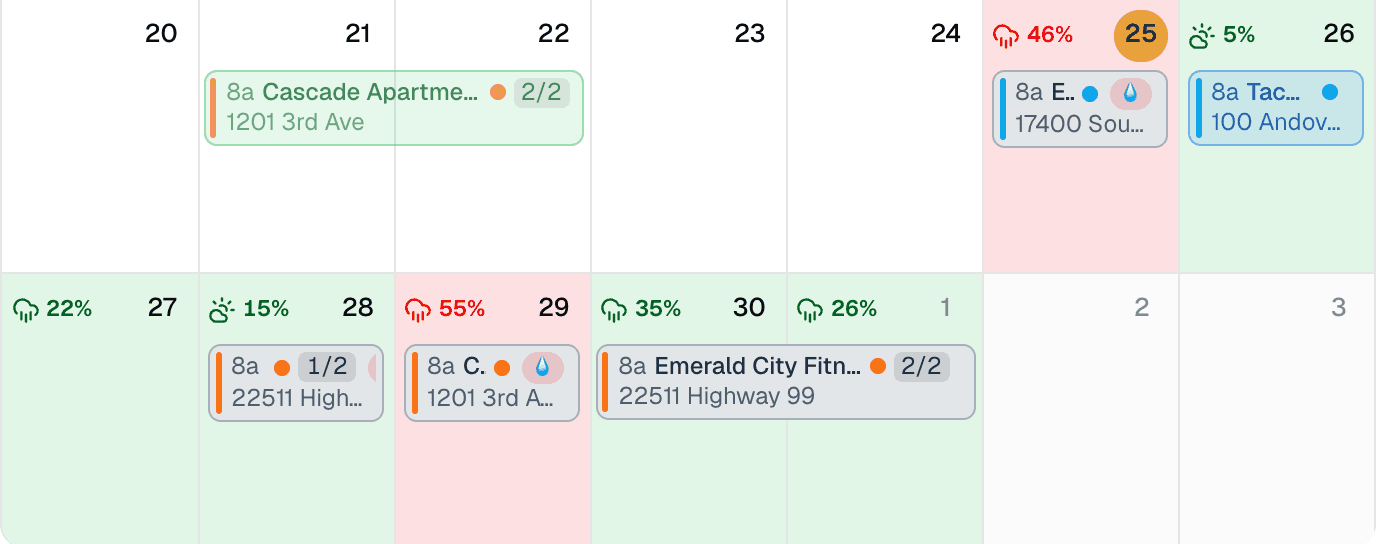
Tap a job and every day it could run is painted by the forecast at that address.
Built for real jobs
Multi-day jobs, split visits, recurring routes.
Real jobs don't fit neat one-hour slots. Jobs are made of visits (two days this week, one next month) dragged around a month or week view. Weekly mowing routes repeat themselves, and each visit is marked done or skipped on its own, from the calendar or the job.
- Drag-and-drop calendar, month and week views
- Unscheduled tray so nothing gets forgotten
- Recurring schedules for routes and standing appointments
- Done and Skip on every visit, with a price per visit that bills itself
Mon
Tue
Wed
Thu
Fri
Tap a job
Change the time, pick the team, get directions. One tap.
Every chip on the calendar says who the customer is and what the work is, with the street address when there's room. Tap one and the quick view opens: move the start time, pick the team or the person, call the customer, or open directions to the site.
- Inline time editor, no dialog to open
- Teams and members with their own colors, assigned right there
- Call and directions buttons for the truck
- Automatic 'see you tomorrow' reminders to customers, in your words
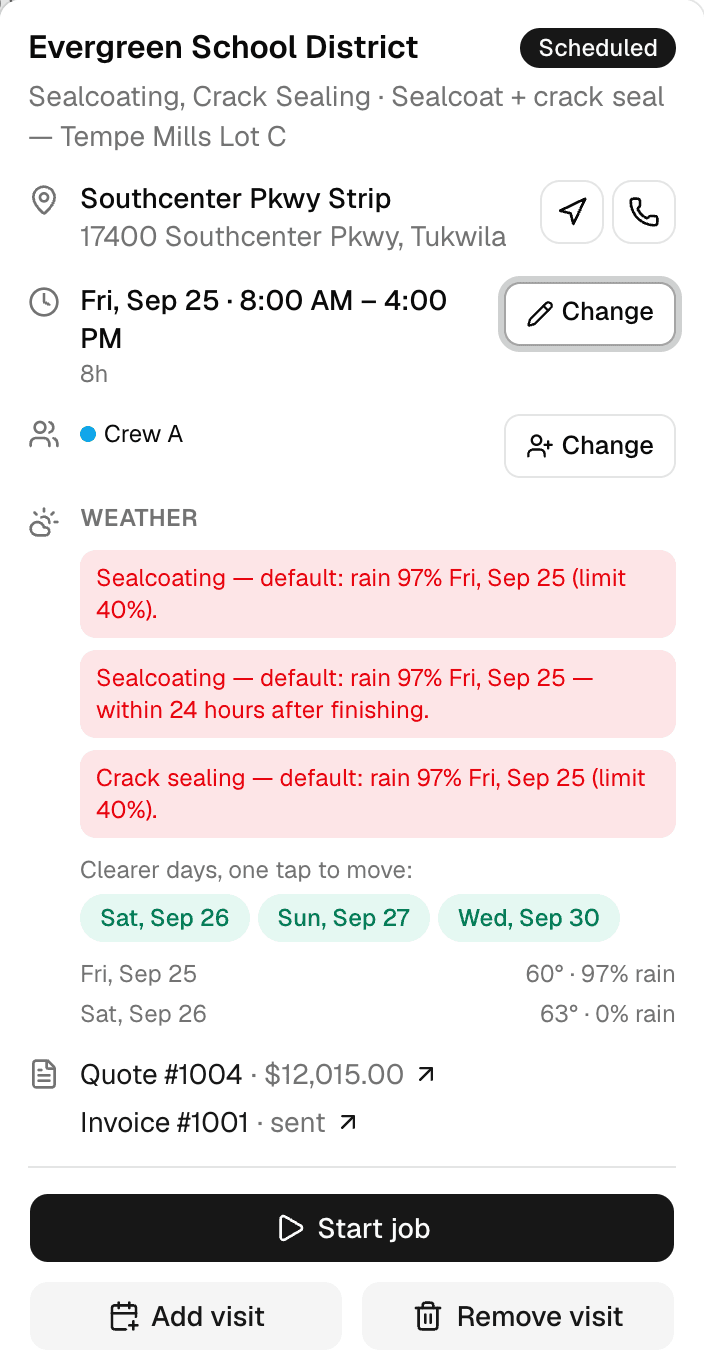
The quick view: site, time, team, the weather verdict, and the clearer days one tap away.
Why businesses trust it
What every business gets, from day one.
Built to help small businesses grow
A lead form for your website, quotes customers approve from their phones, follow-ups that go out on their own, and a portal that answers "where's my invoice?" These are the tools the big platforms charge for, free, so the money stays in the business.
Straight pricing, no catch
$0 a month, every feature, no seat fees, no trial clock. The only charge is 1.5% on card and bank payments you choose to take online, and nothing if you don't.
A person answers
Every email MakeHay sends you is one you can reply to, and a person reads every reply. Missing a unit, a step, a trade? Say so.
FAQ
Common questions
Where does the weather data come from?
The National Weather Service, fetched for each job site's exact coordinates, not a citywide summary. Forecasts refresh automatically and each visit shows the conditions that matter to its work. NWS covers US job sites; forecasts aren't available yet for Canadian addresses, so those visits schedule normally, just without weather warnings.
Can I set my own weather thresholds?
Yes. Rules are yours: set a rain probability, a minimum or maximum temperature, and an after-service cure window, then attach the rule to a trade, a service, or a single quote line. A line's rule beats its service's, which beats its trade's. It takes about a minute per trade.
What happens when weather kills a scheduled day?
The visit gets flagged with the specific problem ('rain in cure window', 'high of 44°F') and MakeHay suggests the nearest clearer day. Drag the visit there and the customer's job stays on track.
My work is indoors. Will the weather stuff get in the way?
No. Weather rules attach to trades and services. Leave them off and you have a clean drag-and-drop calendar with teams, colors, recurring visits, and day-before customer reminders. Turn a rule on for the one service that needs it.
More of MakeHay
It all works together.
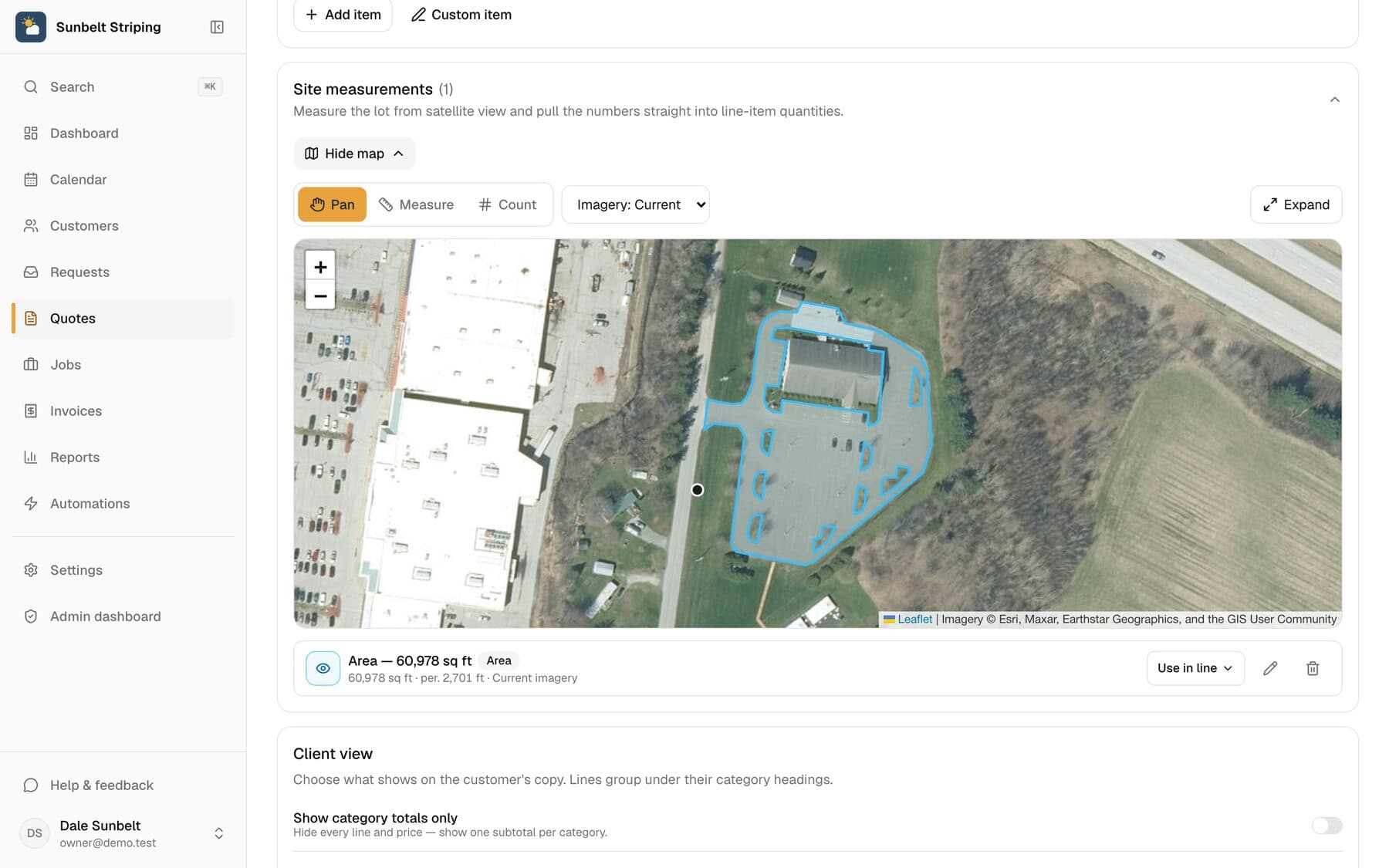
Satellite measurement
Measure any site from your desk: square feet, linear feet, stalls.
Learn more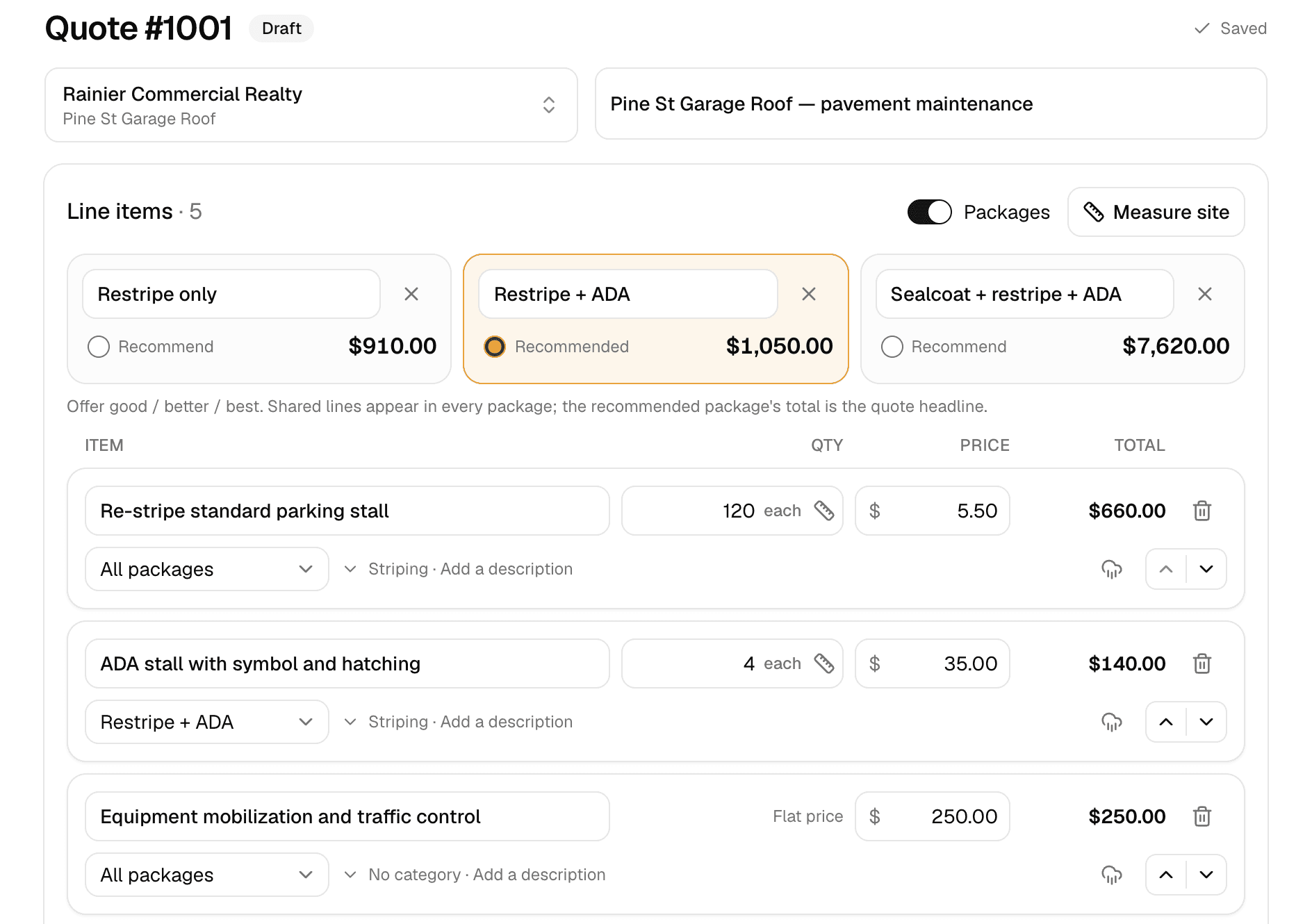
Quoting
Good/better/best quotes your customer approves online.
Learn more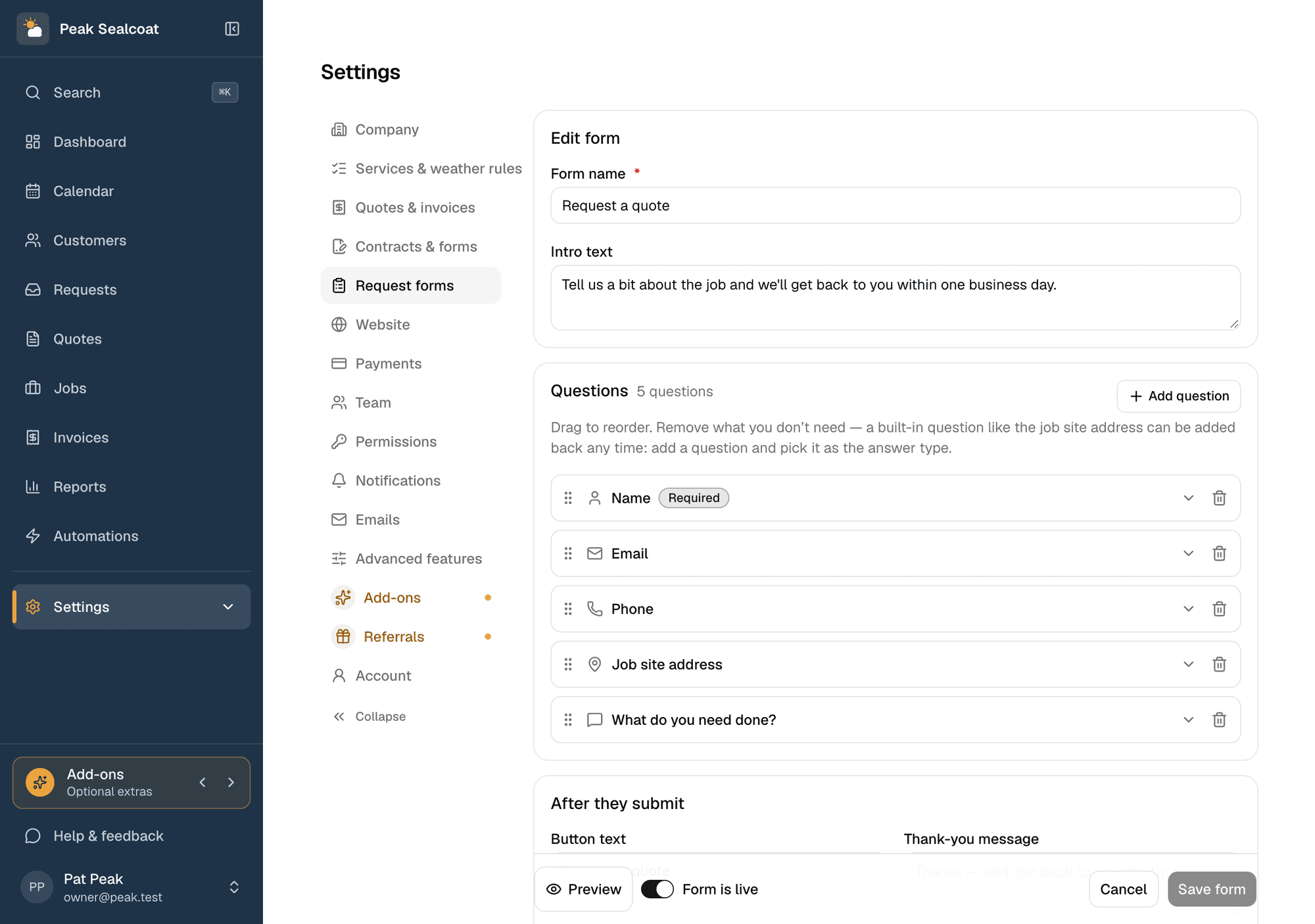
Request forms
A quote-request form for your website, or a link when you don't have one.
Learn more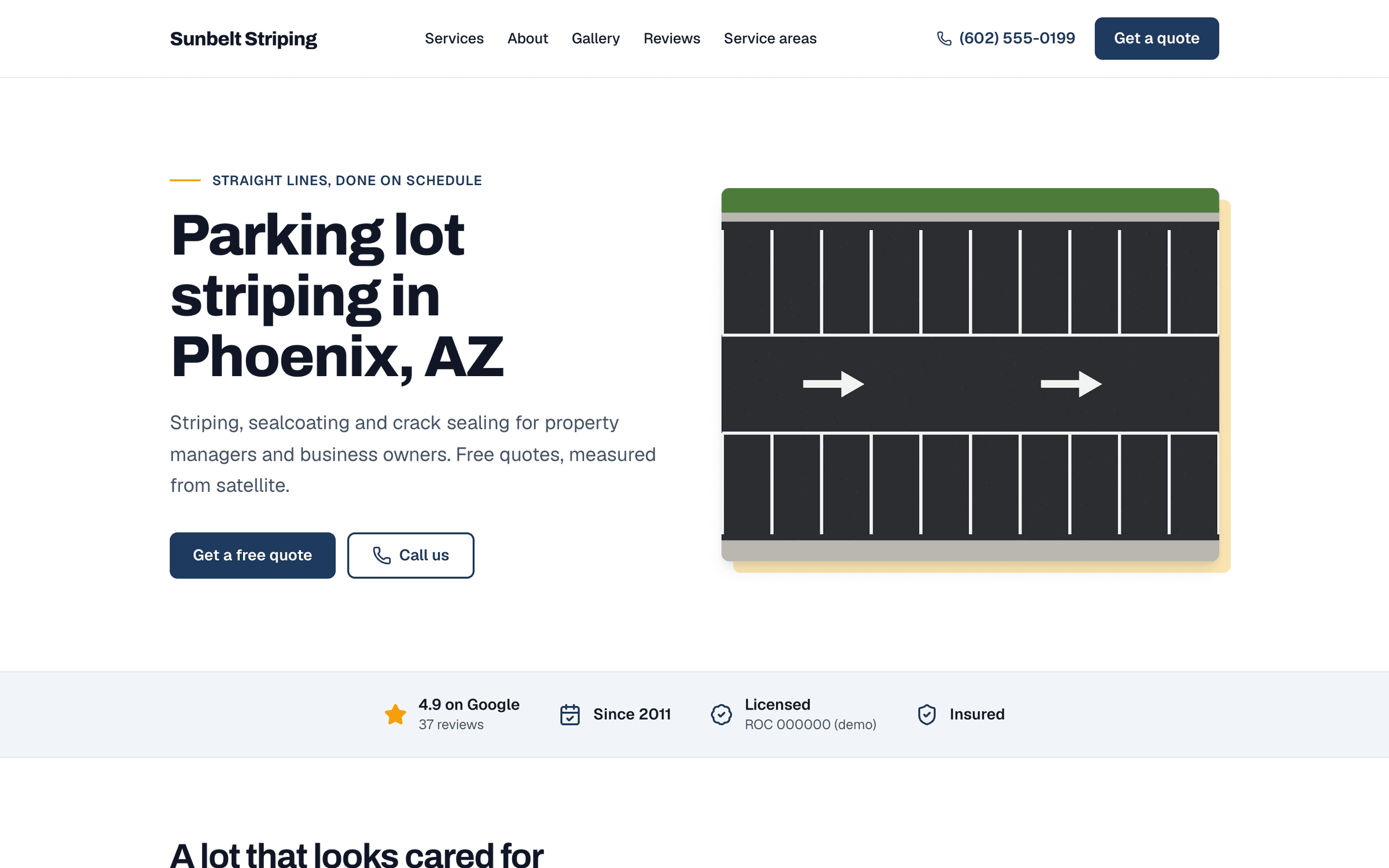
Website
A website built for you by a team of experienced web developers. Every lead lands in Requests.
Learn more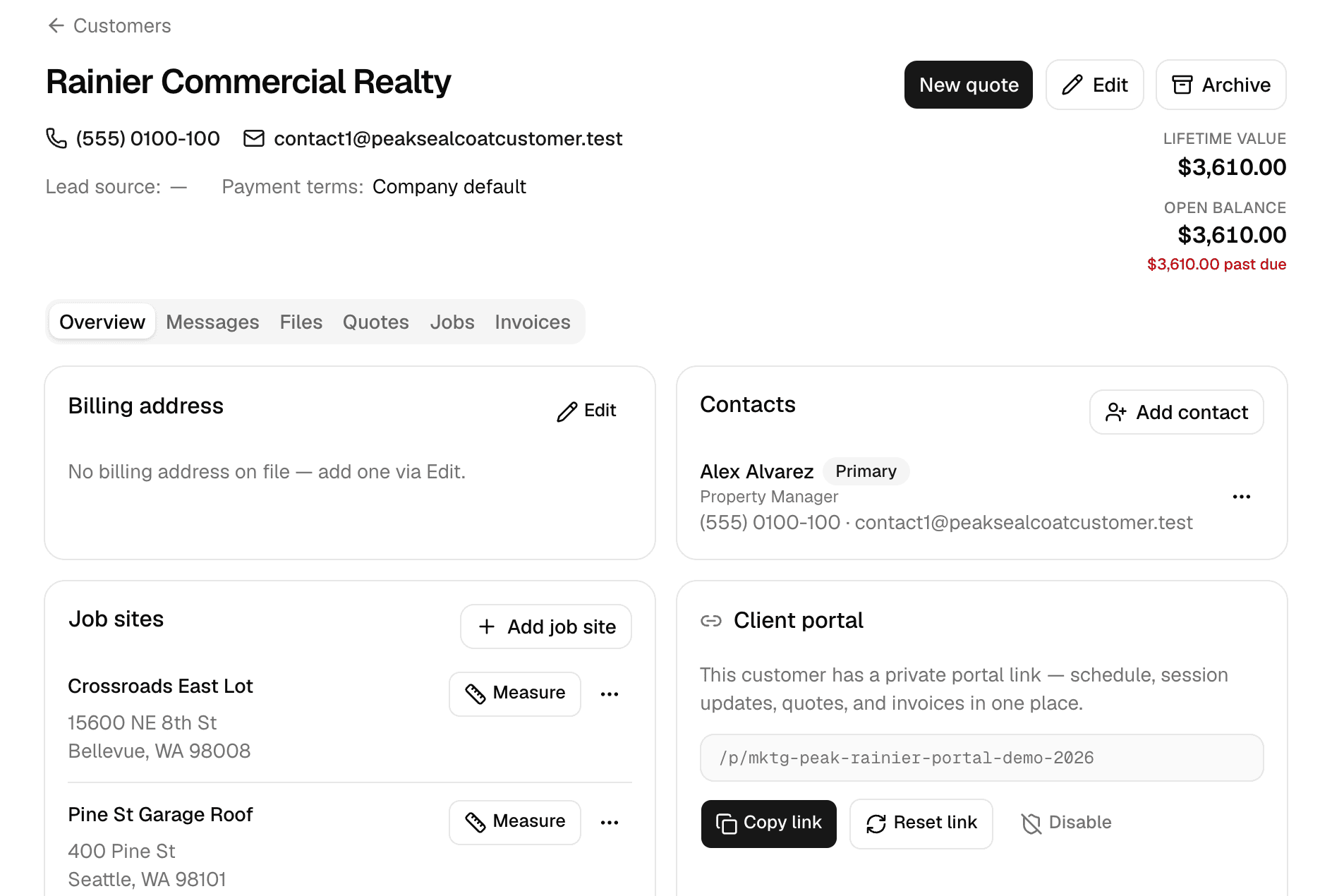
Customers
Every customer, every job site, and everything that happened there.
Learn more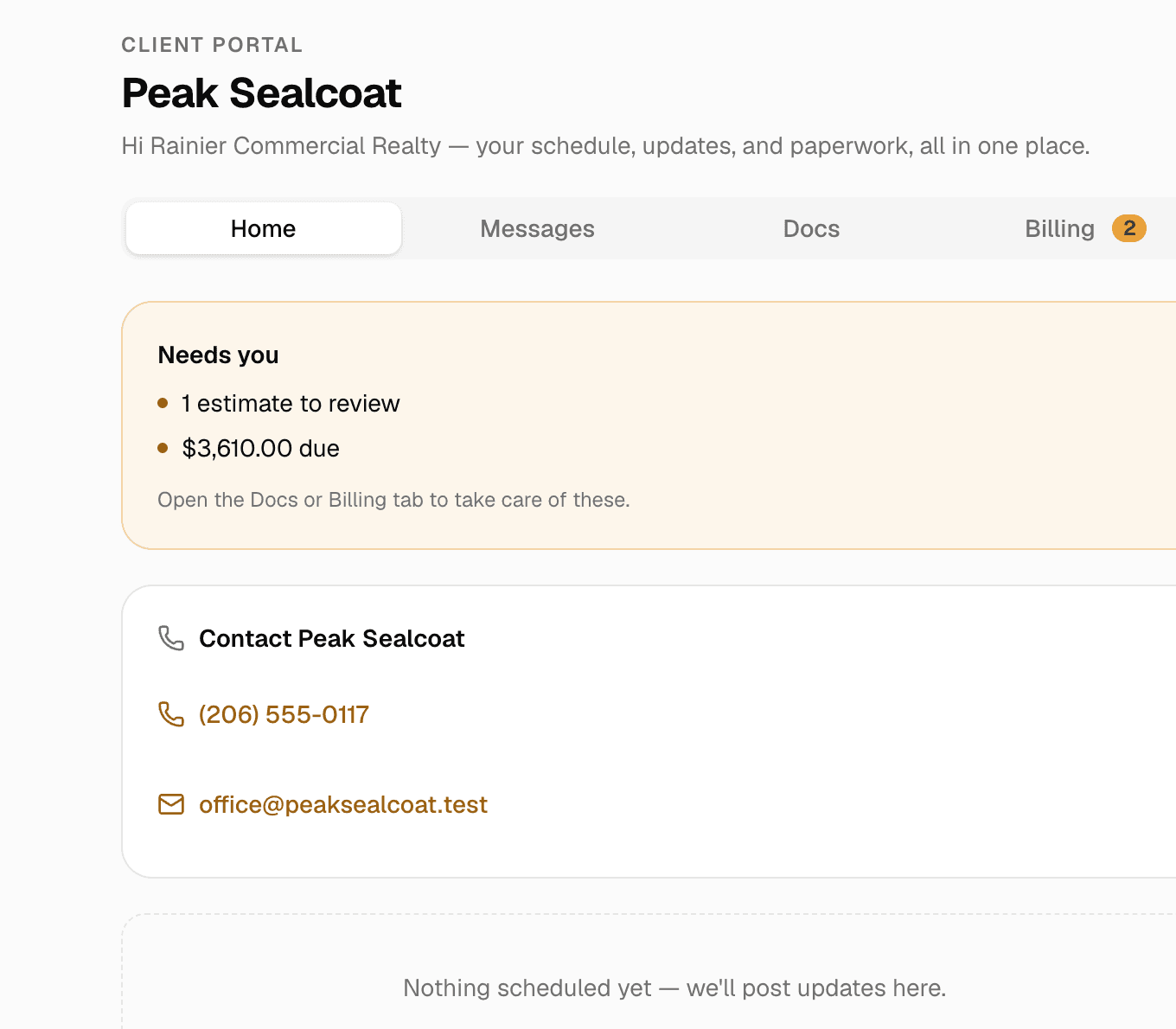
Client portal & e-signatures
One private link where customers see their quotes, invoices and visits, message you, and sign.
Learn more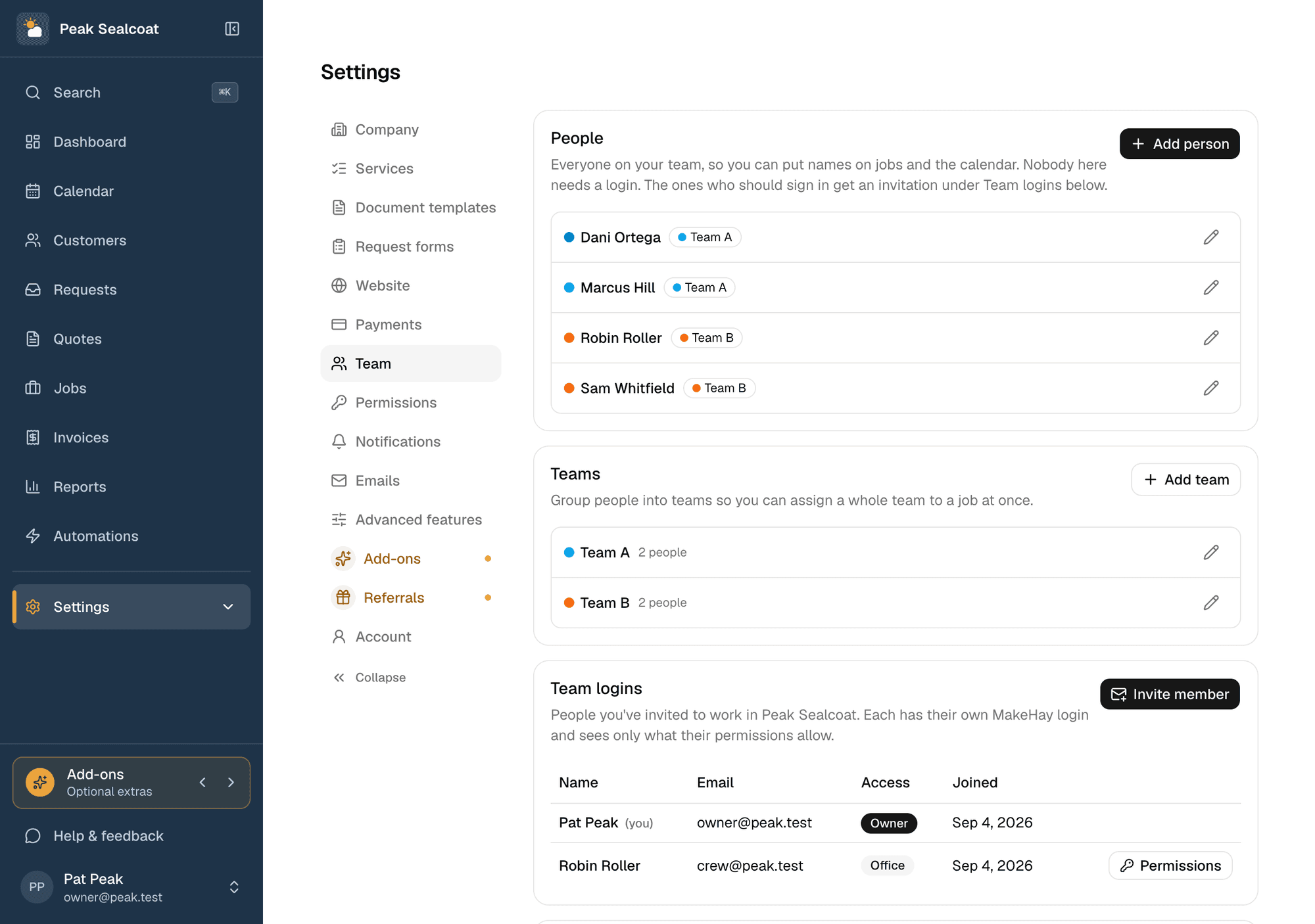
Team & permissions
Invite the office and the field team free, assign jobs, and decide who sees what.
Learn more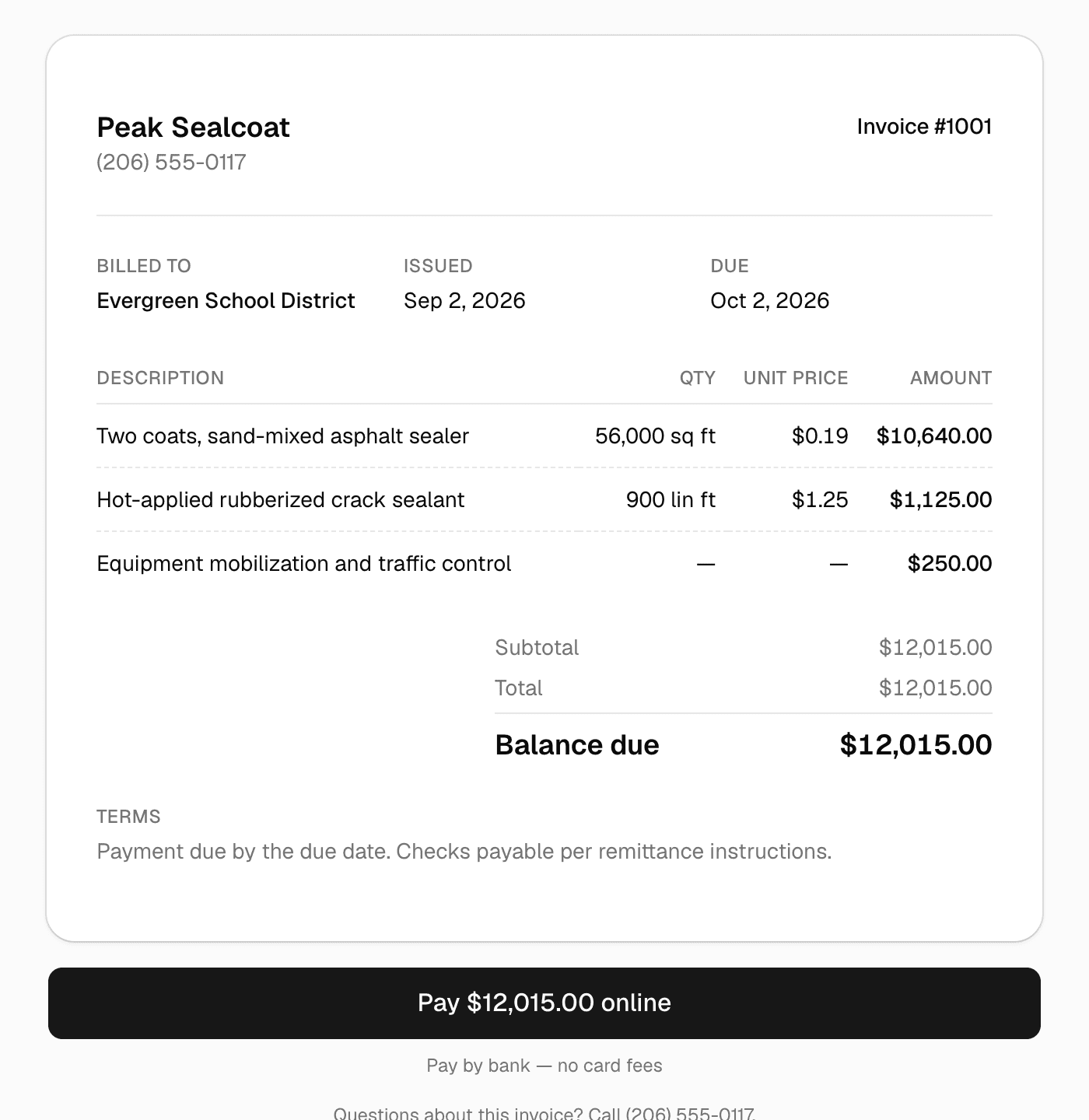
Invoicing & payments
Invoice in one click, get paid by card or bank transfer.
Learn more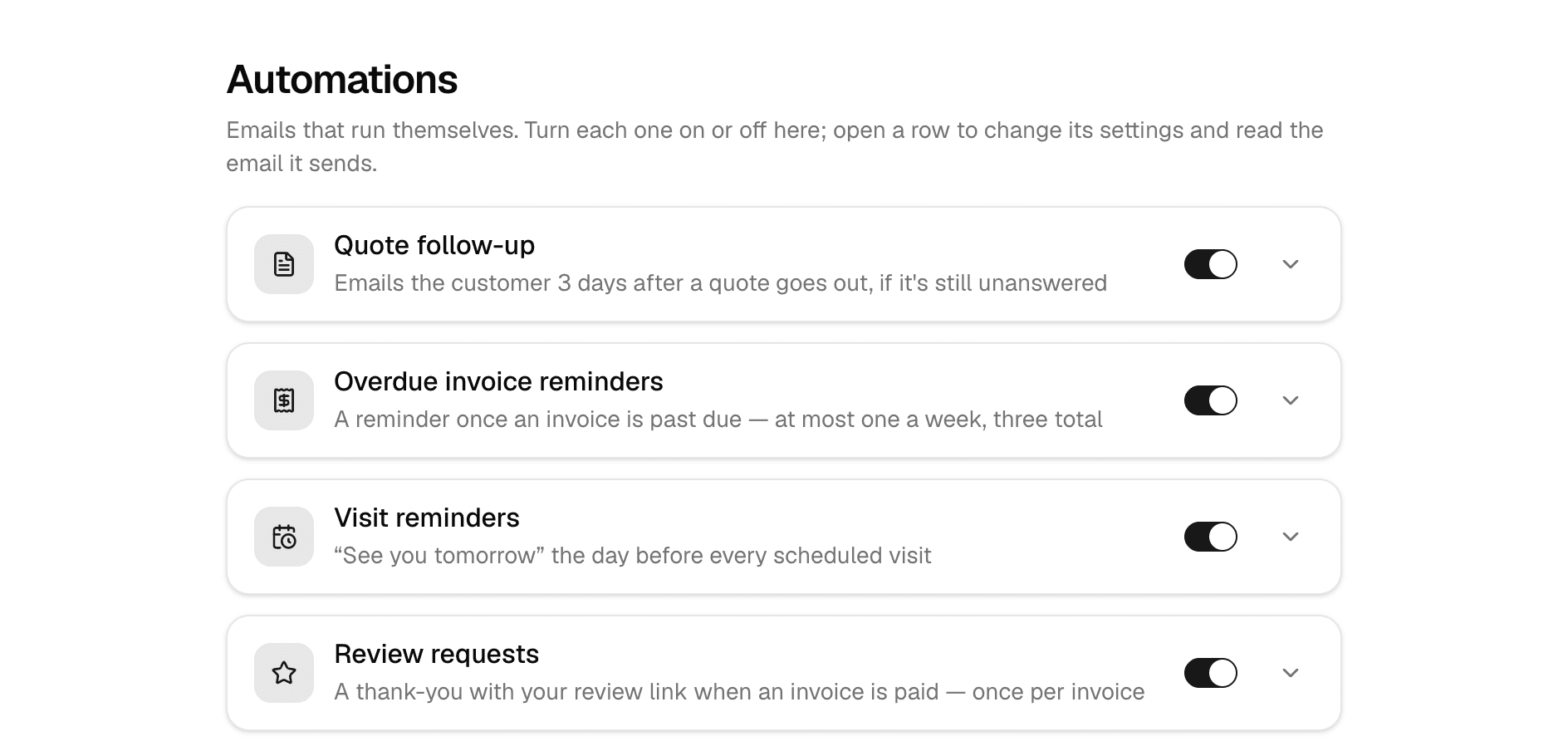
Automations
Follow-ups, reminders, and review requests that send themselves.
Learn more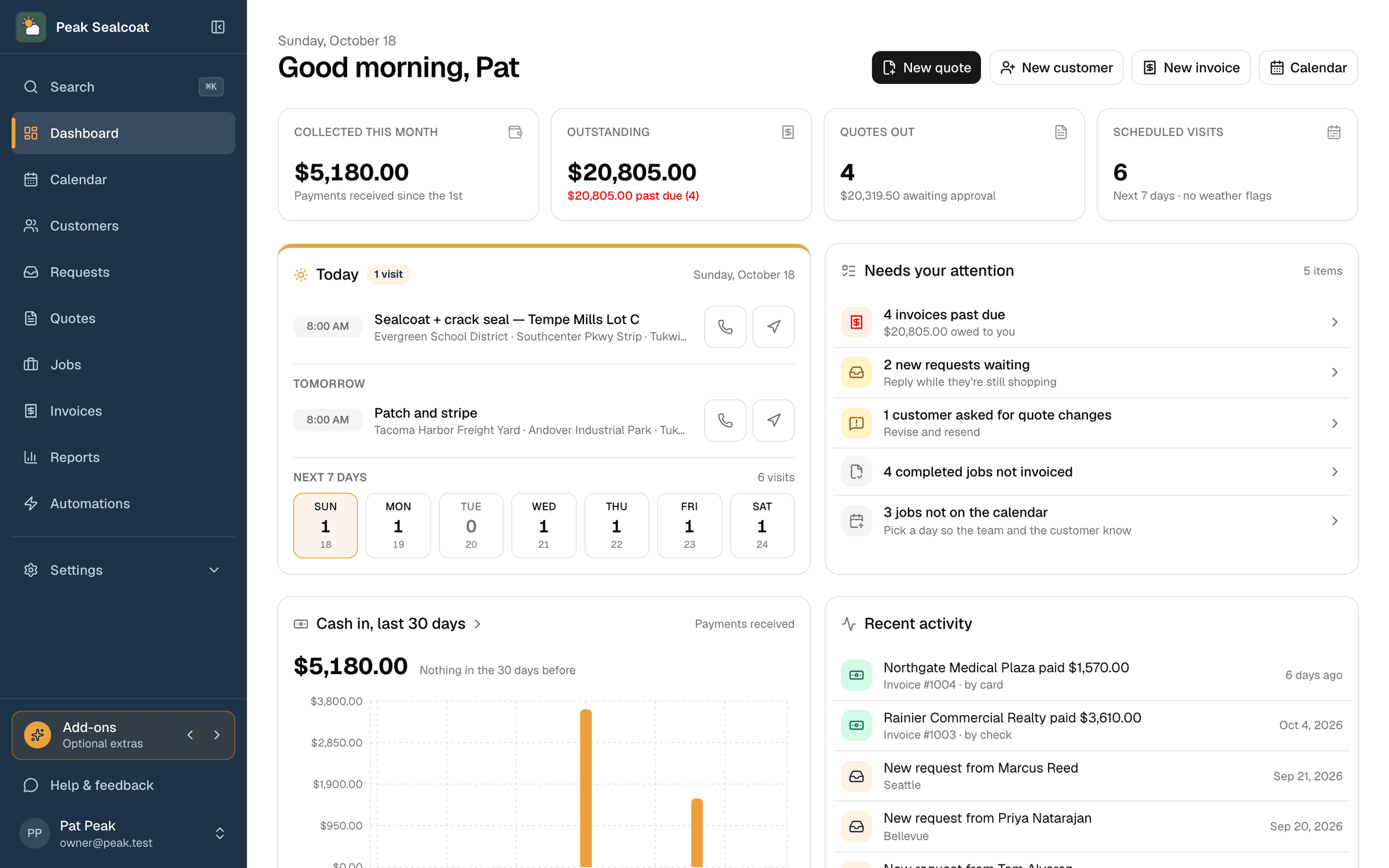
Dashboard & reports
What needs doing today, and how the business is doing this month.
Learn moreAll of it, free. Starting today.
No credit card, no trial clock. Set up in minutes and quote your first job this afternoon. It's all free: see pricing.
Free forever. No credit card. Set up in minutes.